Step 1
Sign up and add your business details - name, location, logo, and colors.
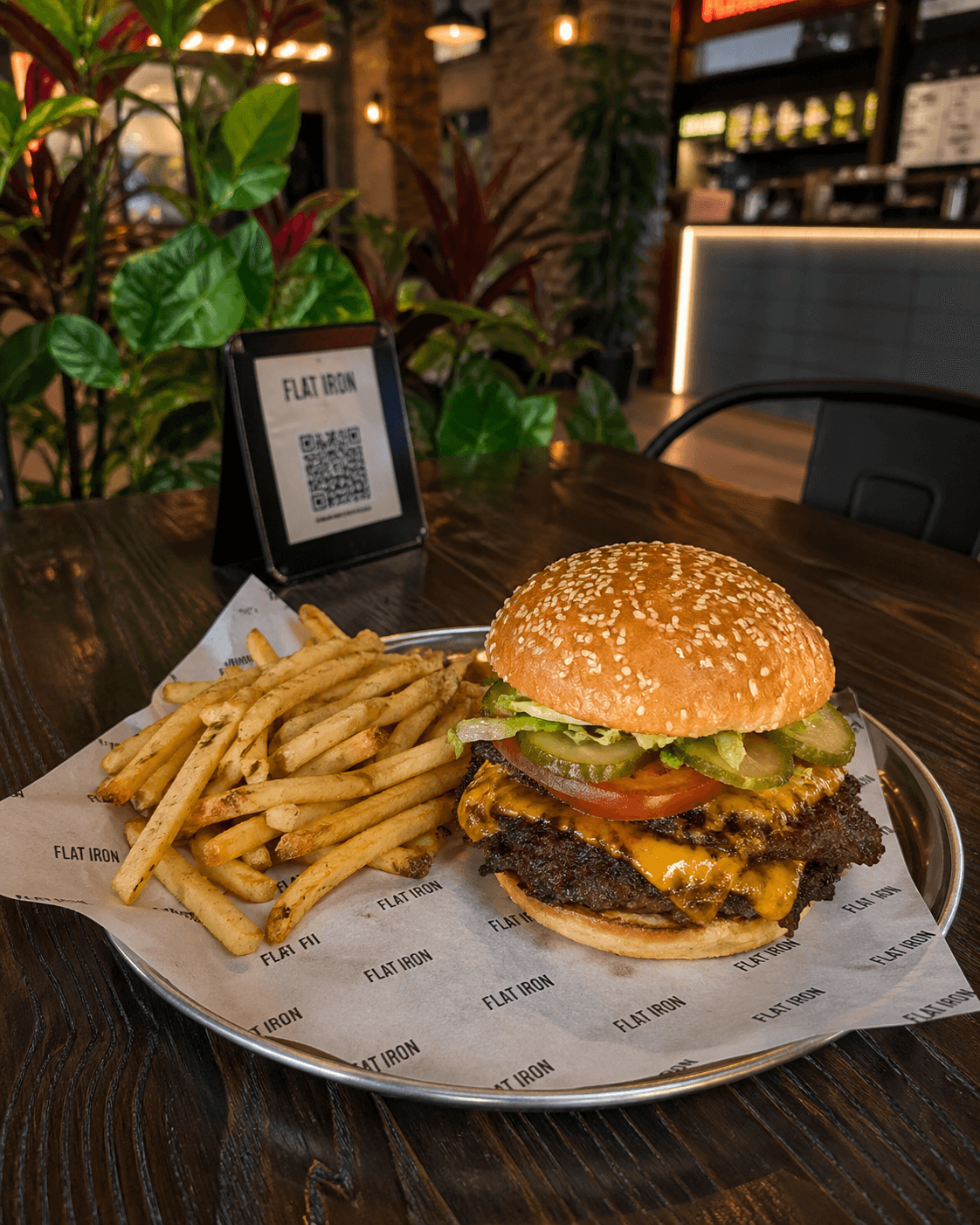
Customers scan the QR and see your menu without waiting. Upload a photo or PDF and our AI turns it into a multilingual digital menu in minutes. Start completely FREE, no credit card.
Want table ordering with one scan? See Scanby Order
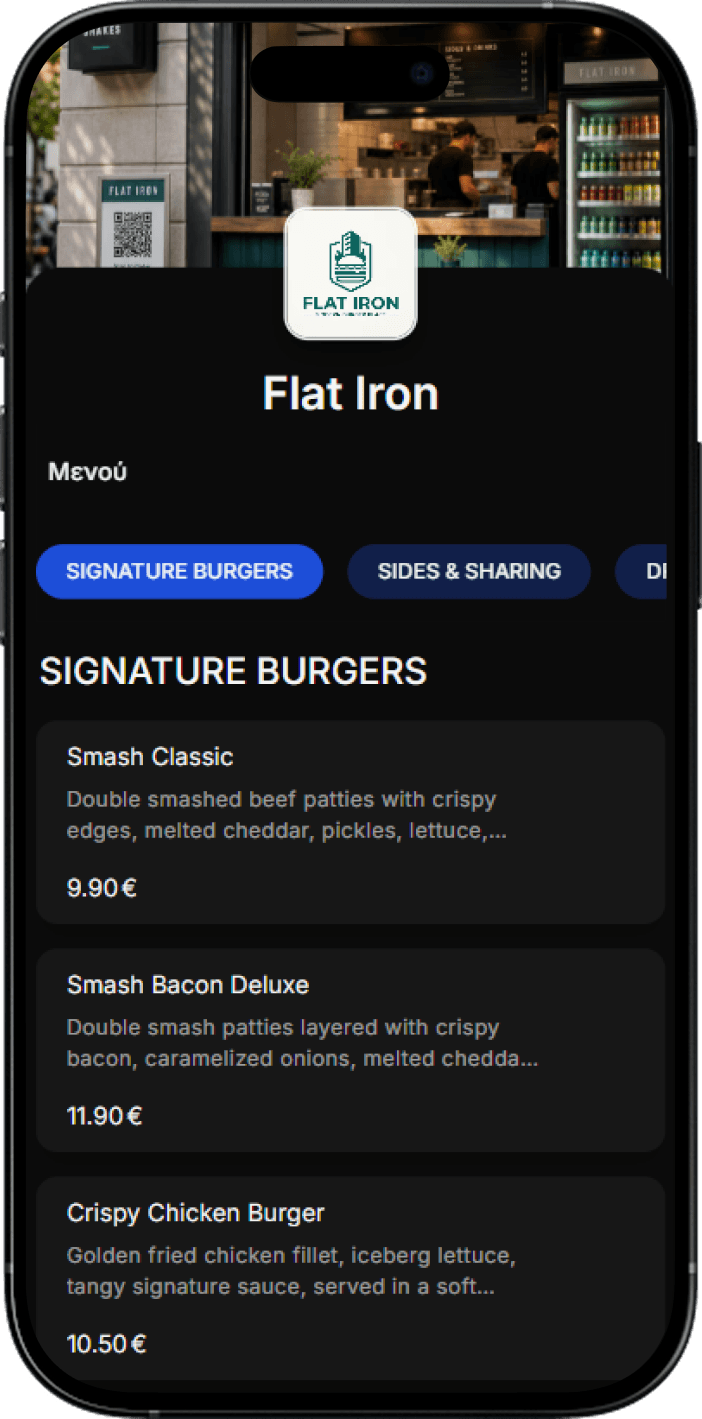
Sign up and add your business details - name, location, logo, and colors.
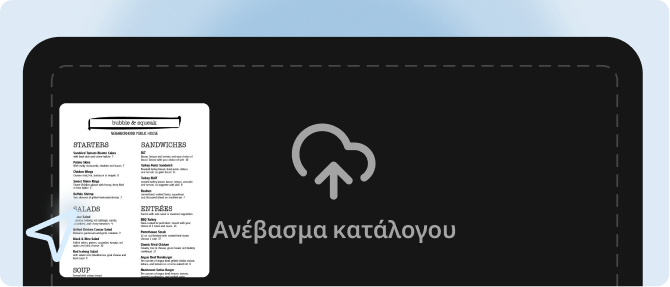
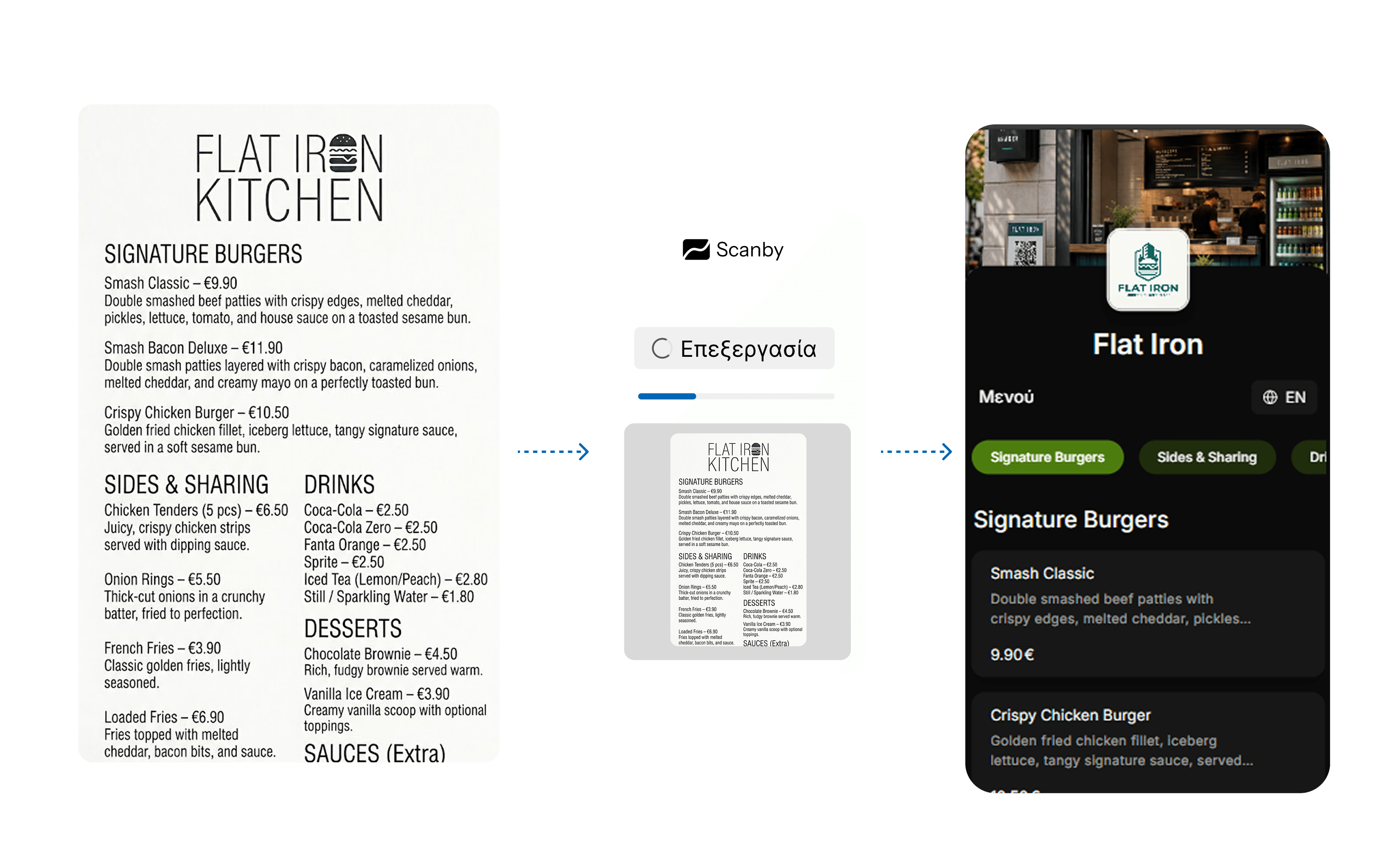
Upload your existing menu as photos or PDF. Our AI extracts every item and builds your digital menu in seconds.
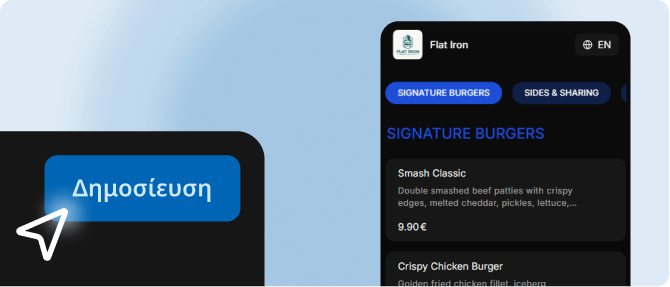
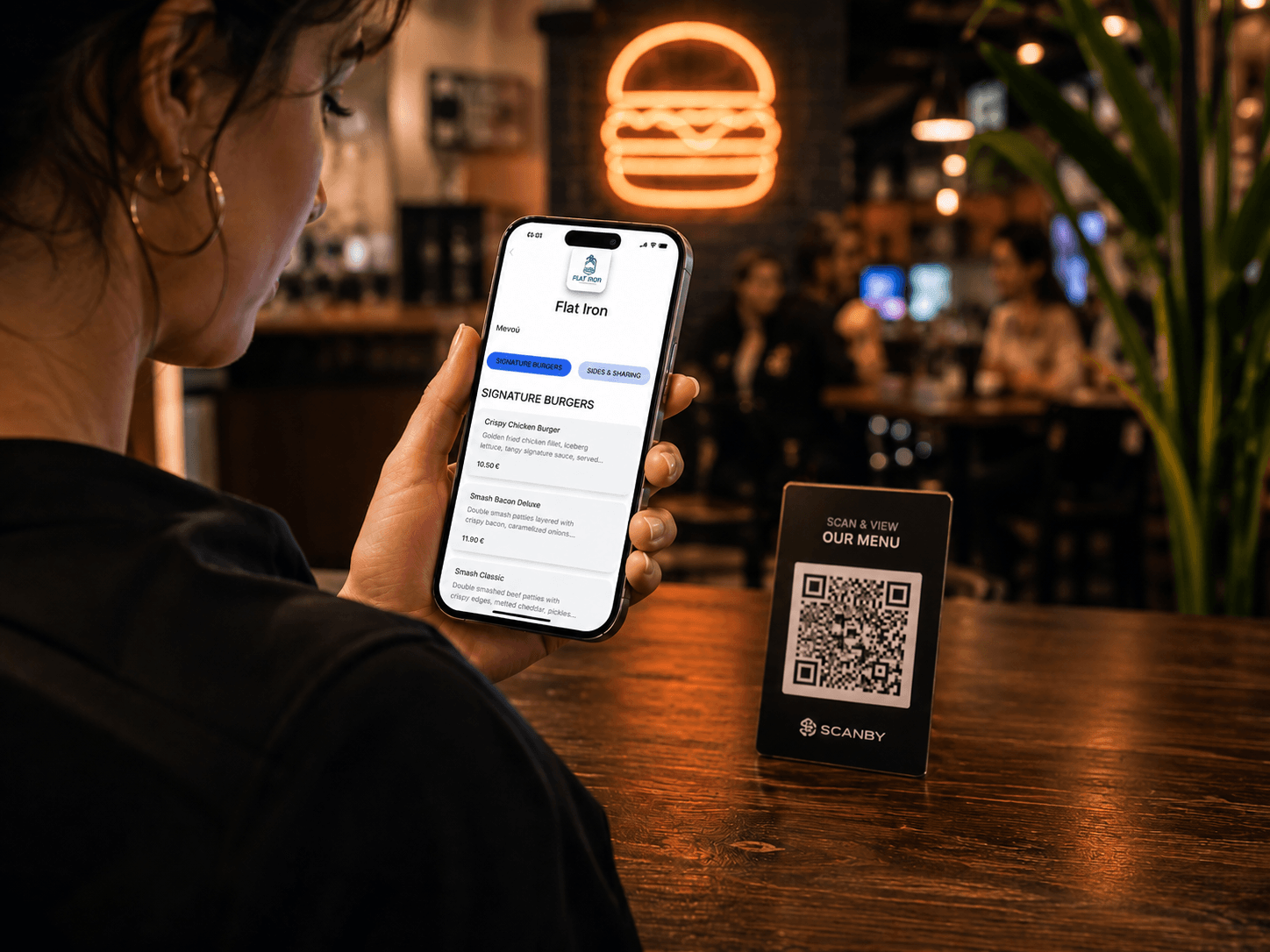
Your digital menu is live. Place the QR code on tables or at the entrance and customers scan to view it.
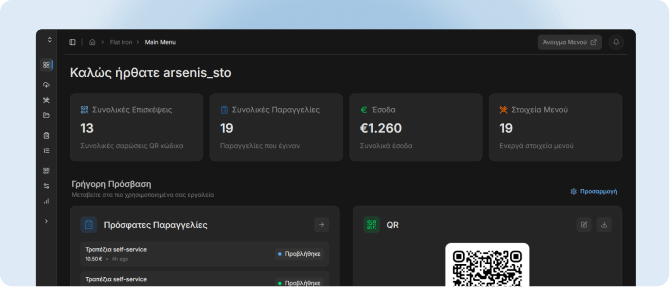
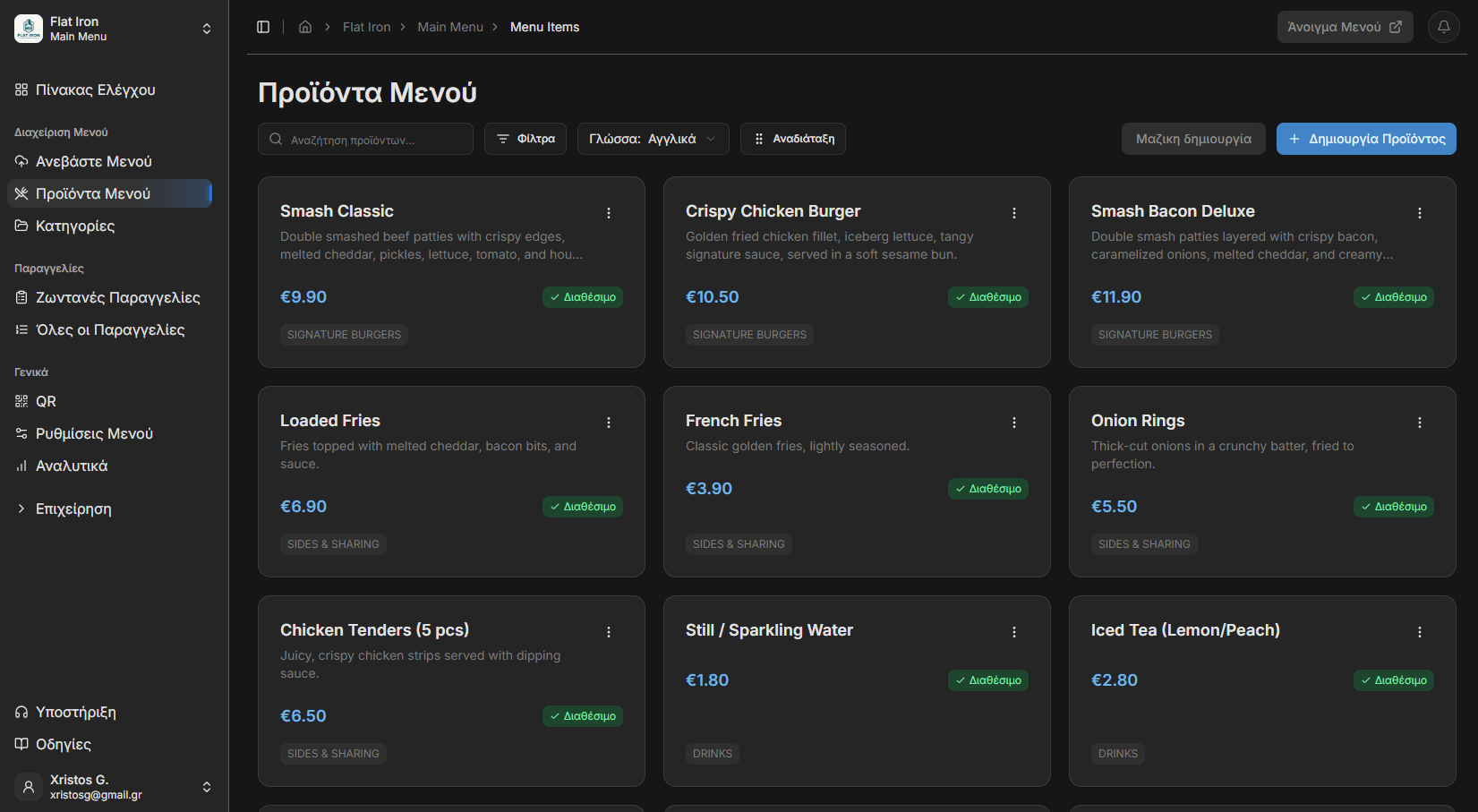
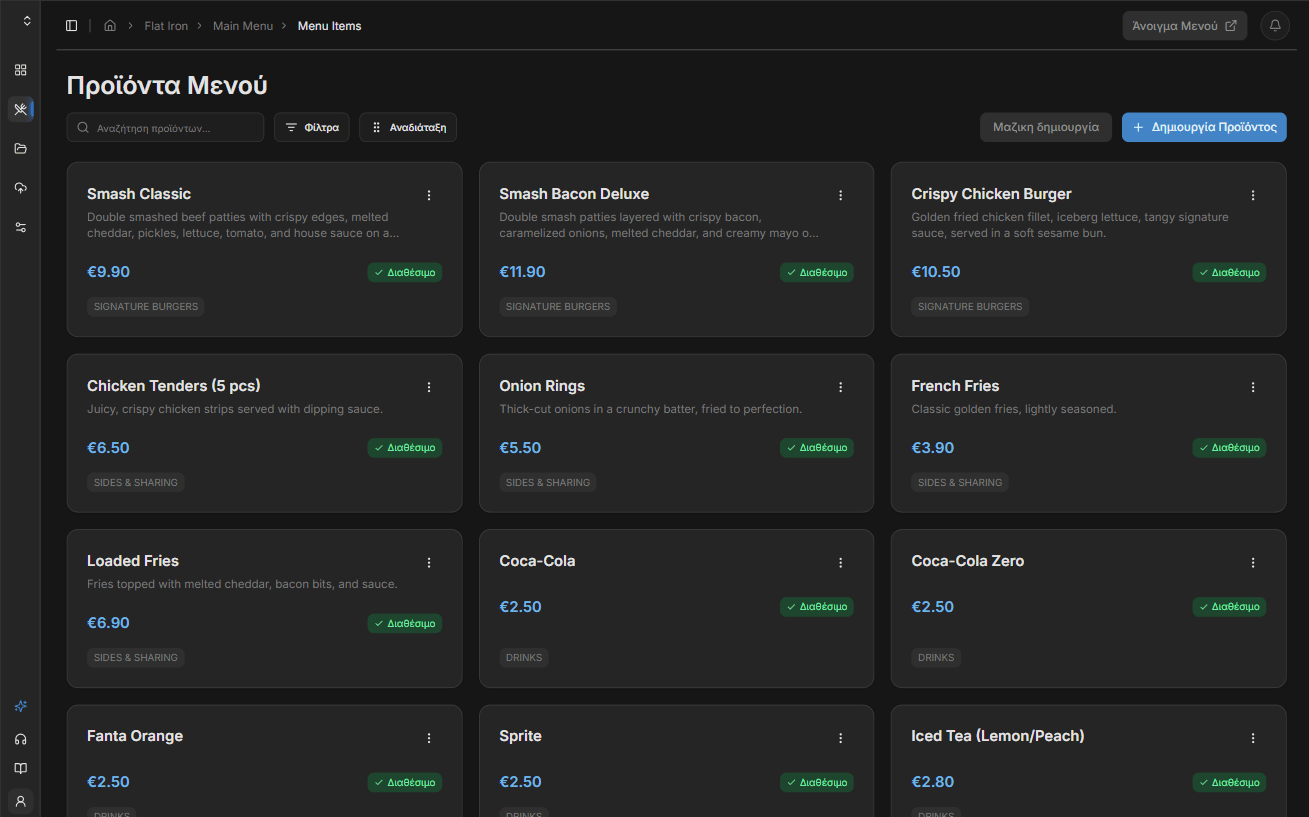
Manage your menu from the dashboard—products, prices, orders, payments, and analytics.
Skip manual entry. Upload a photo or PDF of your paper menu and our AI creates an interactive catalog in seconds. No more ugly PDFs.
Every item is auto-translated into up to 30 languages. Customers pick their language from the menu - no more confused orders, no extra work for your staff.
Change prices, toggle availability, add new dishes, and tweak descriptions from the dashboard. Changes go live instantly on every customer's phone.
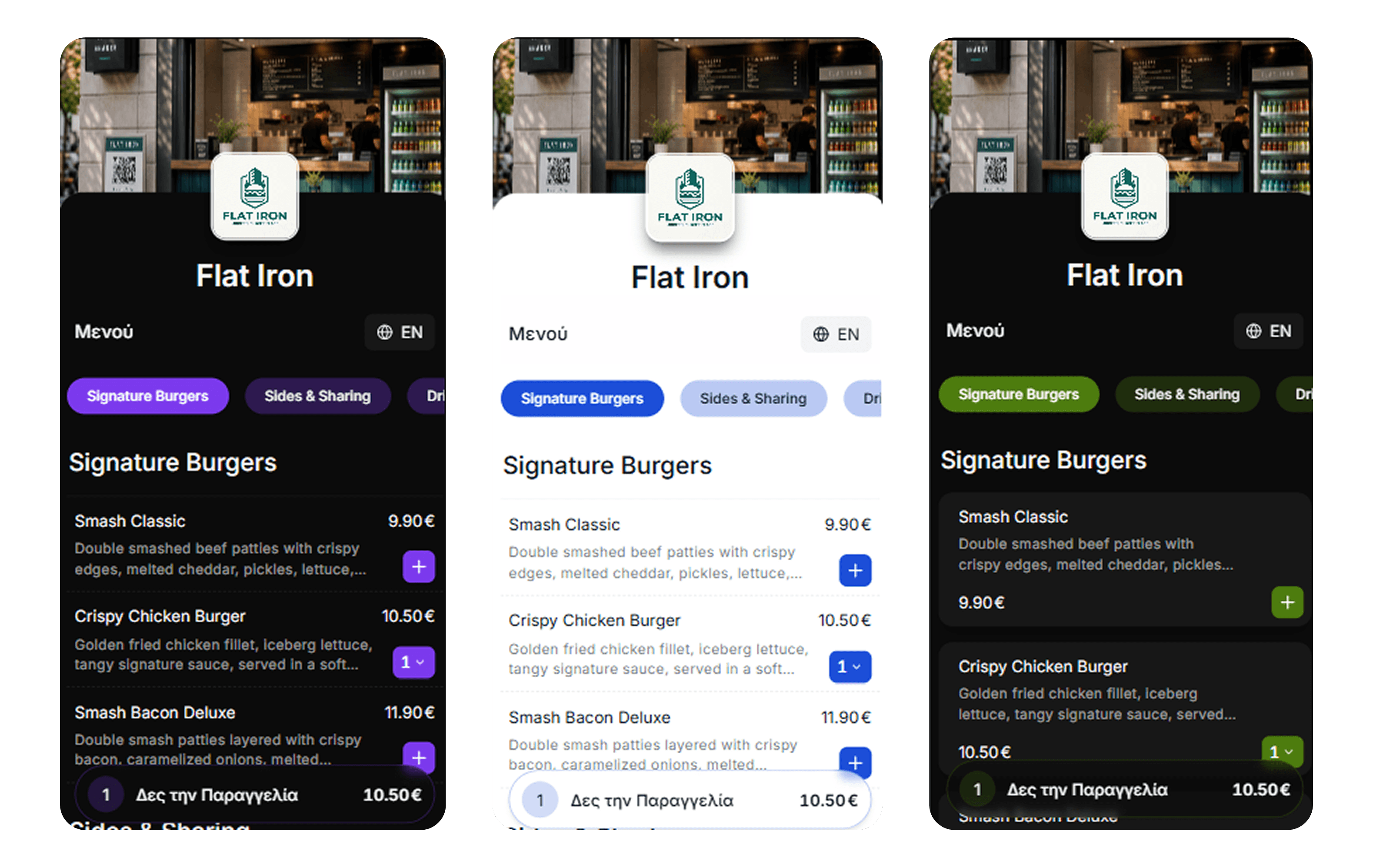
Colors, layout, logo, item images, category order - make your digital menu look like your venue, not a generic tool.
Auto-translation for tourists - editable anytime from the dashboard.
Go live in minutes, not days - no manual typing.
Colors, logo, layout - your venue, not a template.
Menu opens in the browser after one scan.
Change prices and items - every phone updates instantly.
Brunch, wine list, seasonal specials - all from one dashboard.
Shareable link guests and Google can find.
Show breakfast until 11, dinner after 6 - automatically.
See how often guests open your menu and when.
Download stickers or order printed table QR codes.
Start free - 14-day free trial. No credit card. Choose monthly or get 2 months free with annual billing.
Billed annually (2 months free)
Upgrade your business and guest experience with the best QR menu on the market—no technical skills, completely free with no credit card.
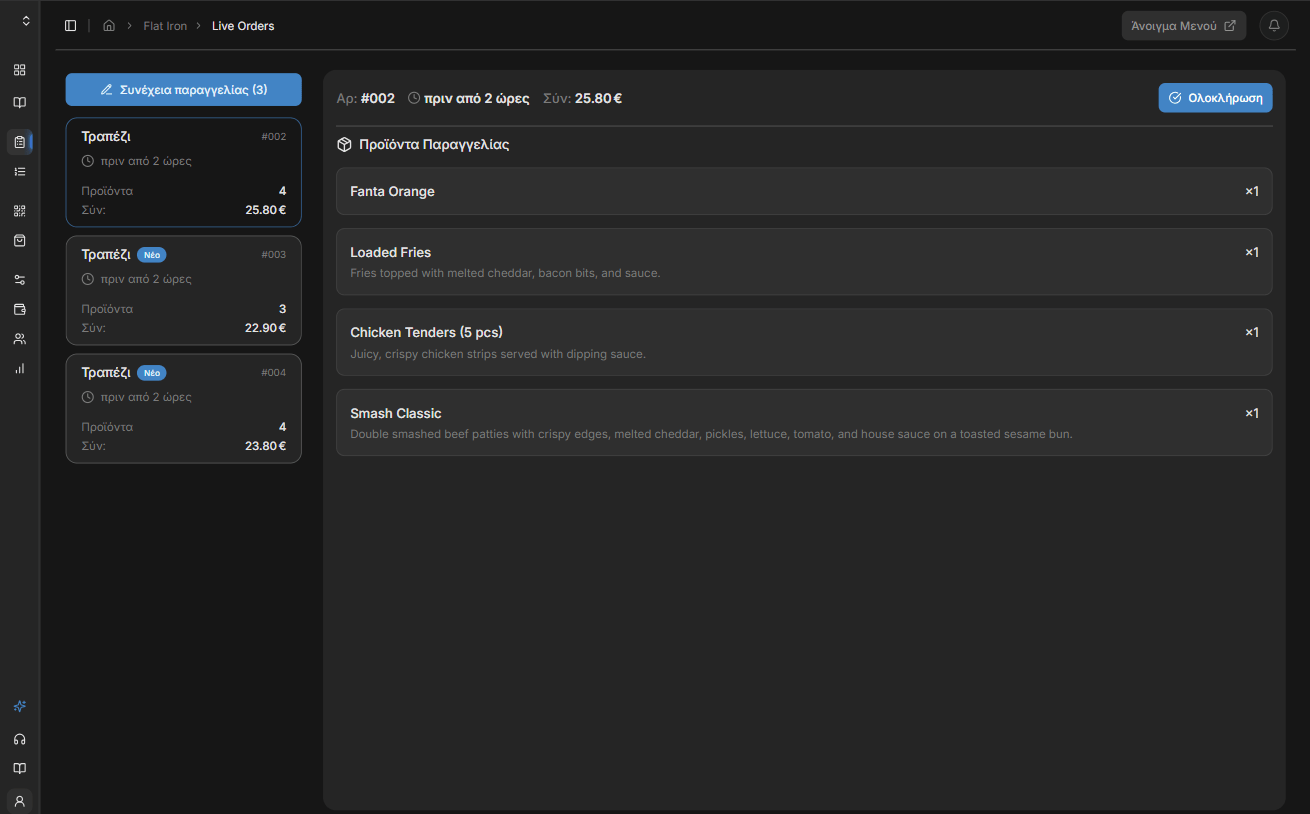
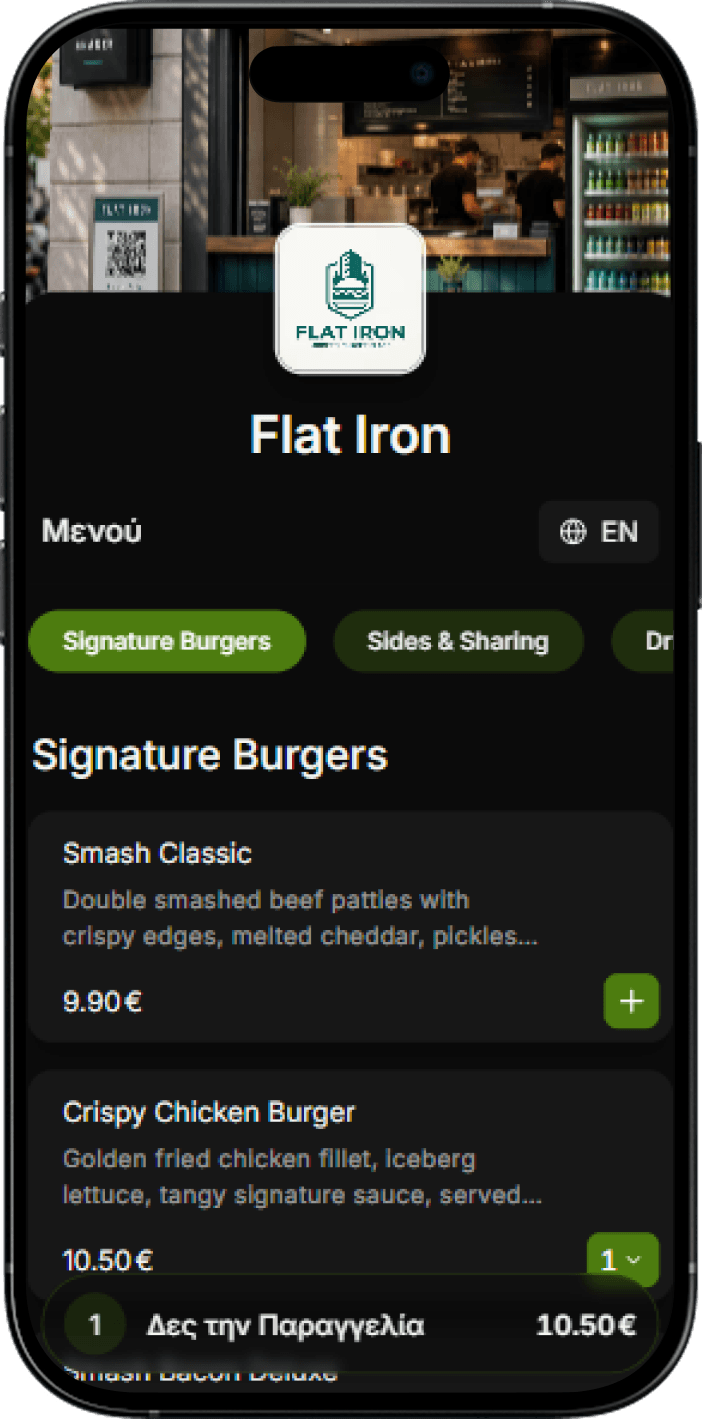
Complete order-taking system for staff plus a QR menu with ordering from the customer's phone. Less waiting, less pressure on staff, more tables per hour. Ready-notification when the order is ready for self-service businesses.
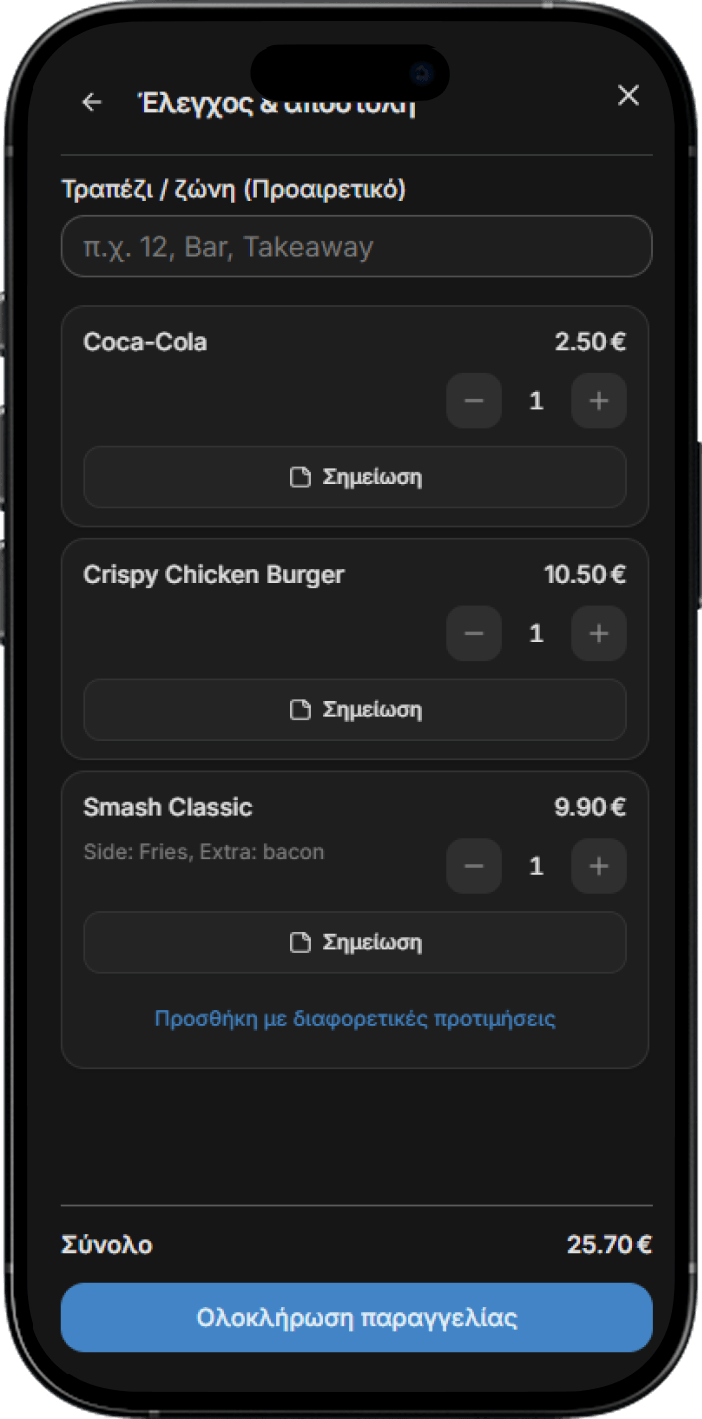
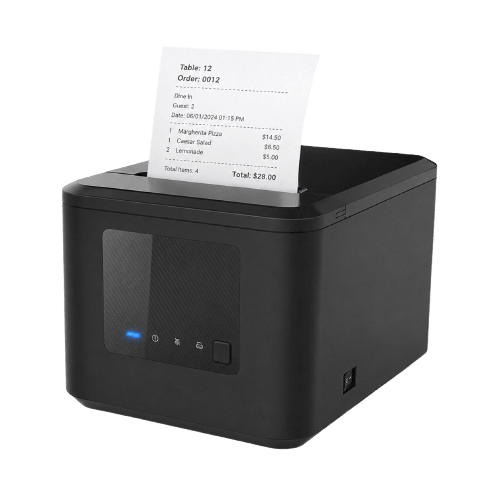
Staff enter and manage orders from any device. Orders appear live on the control board and print automatically.
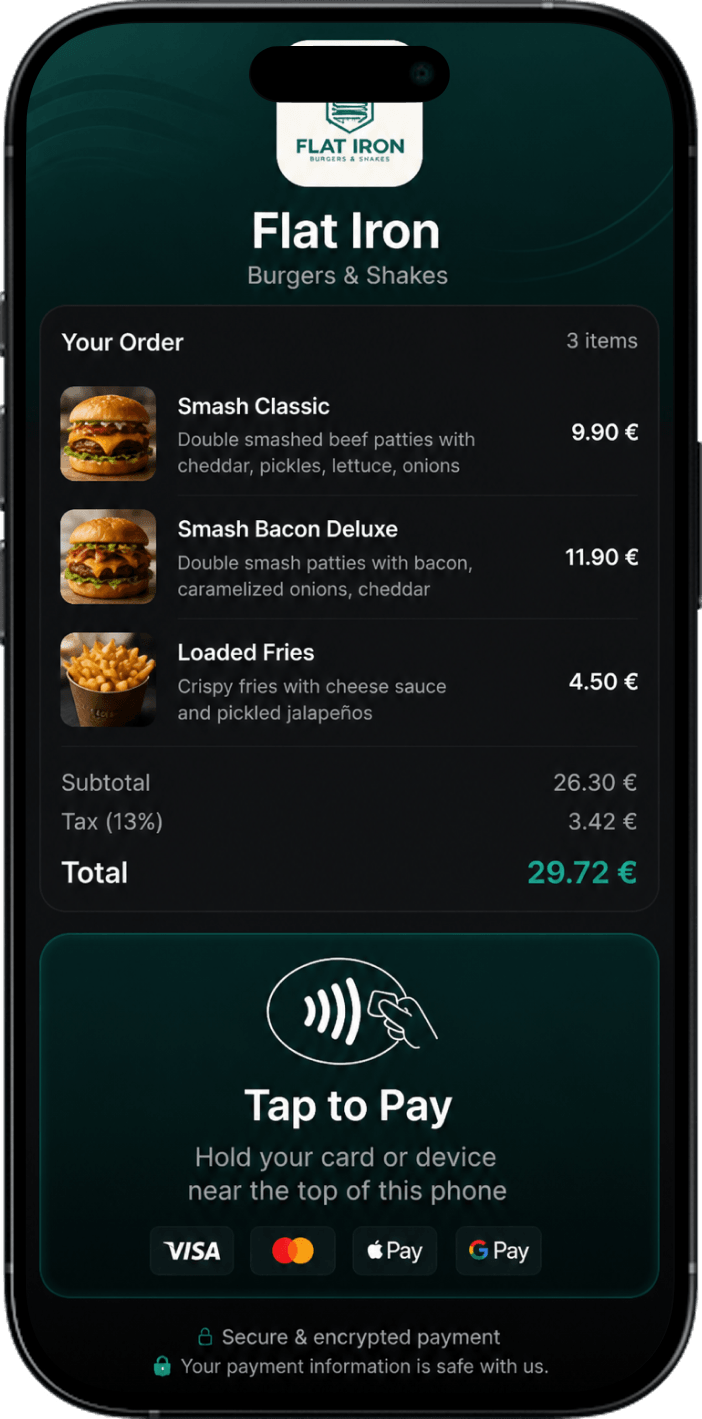
Every order - whether via QR from the customer's phone or from staff - lands in the same system. Staff manage every order in real time, while payment - card, cash, or online - happens through the platform. Start with zero equipment and set it up yourself in minutes.