

Step 1
Create your free Scanby account in minutes. Sign up with your email and you're ready to set up your business.
Upgrade your business with a digital menu, ordering, and payments from one unified platform. Get started on your own for free in minutes-no technical skills, no hardware, and no credit card.
Not sure which product fits your business? See all solutions
Create your free Scanby account in minutes. Sign up with your email and you're ready to set up your business.

Choose the solution that fits your venue - QR menu, order taking, payments, and receipts.
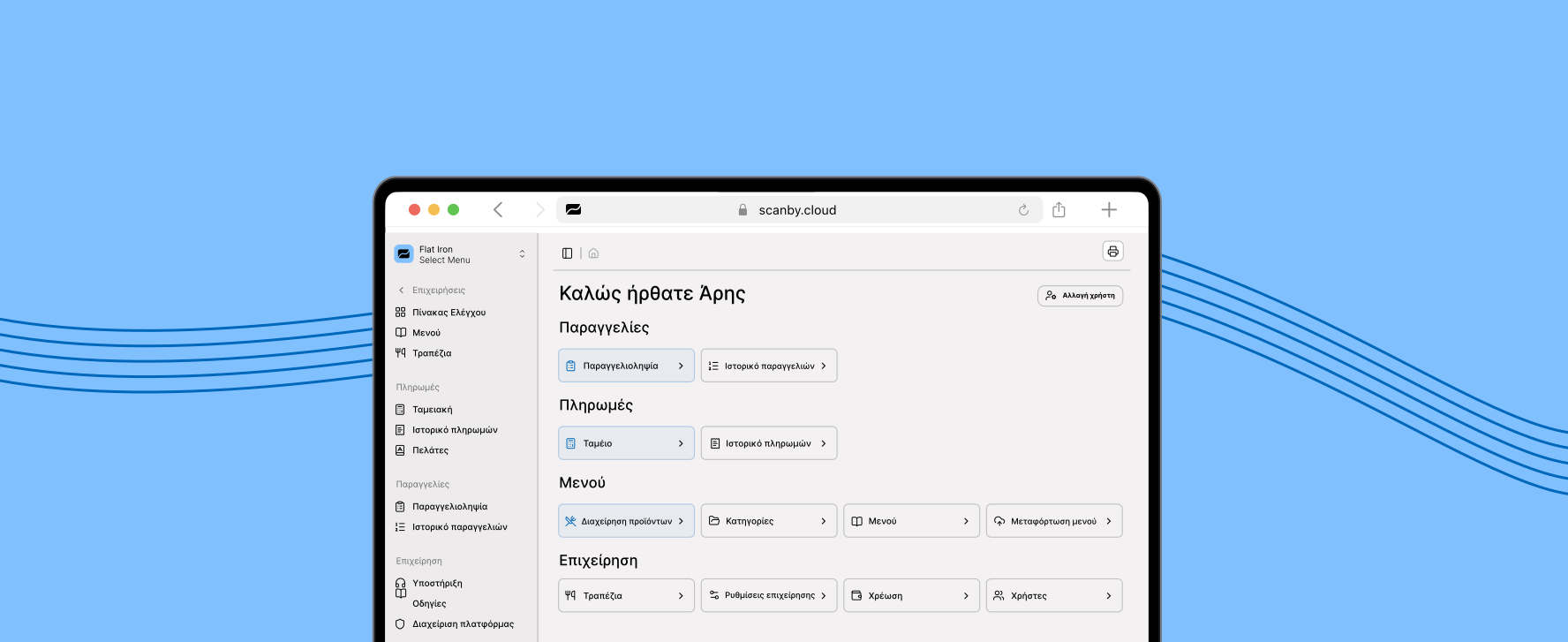
Complete the guided setup step by step-add business details, build your menu, and configure ordering or payments.
Complete order-taking system for staff plus a QR menu with ordering from the customer's phone. Less waiting, less pressure on staff, more tables per hour. Ready-notification when the order is ready for self-service businesses.
Staff enter and manage orders from any device. Orders appear live on the control board and print automatically.
Issue receipts and accept card payments from any device. Plus track your stats, report receipts automatically to AADE and your accountant, send receipts by email or SMS, and more. Start free.
Mix & match what you need
Every product works on its own and combines with the rest - combined modules cost less, and the price updates live.

Varvara's Restaurant
"Scanby helped us present our menu clearly to visitors from many countries. Guests scan and browse quickly, and our family team keeps focus on warm hospitality."

Mythos Taverna
"The setup was effortless. Our ordering system is fast and affordable compared to other options on the market. Tourists love reading the menu in their own language."

Christos Frish Fish
"With Scanby Pay, our staff accepts card payments and issues receipts from their phone during order delivery."
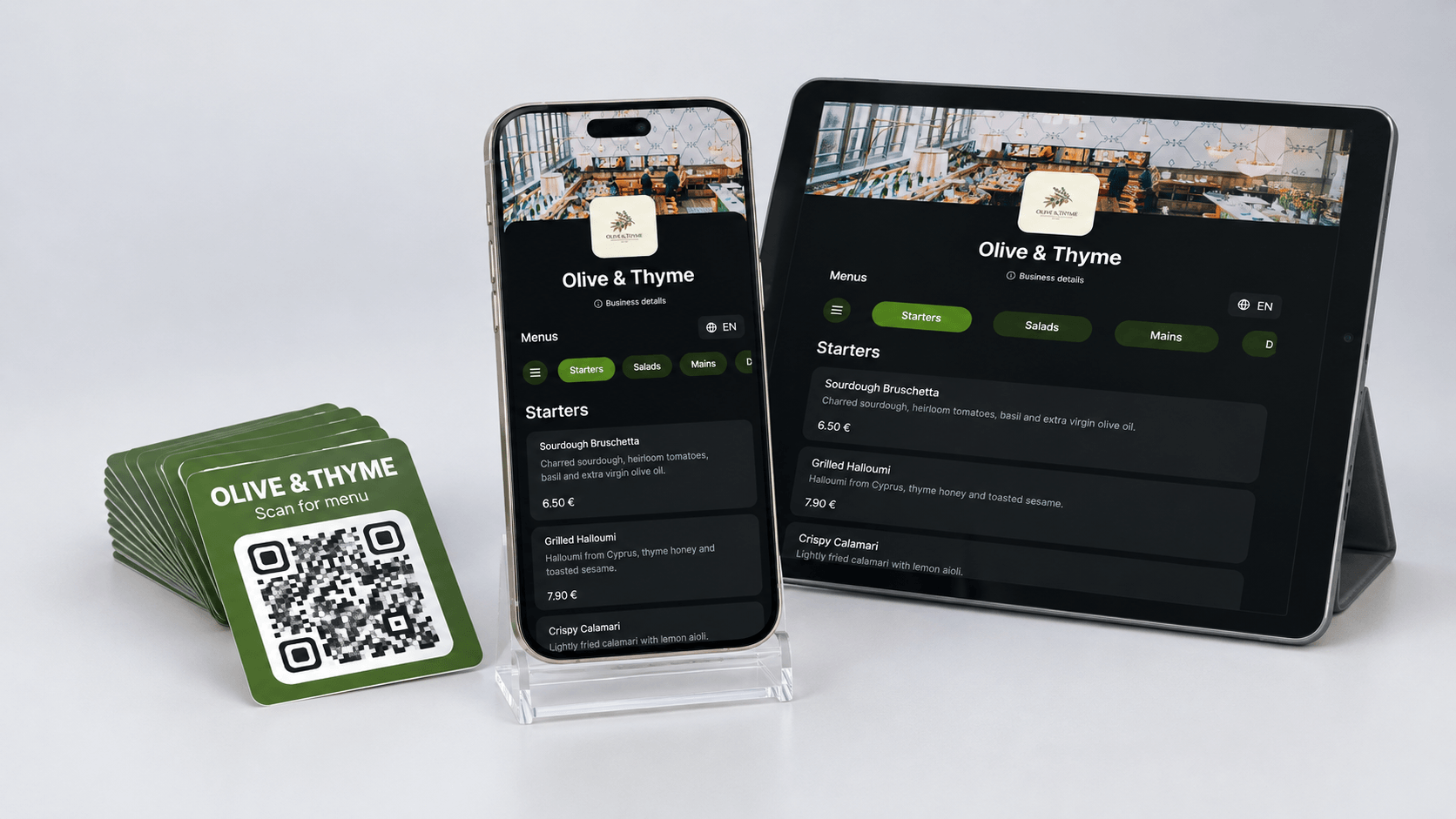
With Scanby Menu, billed annually
€107.88first year
Then €107.88/year from the second year
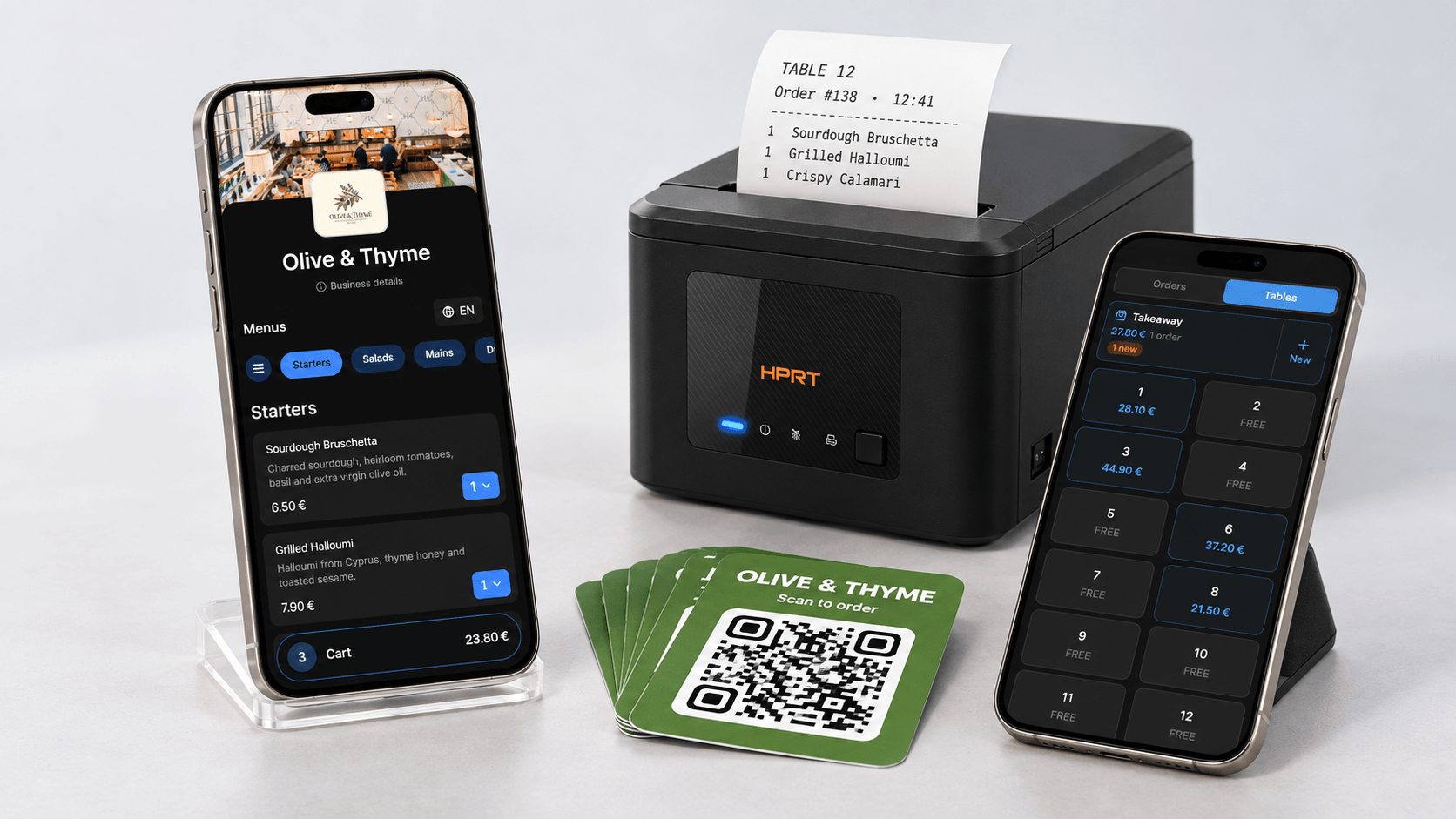
With Scanby Order, billed annually
€312.75first year, hardware included
Then €227.76/year from the second year
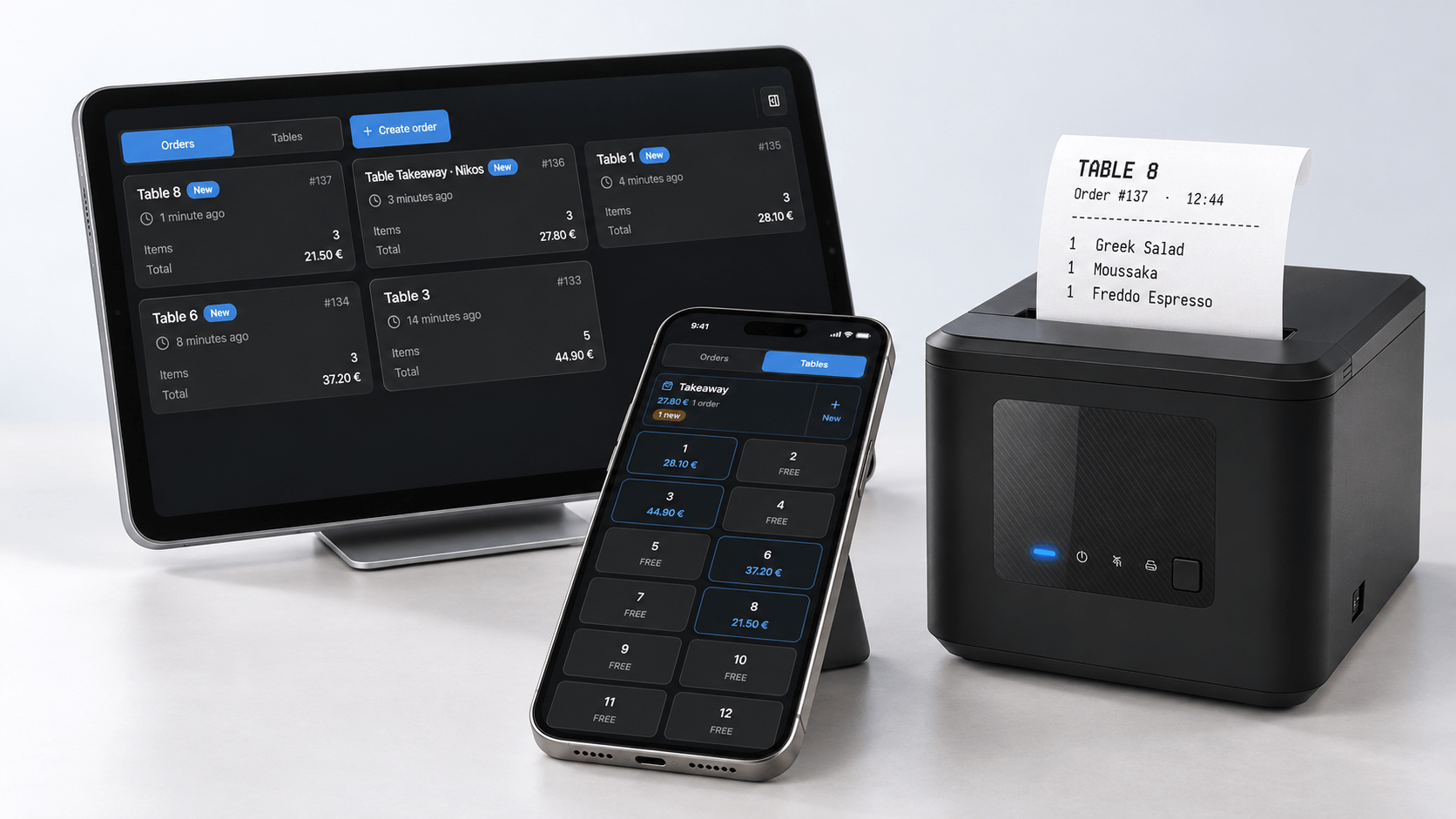
With Scanby Waitor, billed annually
€276.87first year, hardware included
Then €191.88/year from the second year
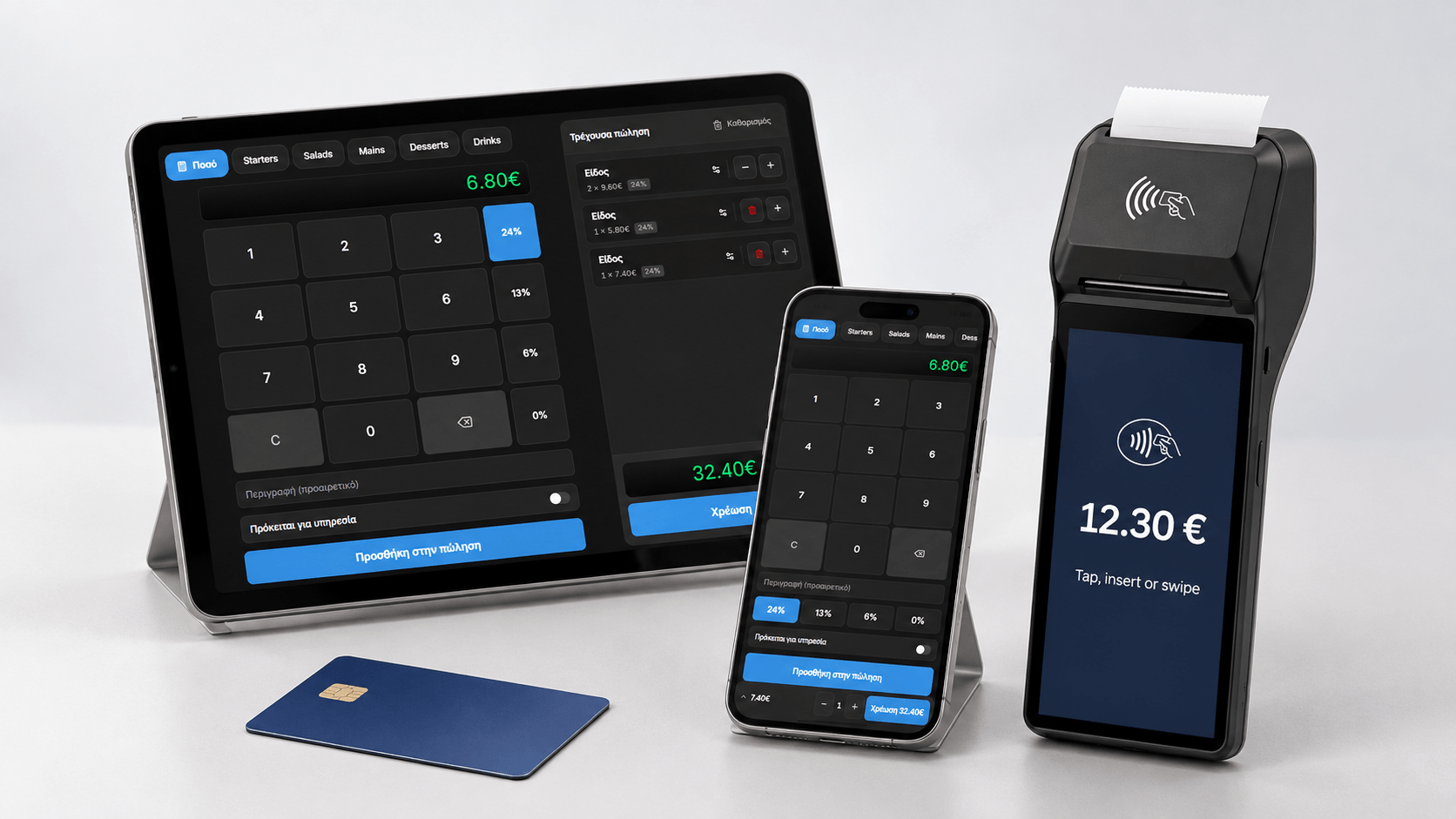
With Scanby Pay, billed annually
€432.88first year, hardware included
Then €263.88/year from the second year
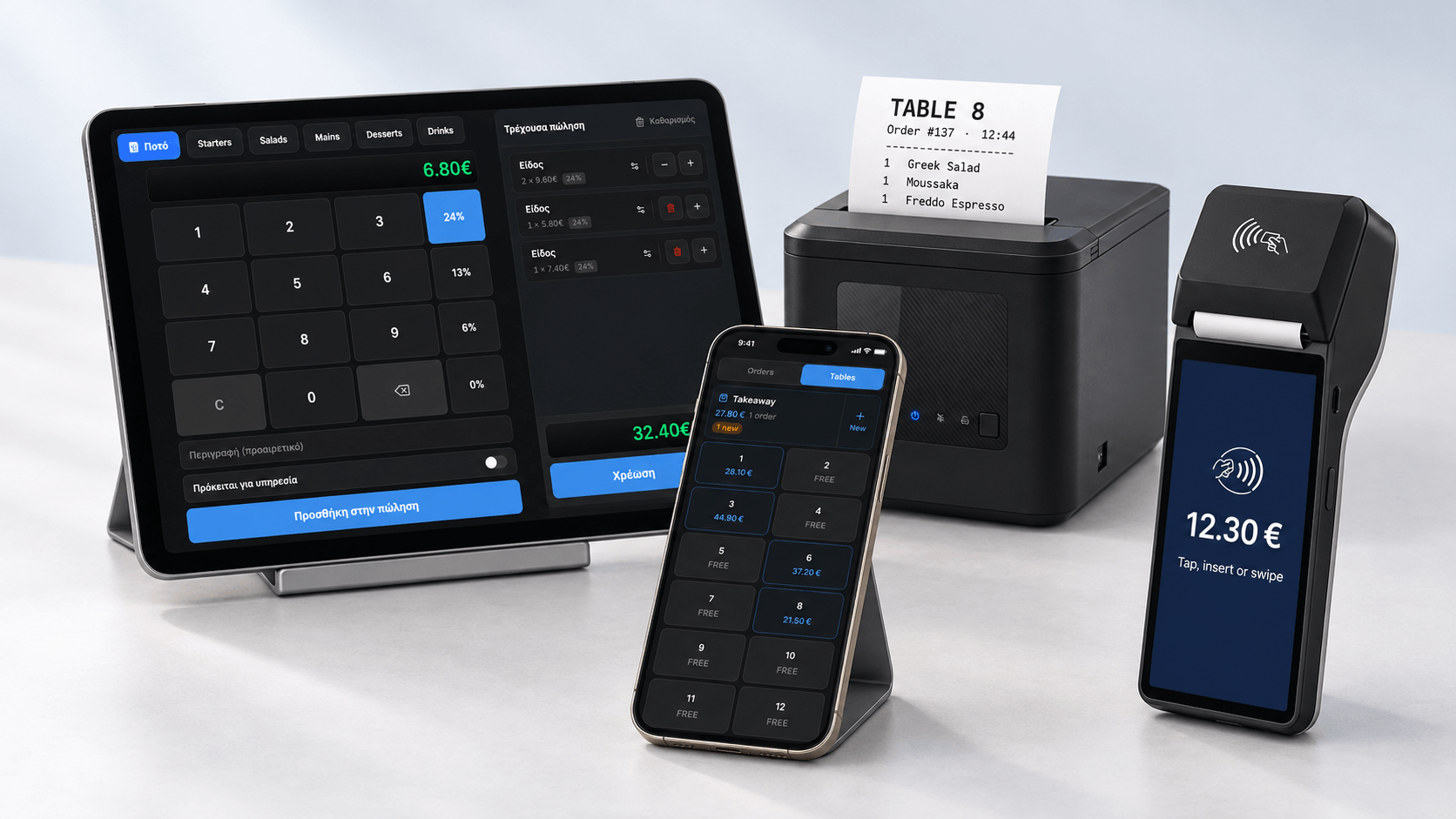
With Scanby Waitor + Scanby Pay, billed annually
€560.75first year, hardware included
Then €311.76/year from the second year
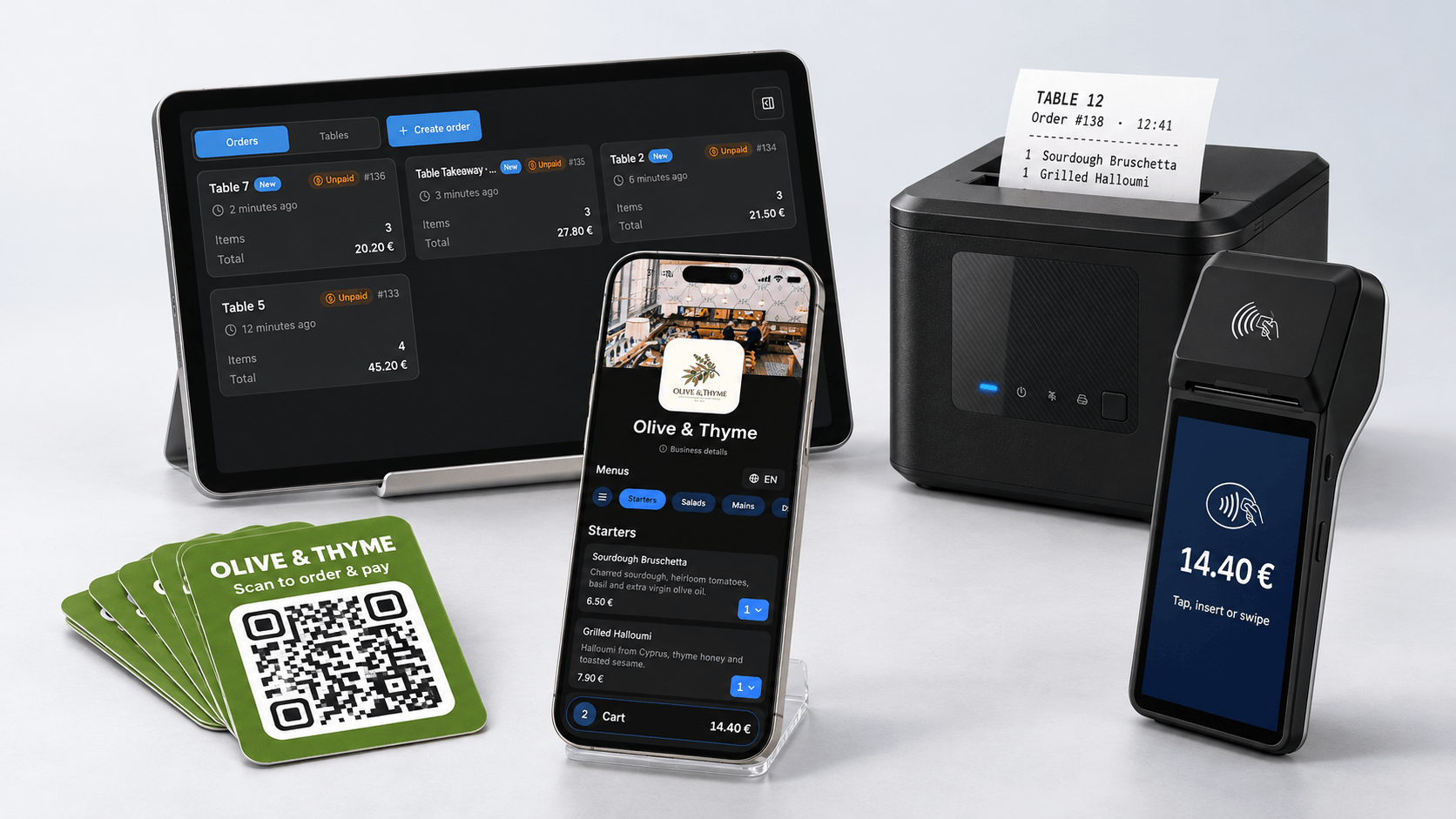
With Scanby Order + Scanby Pay, billed annually
€596.63first year, hardware included
Then €347.64/year from the second year
Offer available with annual plans.
Choose from QR menu, order taking, payments and AADE compliance - or a complete solution that combines them all. Start free, with no credit card and no equipment.


