Step 1
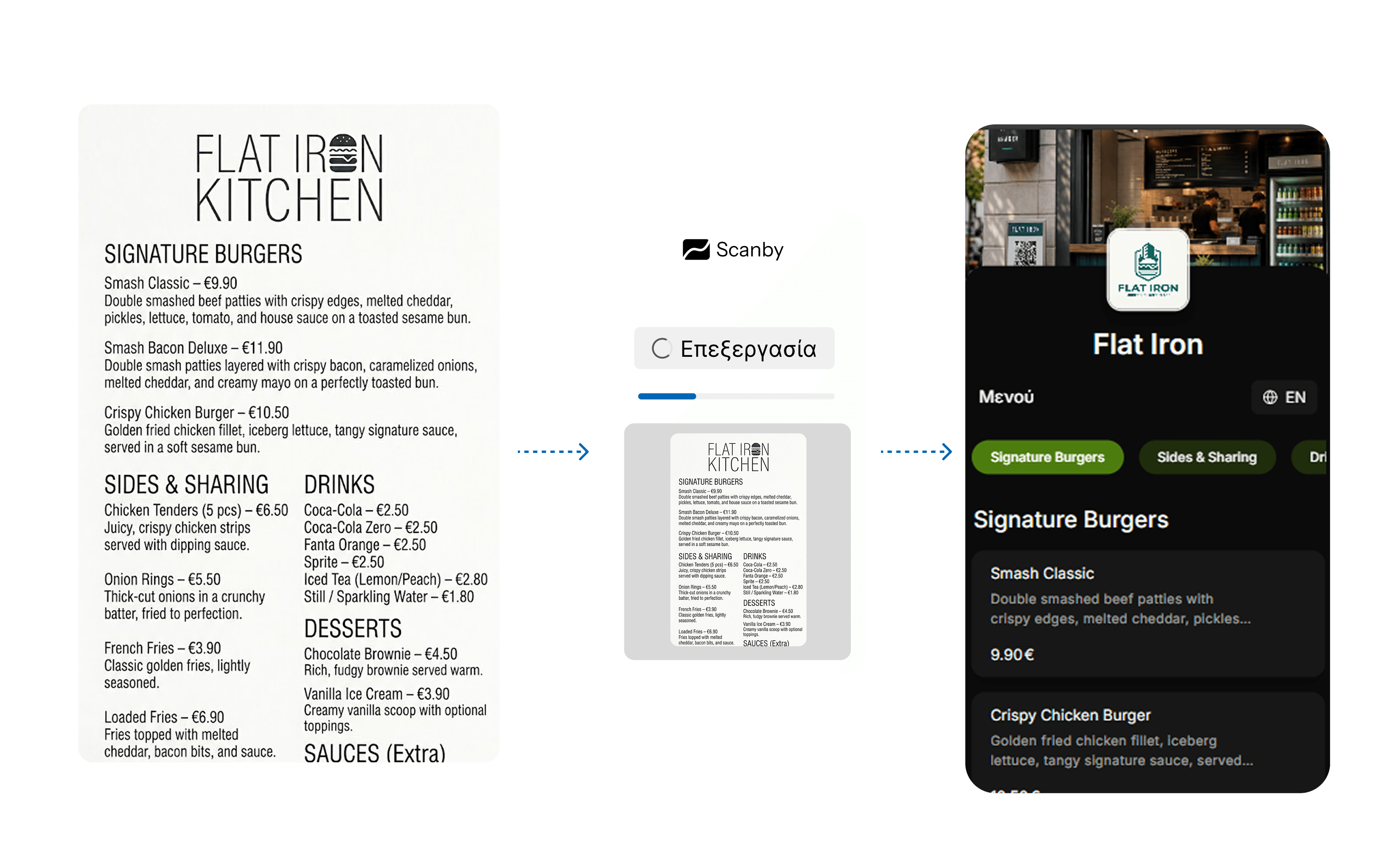
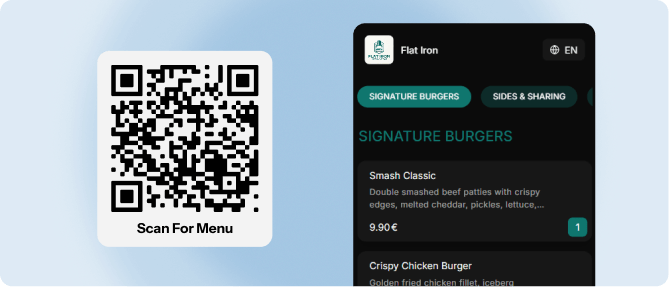
The customer scans the QR and browses your menu.
Customers scan the QR and order from their phone, while staff manage orders from any device - less waiting, better service. Get started on your own, completely FREE · no credit card and no equipment.
Want a complete solution with menu, orders, and payments? See Scanby Pay
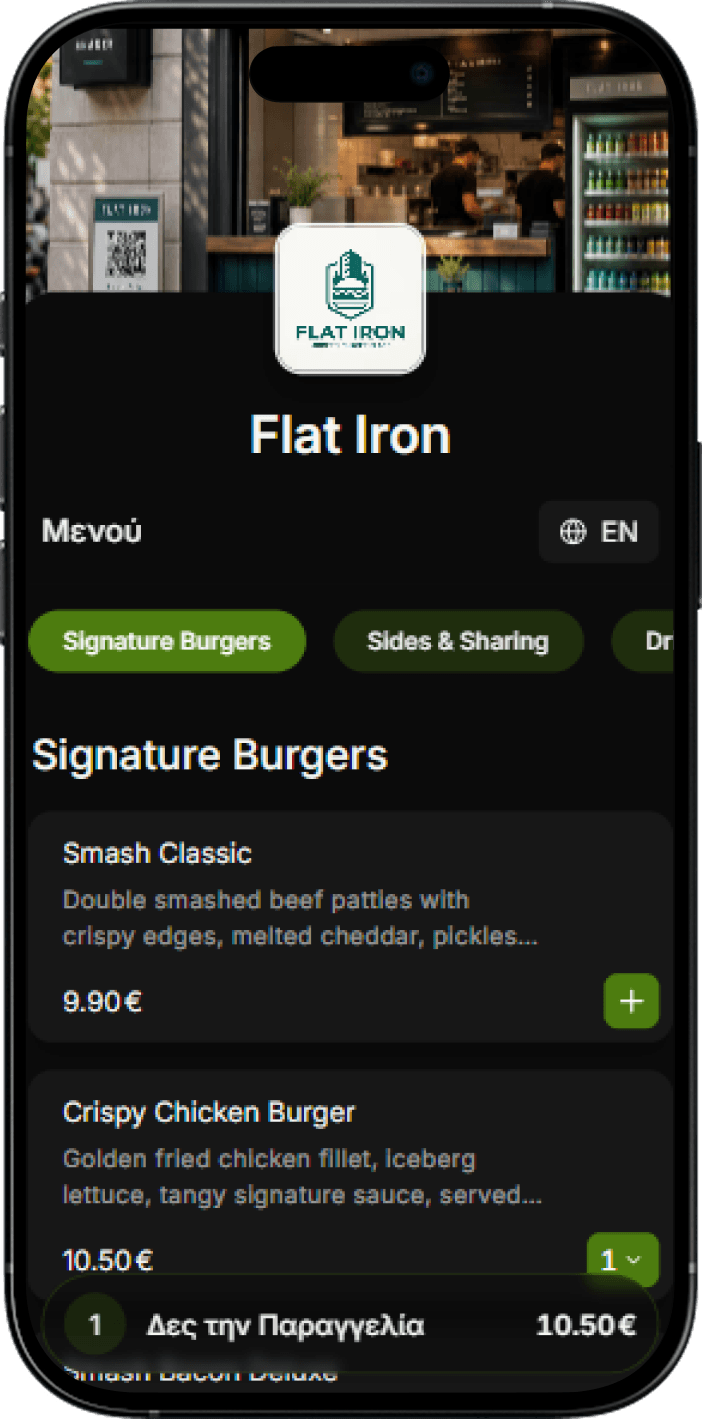
The customer scans the QR and browses your menu.
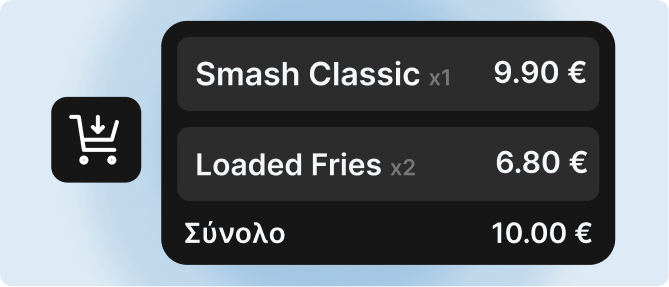
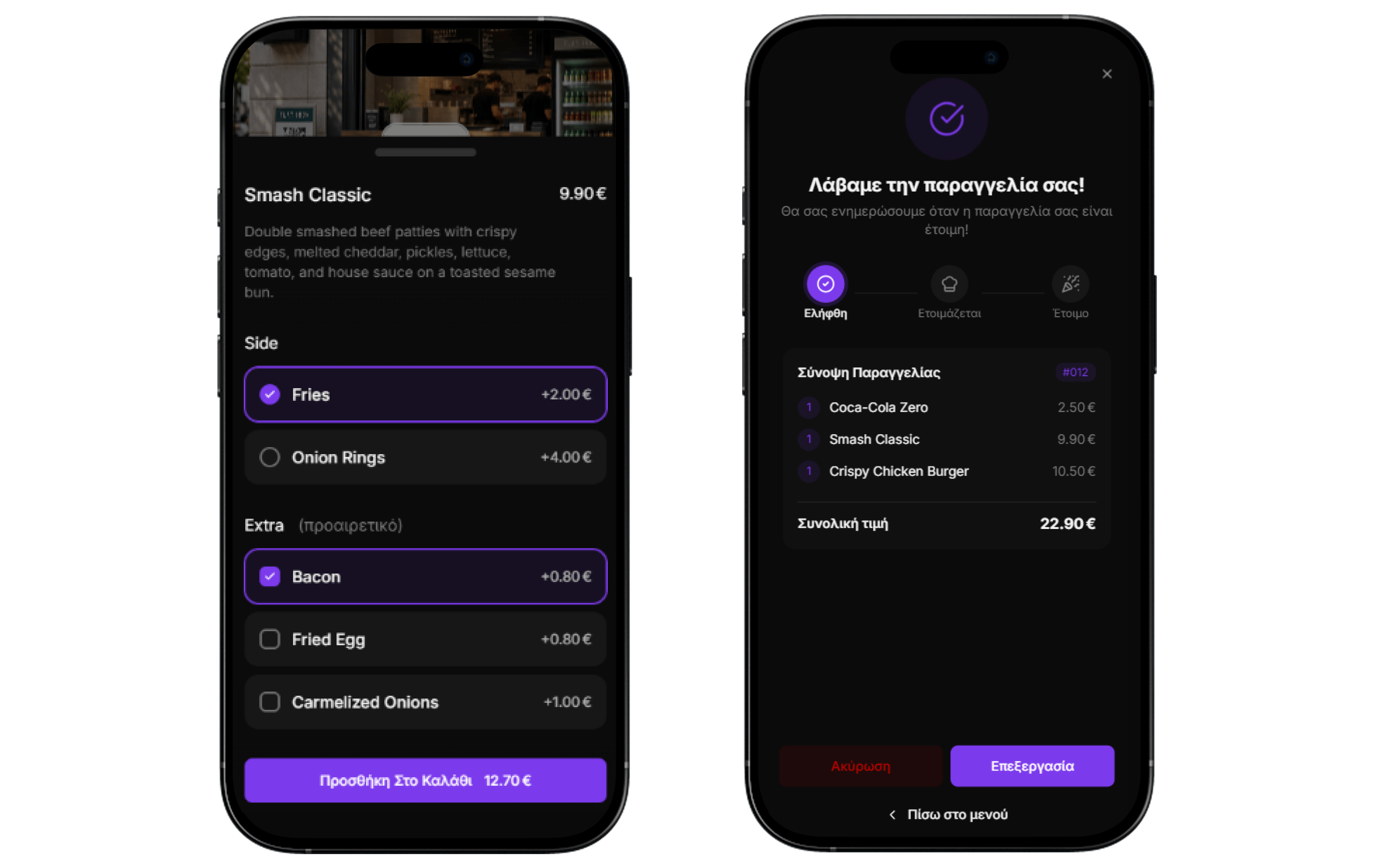
They add items to the cart, customize options, and complete the order.
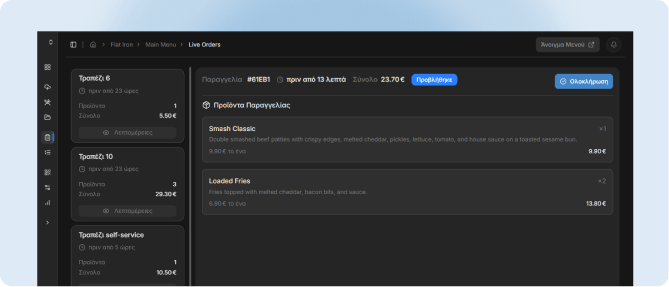
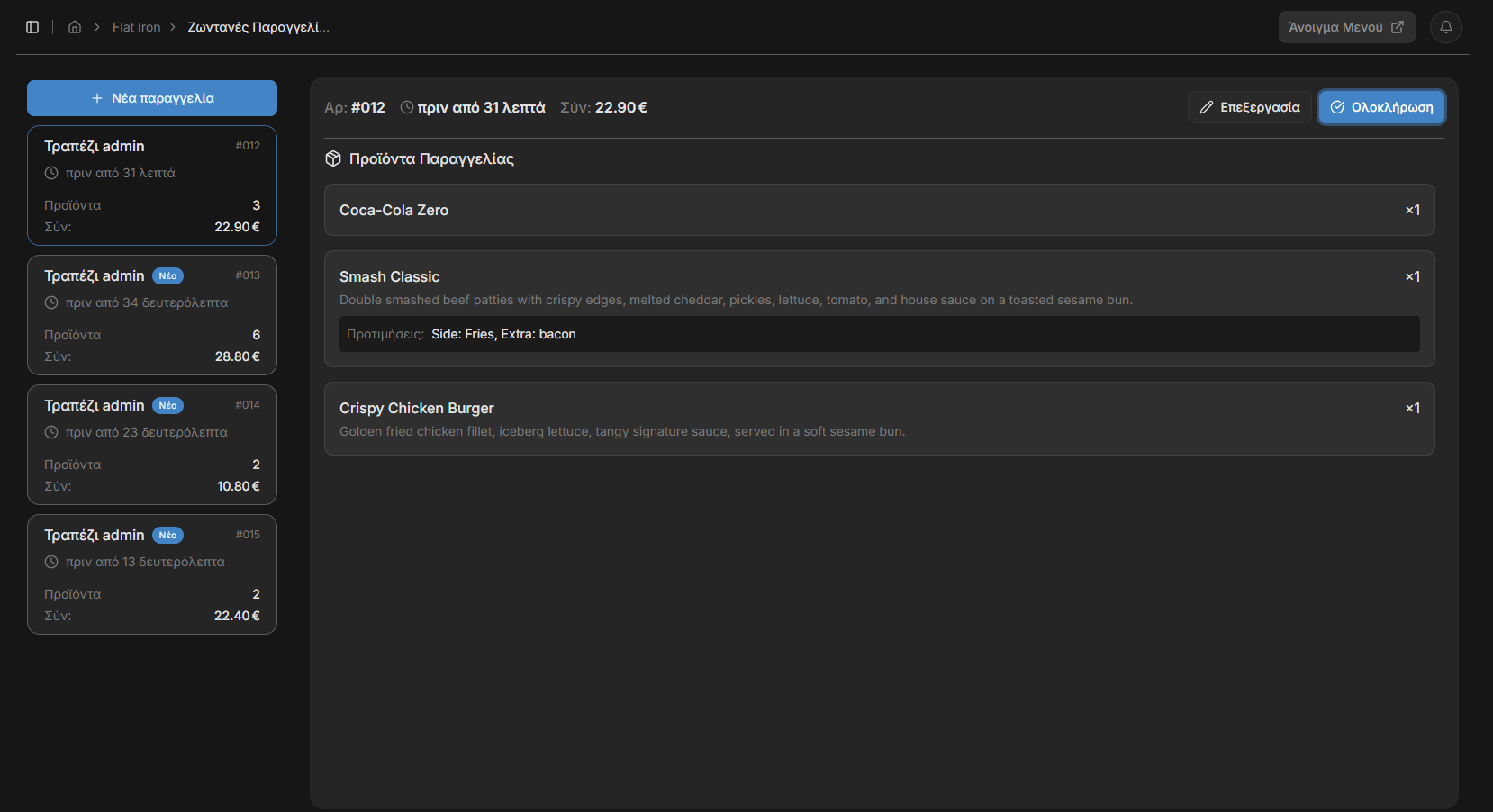
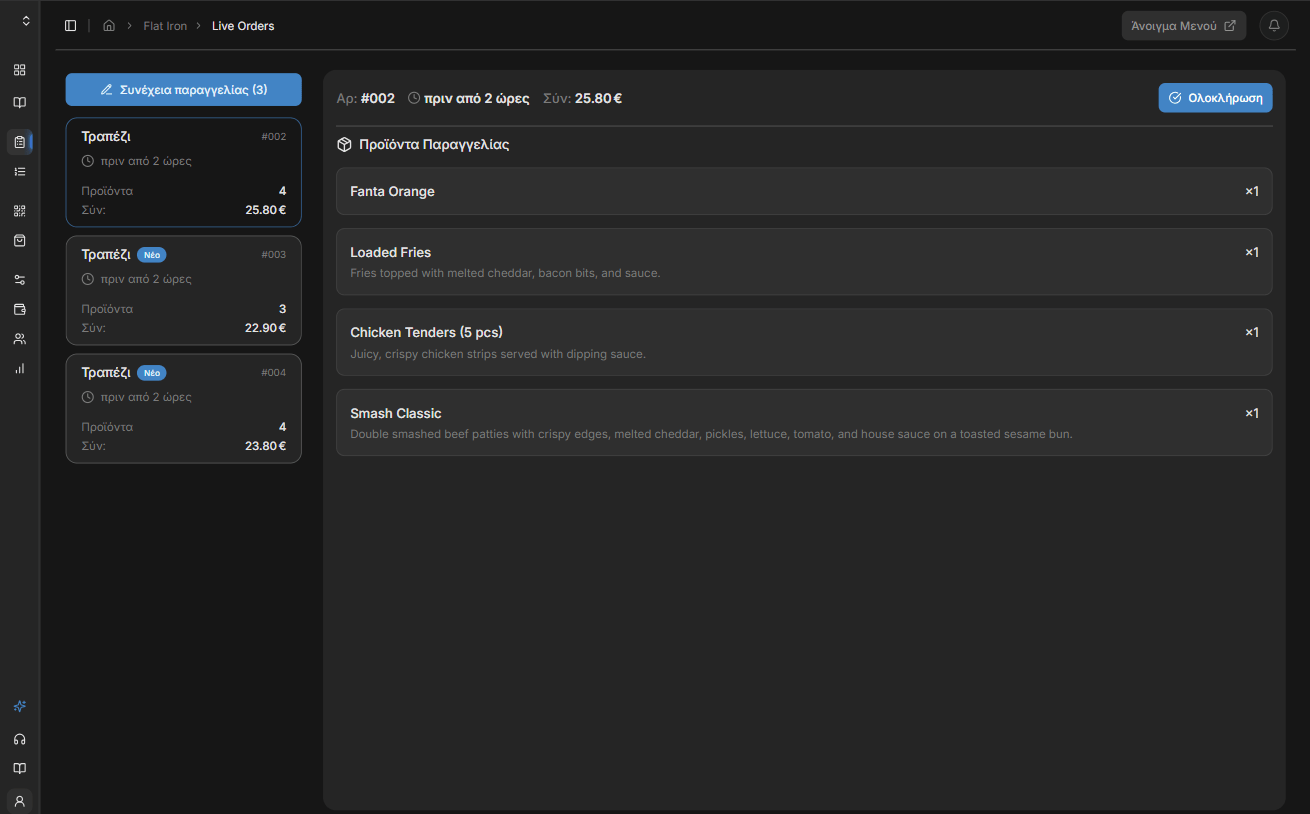
The order appears instantly on the management dashboard for your staff - phone, computer, or any device.
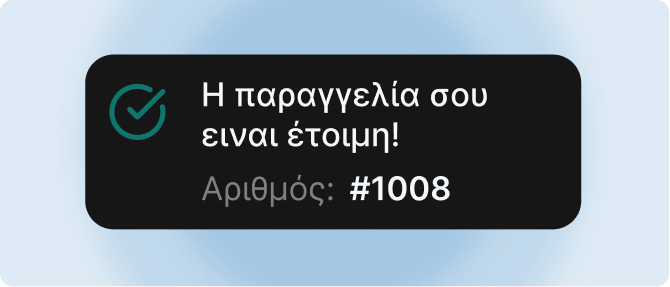
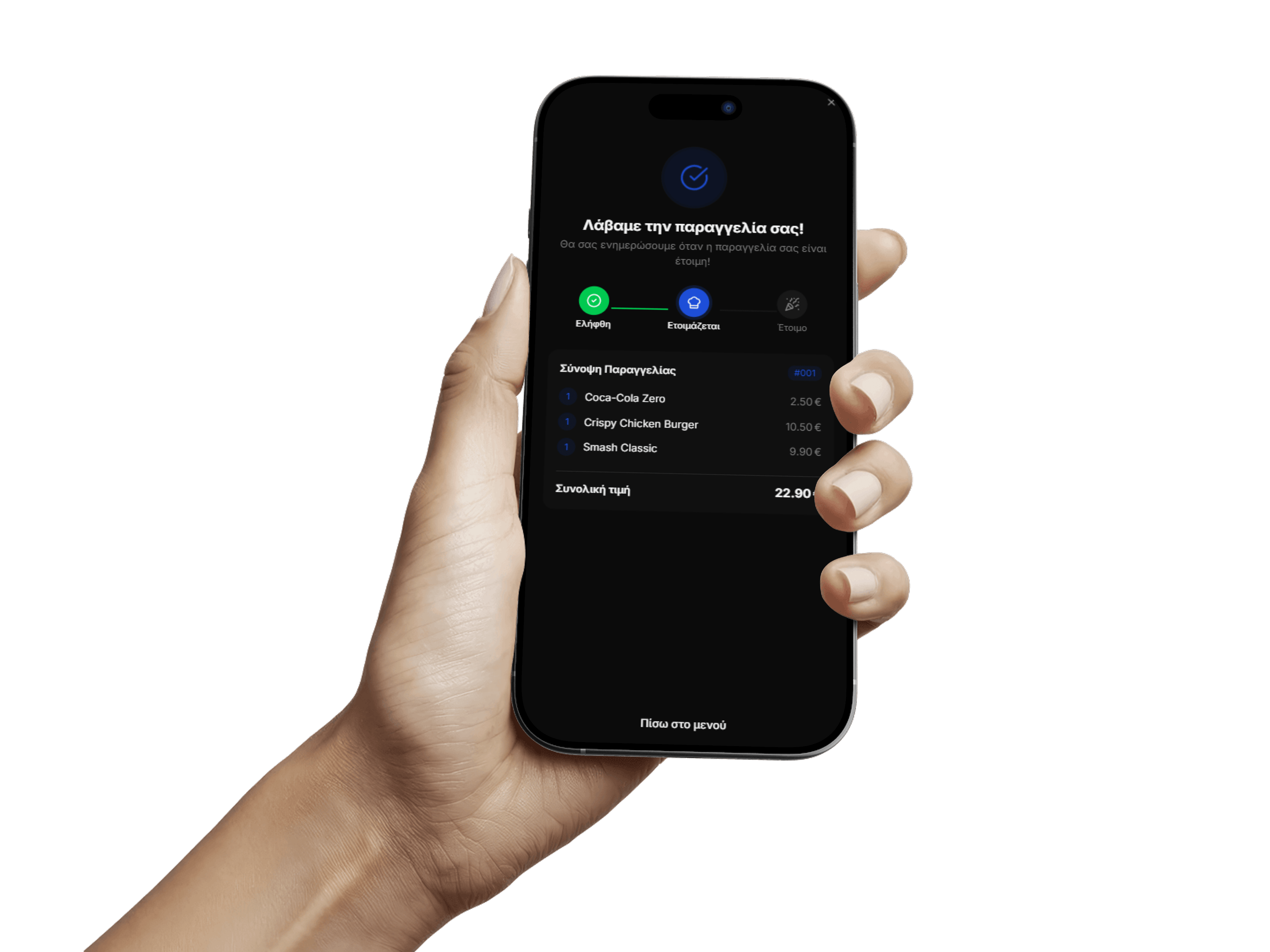
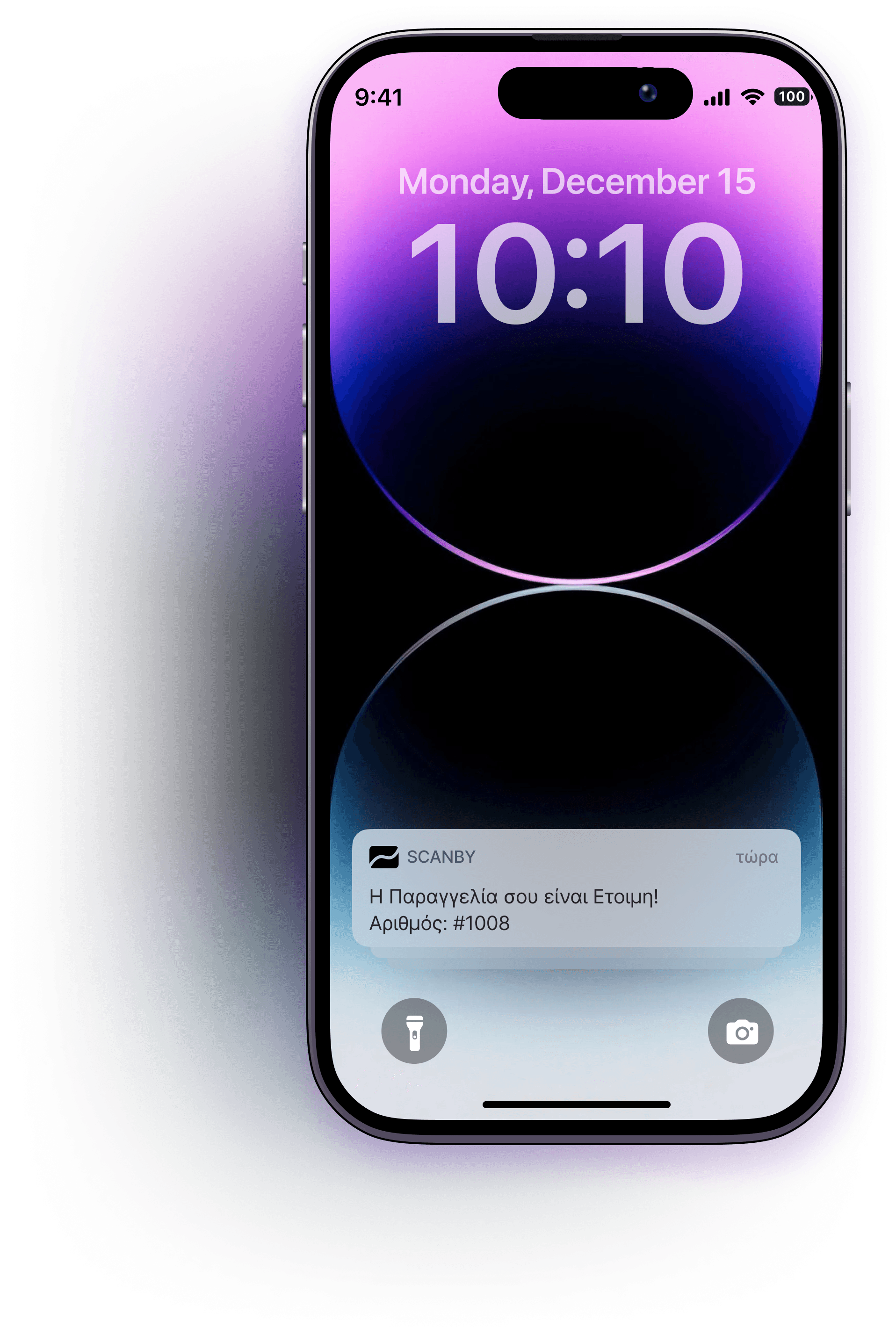
The customer receives a notification the moment the order is ready for pickup.
Automatic creation from photos or PDF, 30+ language support, customizable themes, search engine listing, and management dashboard.
The customer scans and orders straight from their phone. Reduce wait times, improve customer experience, and serve more tables per hour.
Orders appear on the dashboard in real time. Your staff can also create orders from the dashboard, view stats, update the menu, and more.
For self-service businesses, customers are notified automatically when their order is ready, without waiting on their feet and creating queues at the counter.
Table or counter - guests order on their phone.
Complete ordering system for your staff.
Customers are notified automatically - no shouting numbers.
Customers change the cart until staff confirms it.
Edit items, track tickets, and view stats.
Scan, browse, and order in the browser.
Auto-translation for tourists - editable anytime.
Go live in minutes, not days.
Colors, logo, layout - your venue, not a template.
Start free - 14-day free trial. No credit card. Pick monthly billing or get 2 months free annually.
Billed annually (2 months free)
Upgrade your business with a modern digital menu and ordering system - fewer mistakes, less running around, no staff training.
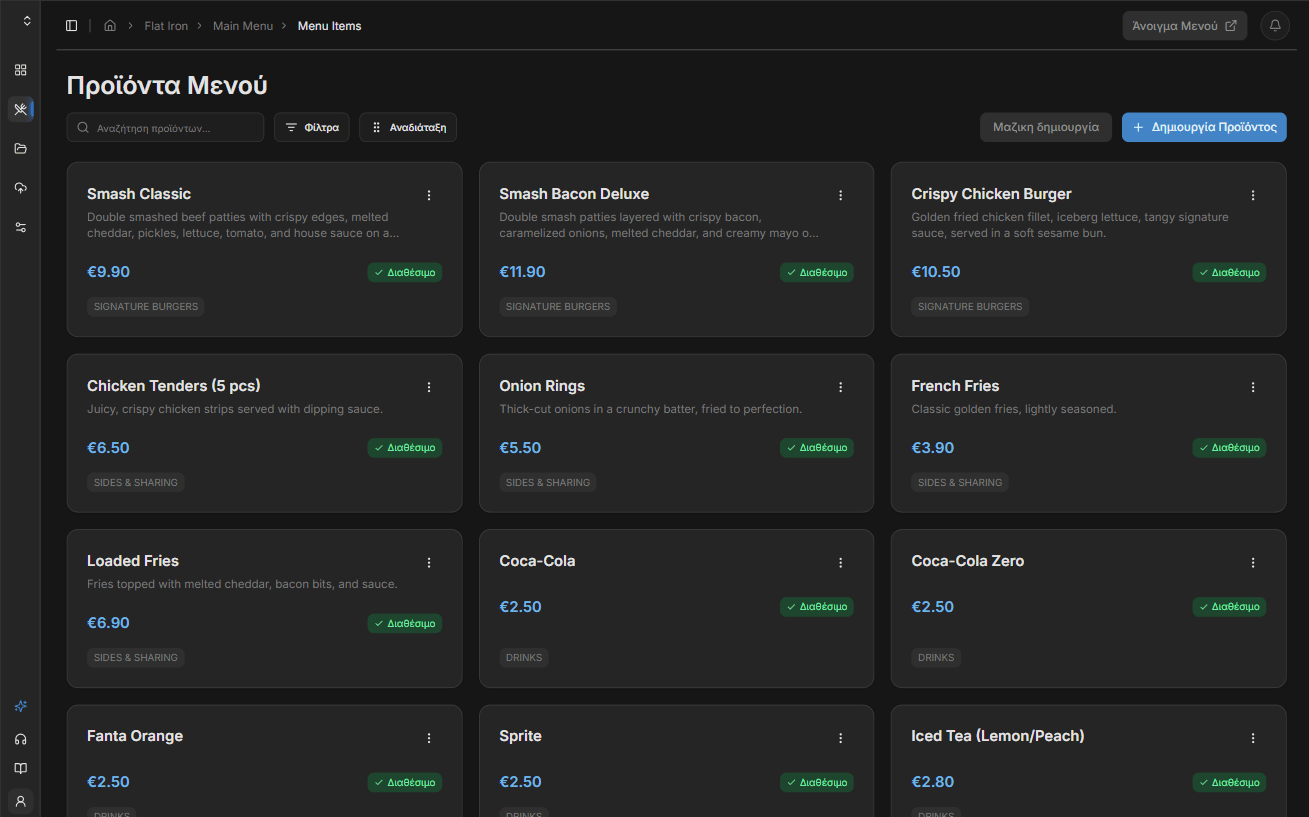
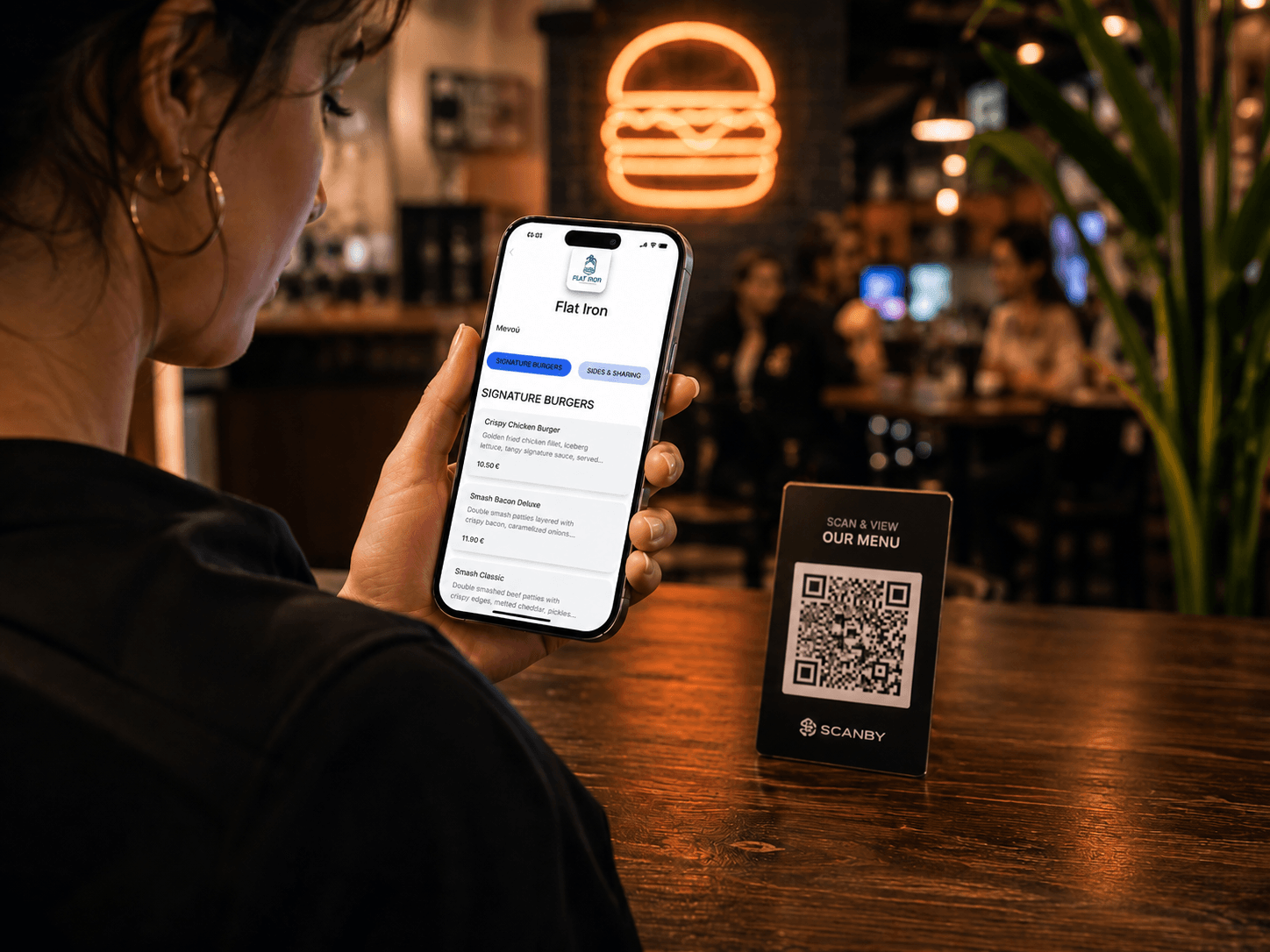
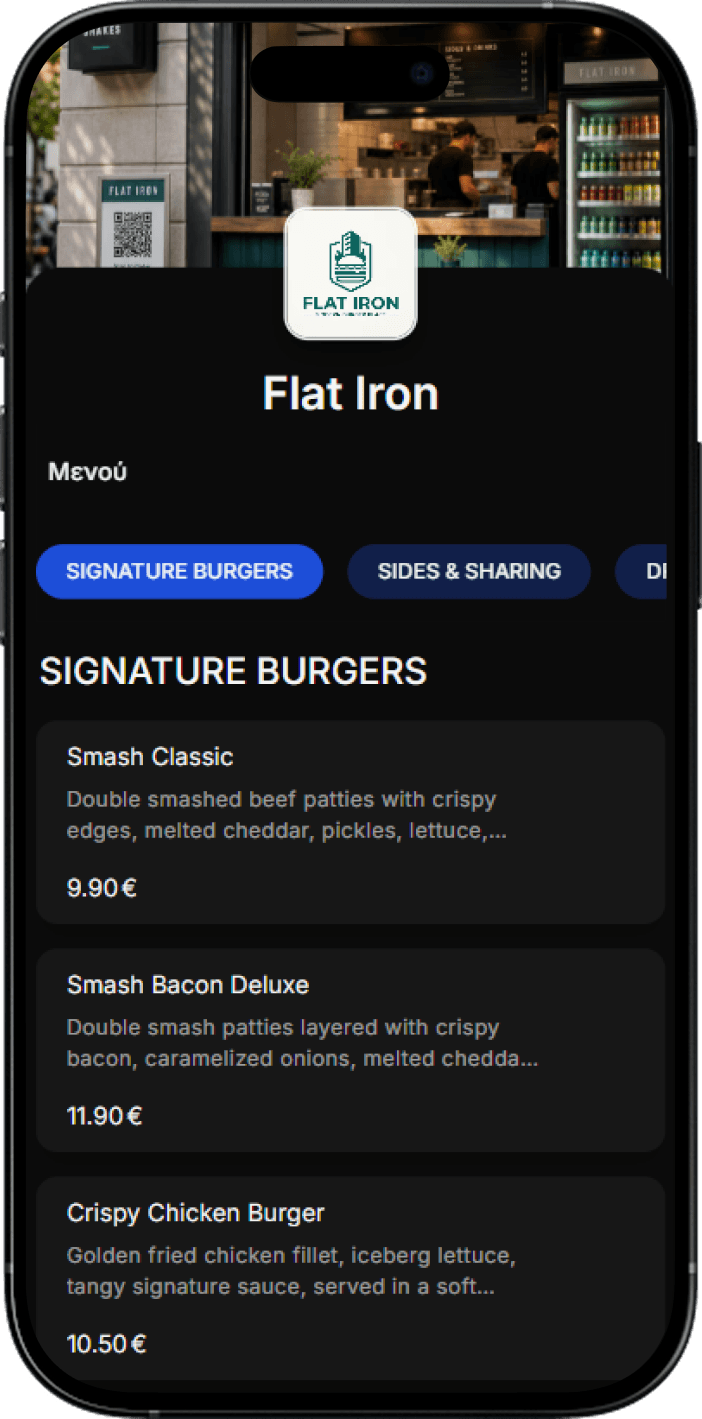
Guests scan and browse your menu on their phone. Update the catalog in real time from the dashboard and stop paying for reprints.
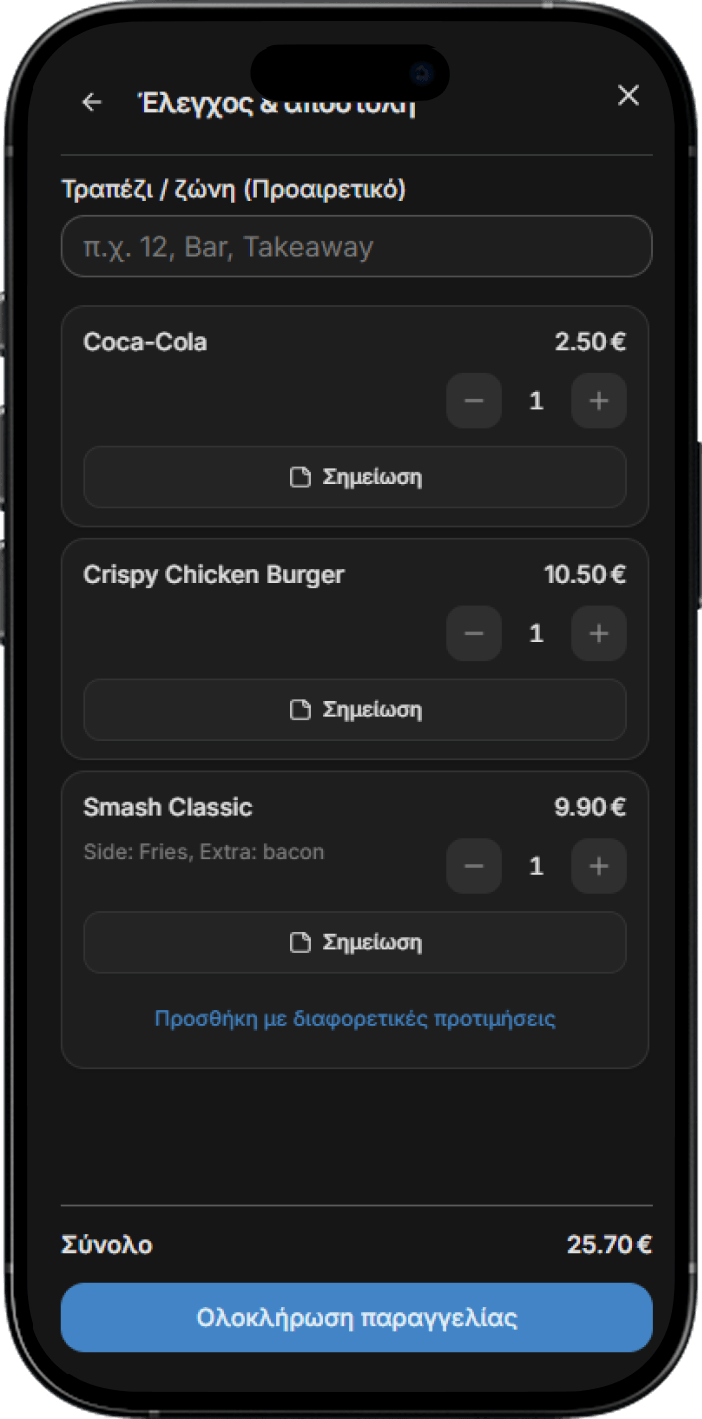
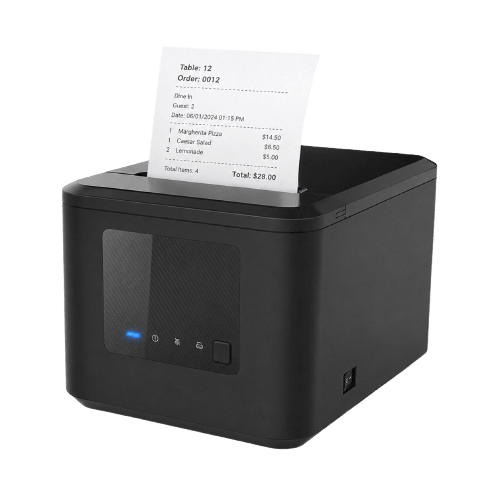
Staff enter and manage orders from any device. Orders appear live on the control board and print automatically.
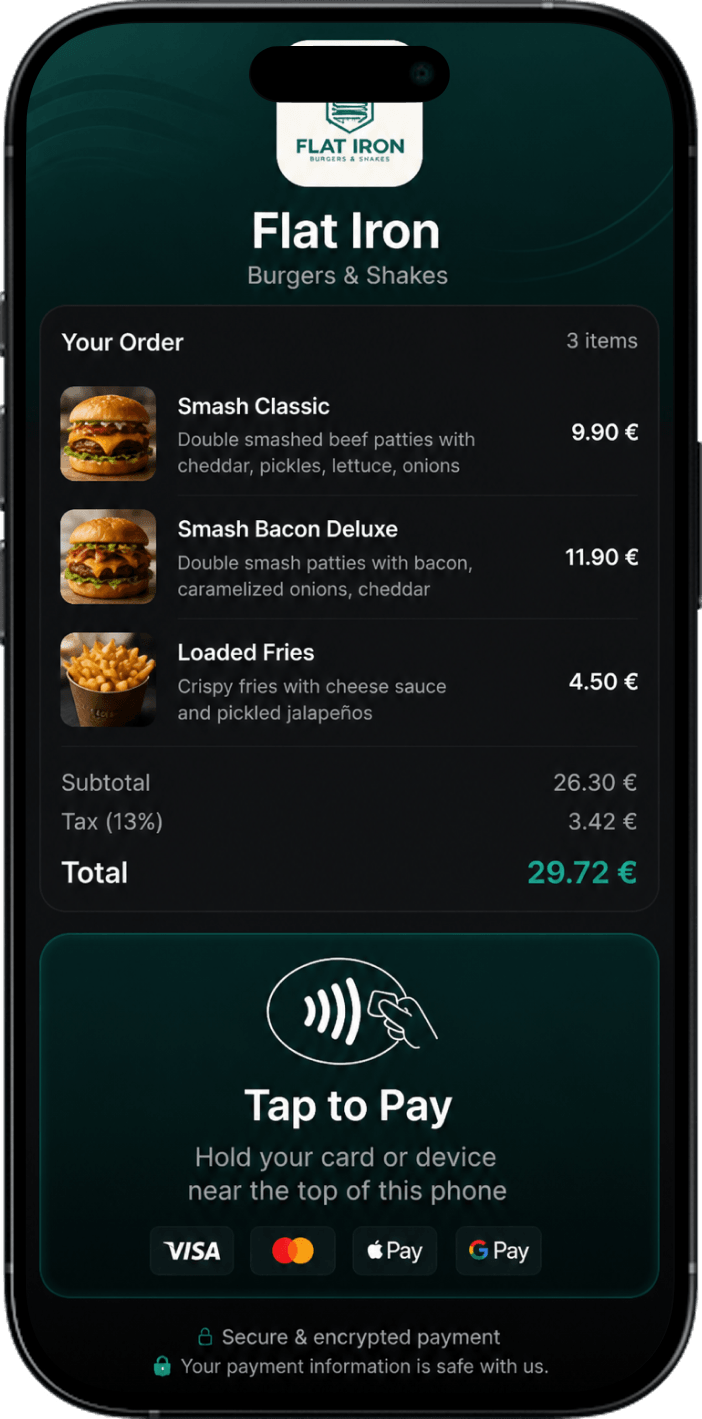
Every order - whether via QR from the customer's phone or from staff - lands in the same system. Staff manage every order in real time, while payment - card, cash, or online - happens through the platform. Start with zero equipment and set it up yourself in minutes.