
Step 1
Create an account and enter your business details.
Staff manage orders from any device. Orders are sent and printed instantly to the kitchen or bar. Get started on your own, completely FREE · no credit card and no equipment · ready in 5 minutes.
Create an account and enter your business details.
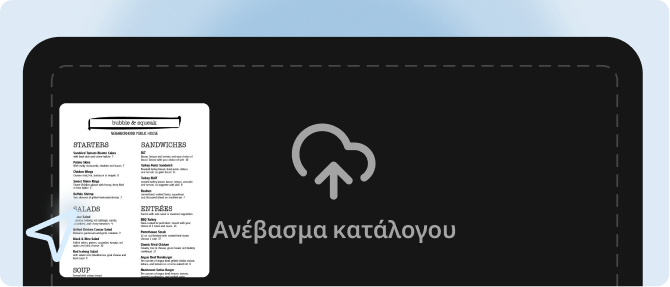
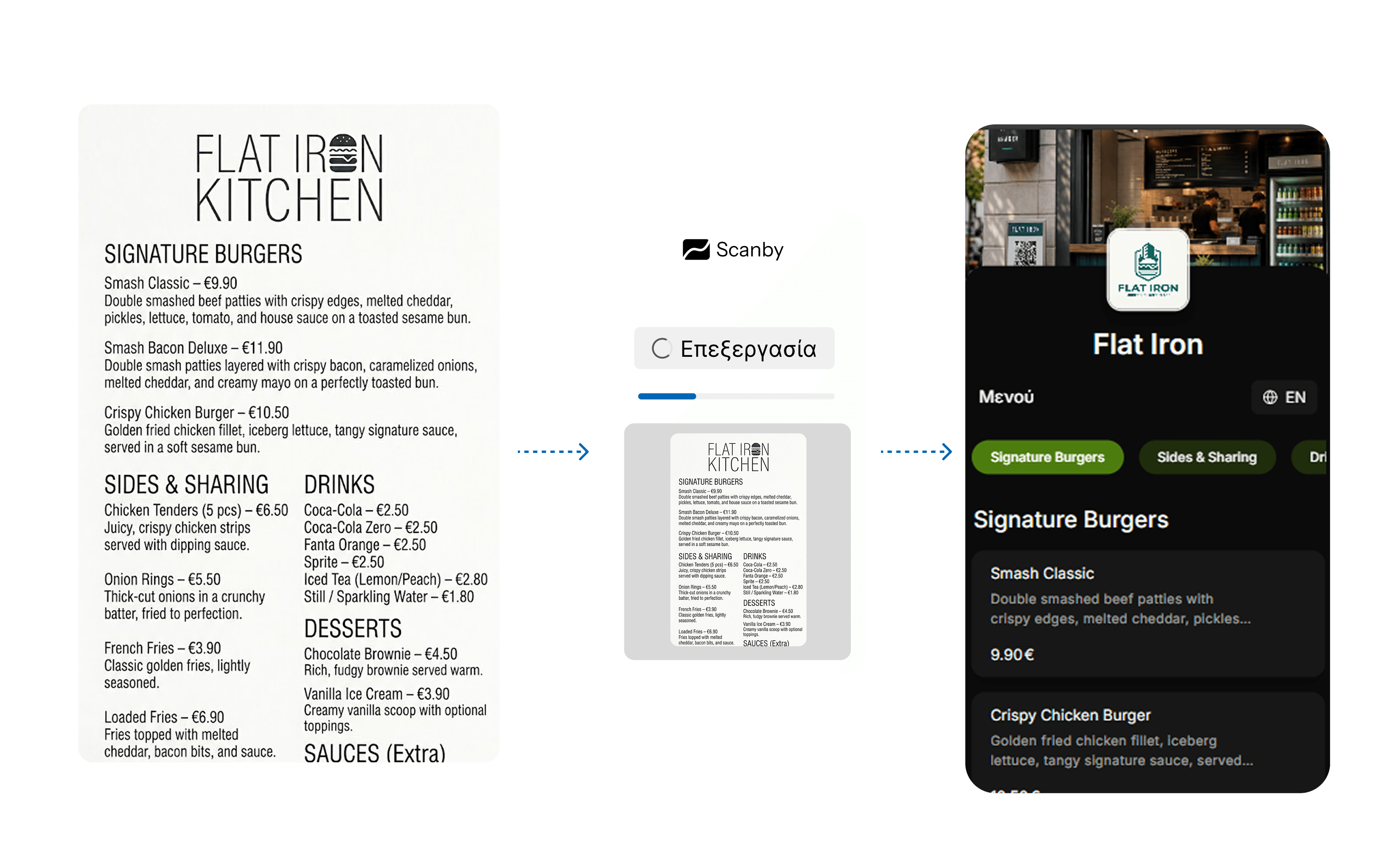
Upload your existing menu as photos or PDF and the catalog is created automatically in seconds.
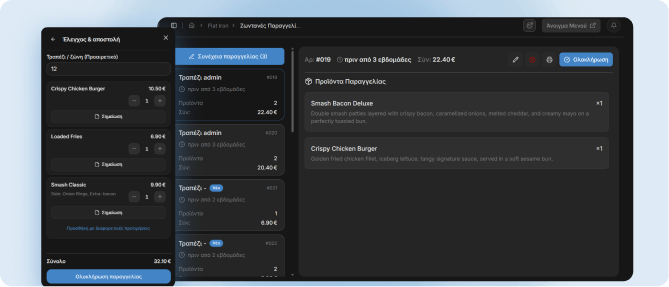
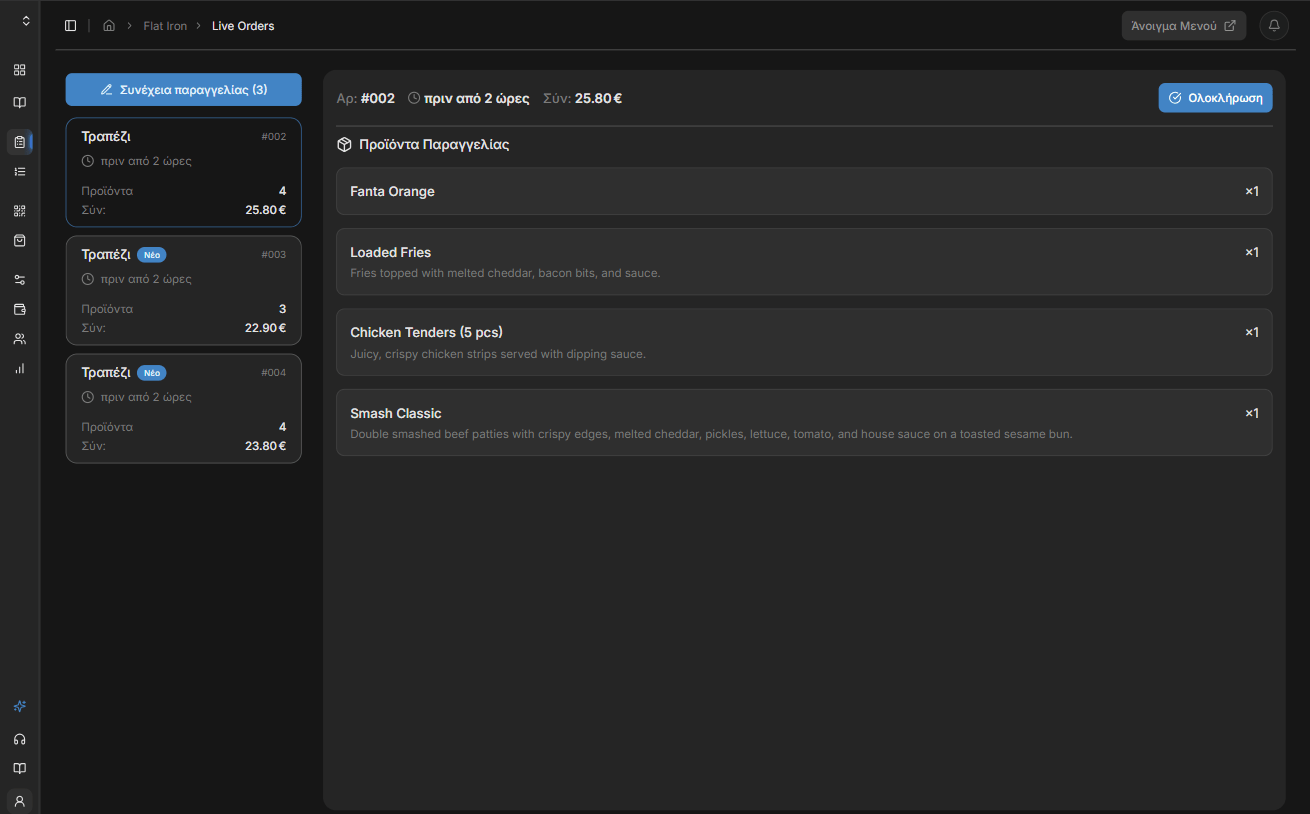
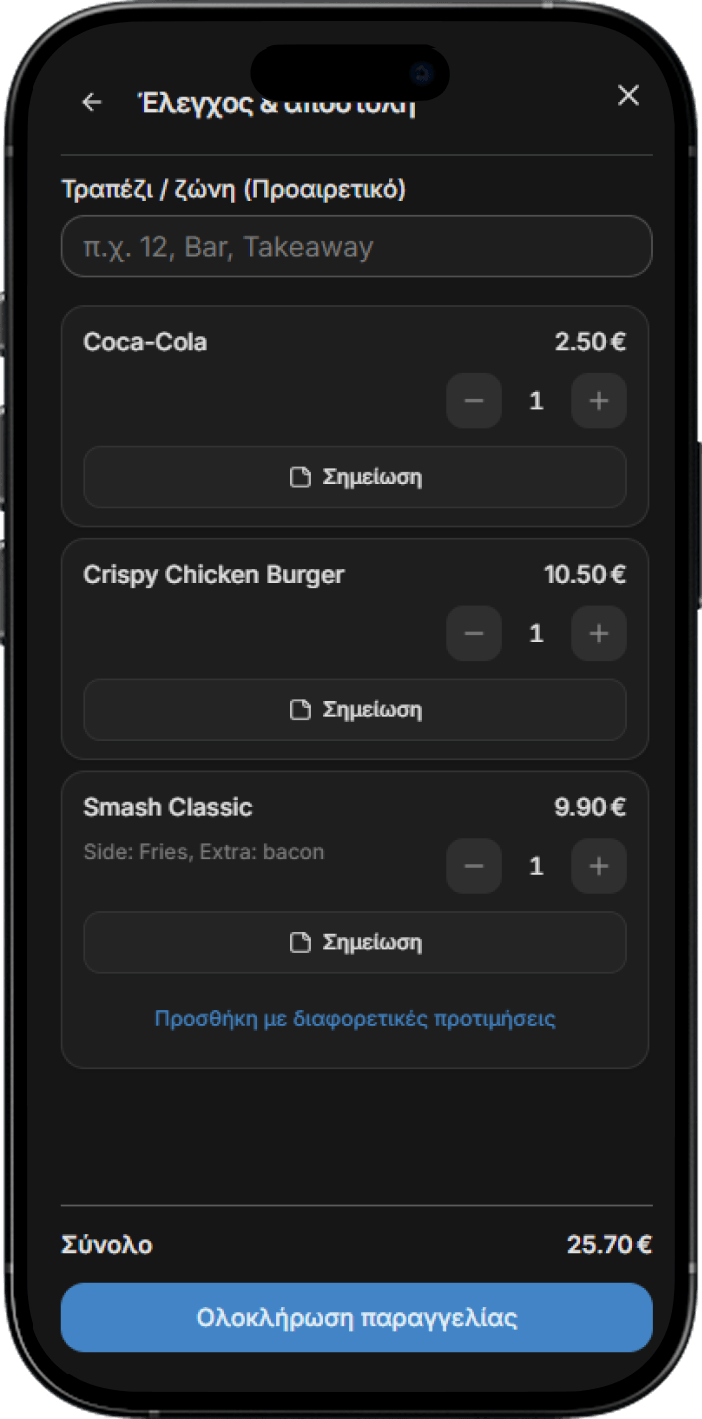
Staff manage orders from any device. (Optional) Connect a network printer for automatic printing.
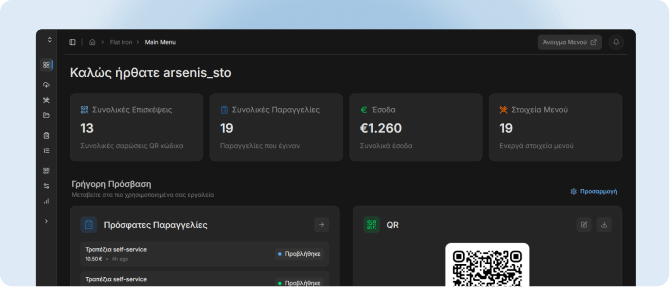
You're ready! Manage your business from one unified control panel with analytics, orders and real-time updates.
Upload your existing menu and Scanby extracts categories, items, and prices. Edit anything from the dashboard and go live in minutes - no manual data entry.
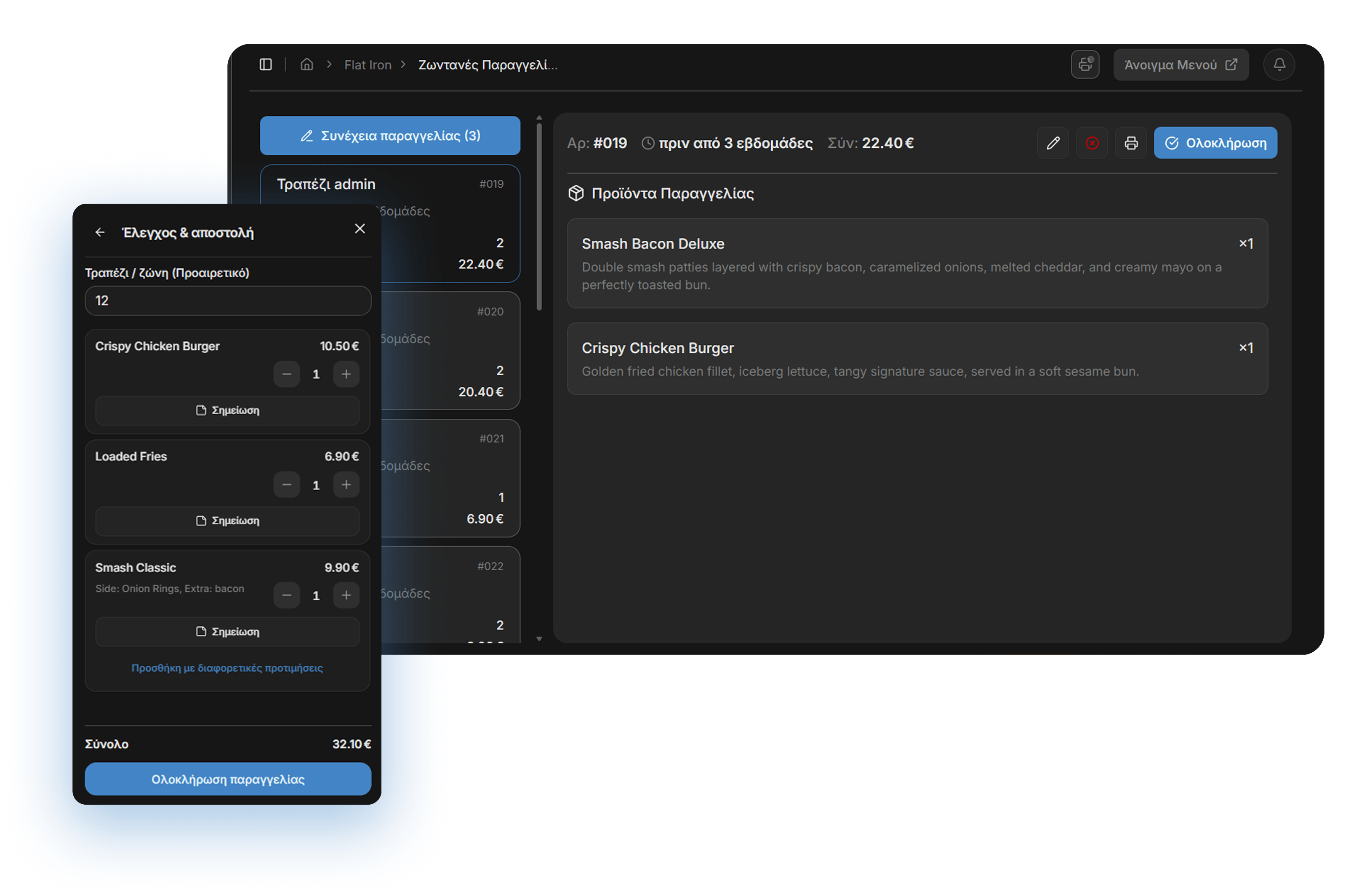
Waiters, bar staff, and counter teams take orders on the phone or tablet they already carry. Fewer verbal back-and-forth trips, fewer mistakes on busy shifts.
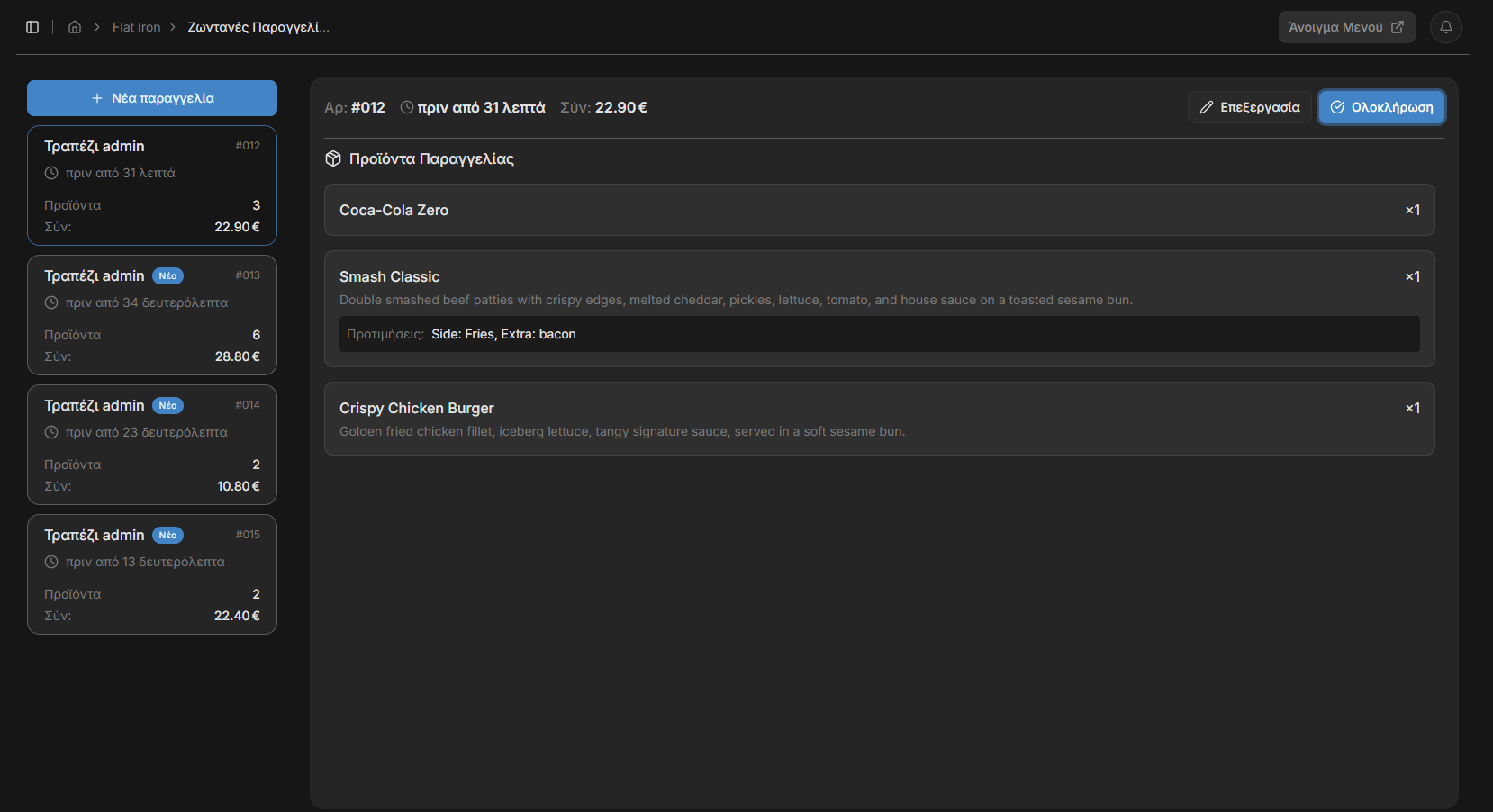
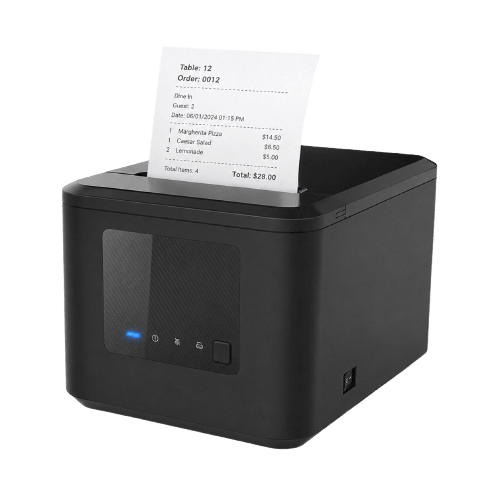
Orders appear instantly on the dashboard and print automatically to your venue's printer. You can purchase a printer from our store
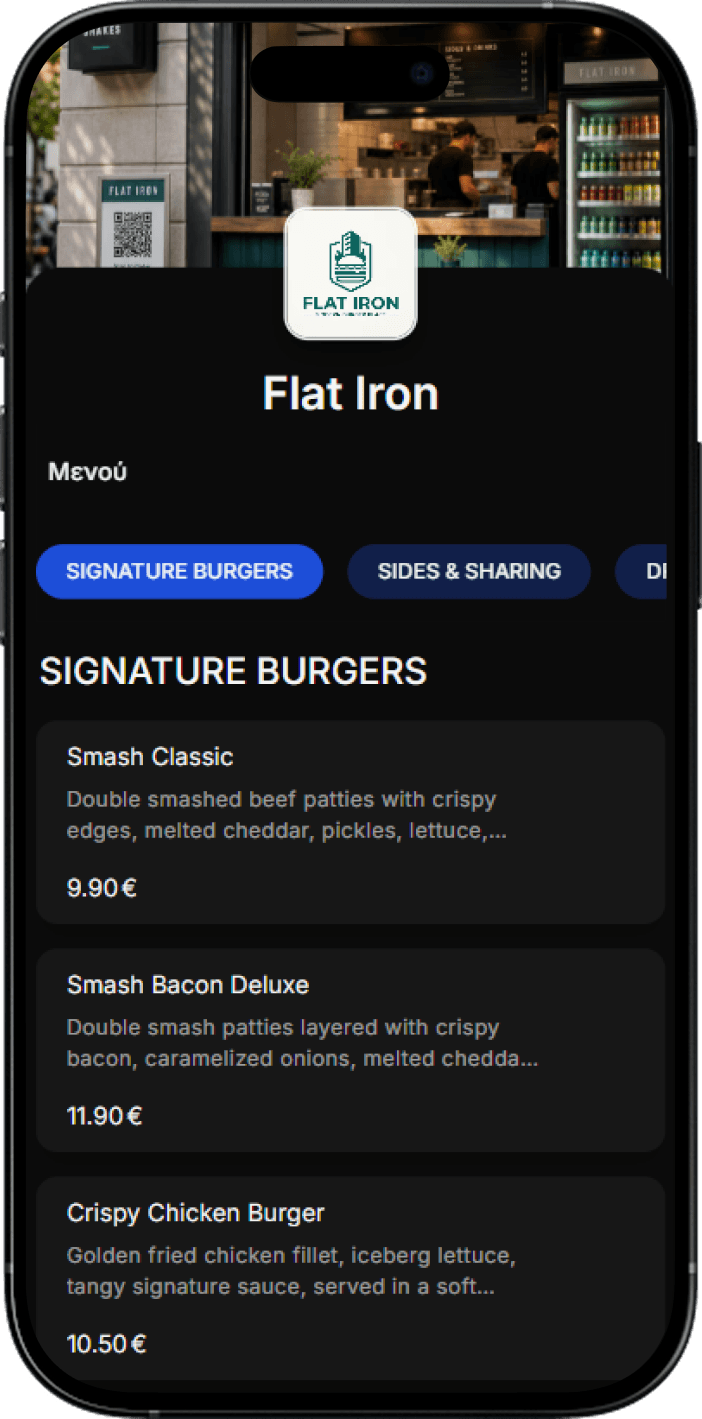
Change a price or hide an item and it updates on every phone at once.
Orders, revenue and best sellers, by day and hour.
Logo, colours and layout - not a generic template.
Phone, tablet, laptop or terminal - no new hardware.
Every order knows where it's going.
Menu, orders, payments and insights in one place.
Start free - 14-day free trial. No credit card. Pick monthly billing or get 2 months free annually.
Billed annually (2 months free)
With Scanby Waitor, billed annually
Staff take orders on any device and the kitchen sees them live - fewer mistakes, less running around, better service.
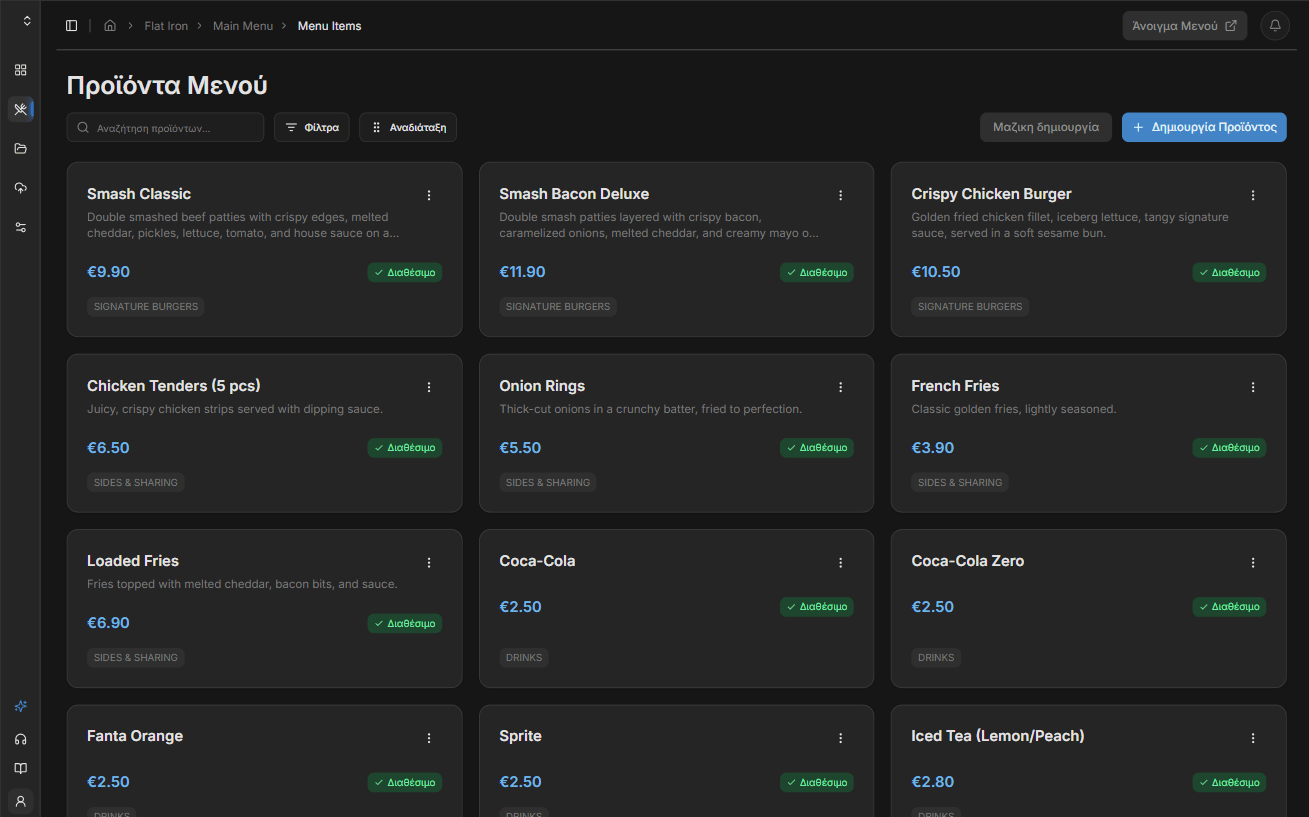
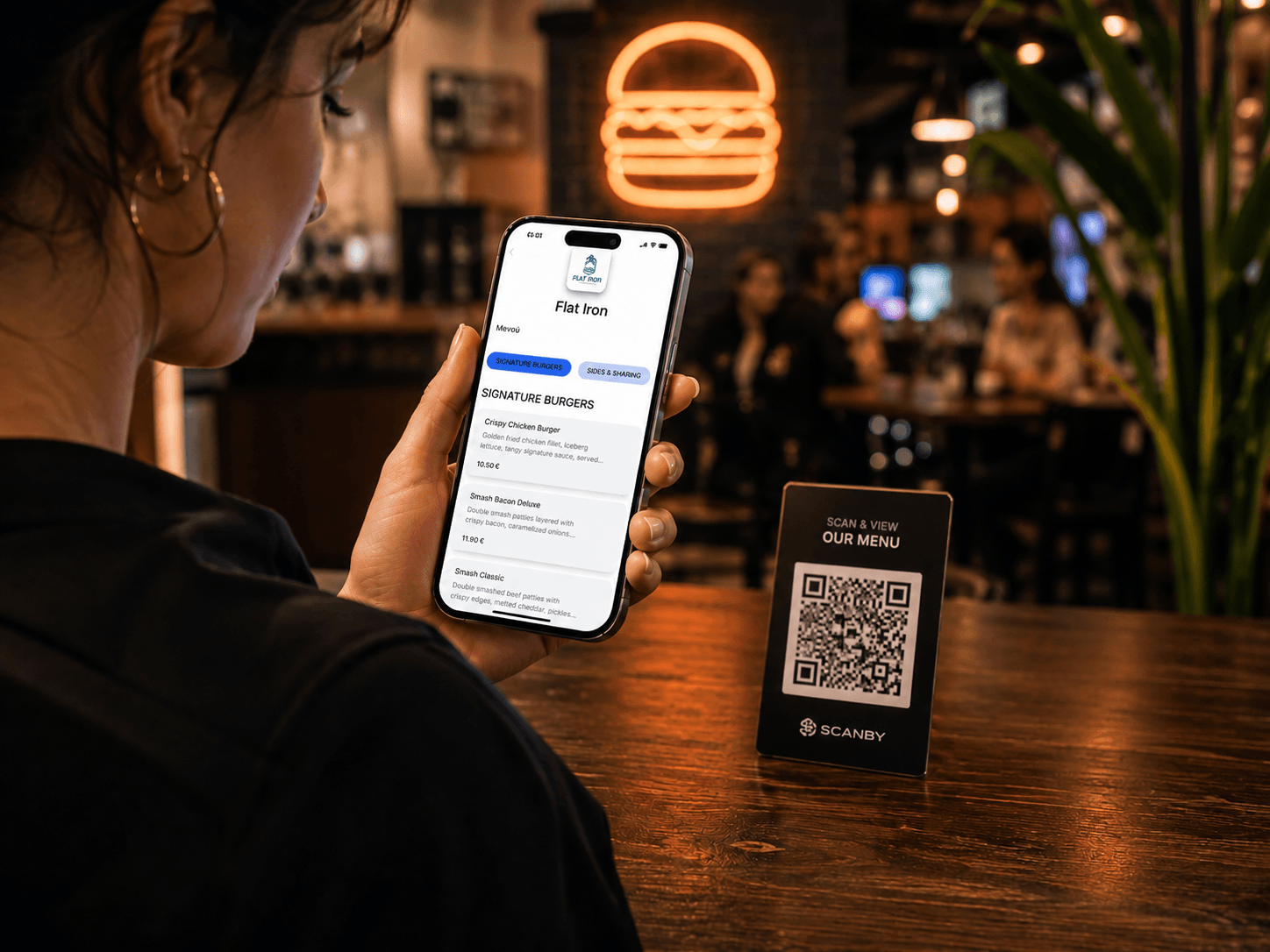
Guests scan and browse your menu on their phone. Update the catalog in real time from the dashboard and stop paying for reprints.
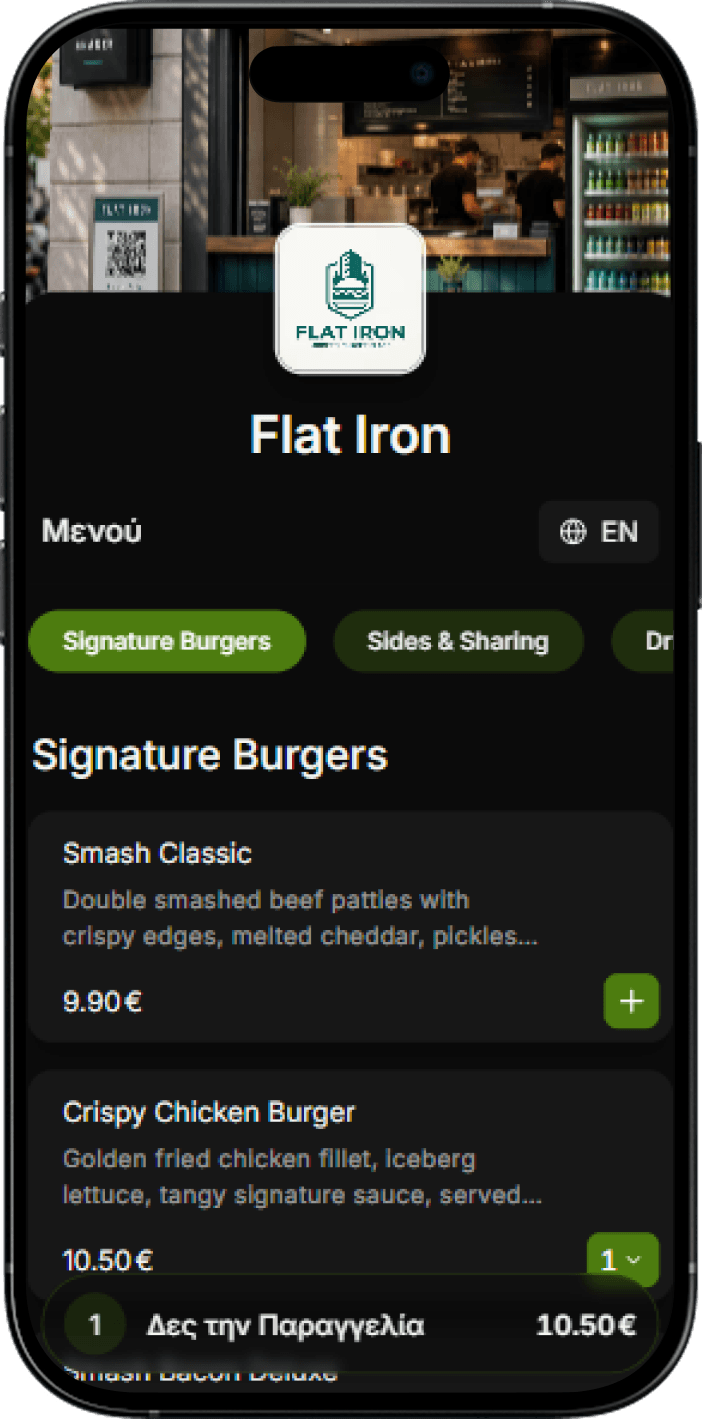
Complete order-taking system for staff plus a QR menu with ordering from the customer's phone. Less waiting, less pressure on staff, more tables per hour. Ready-notification when the order is ready for self-service businesses.
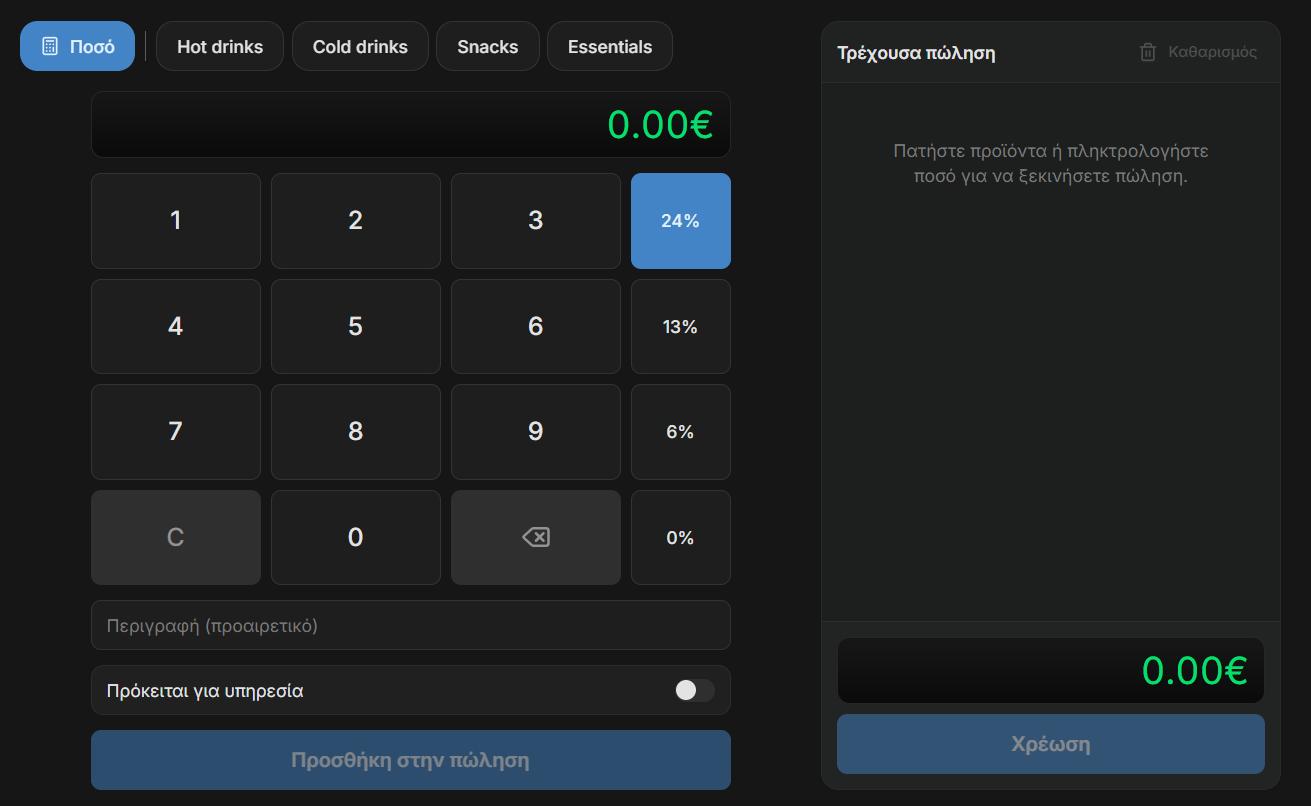
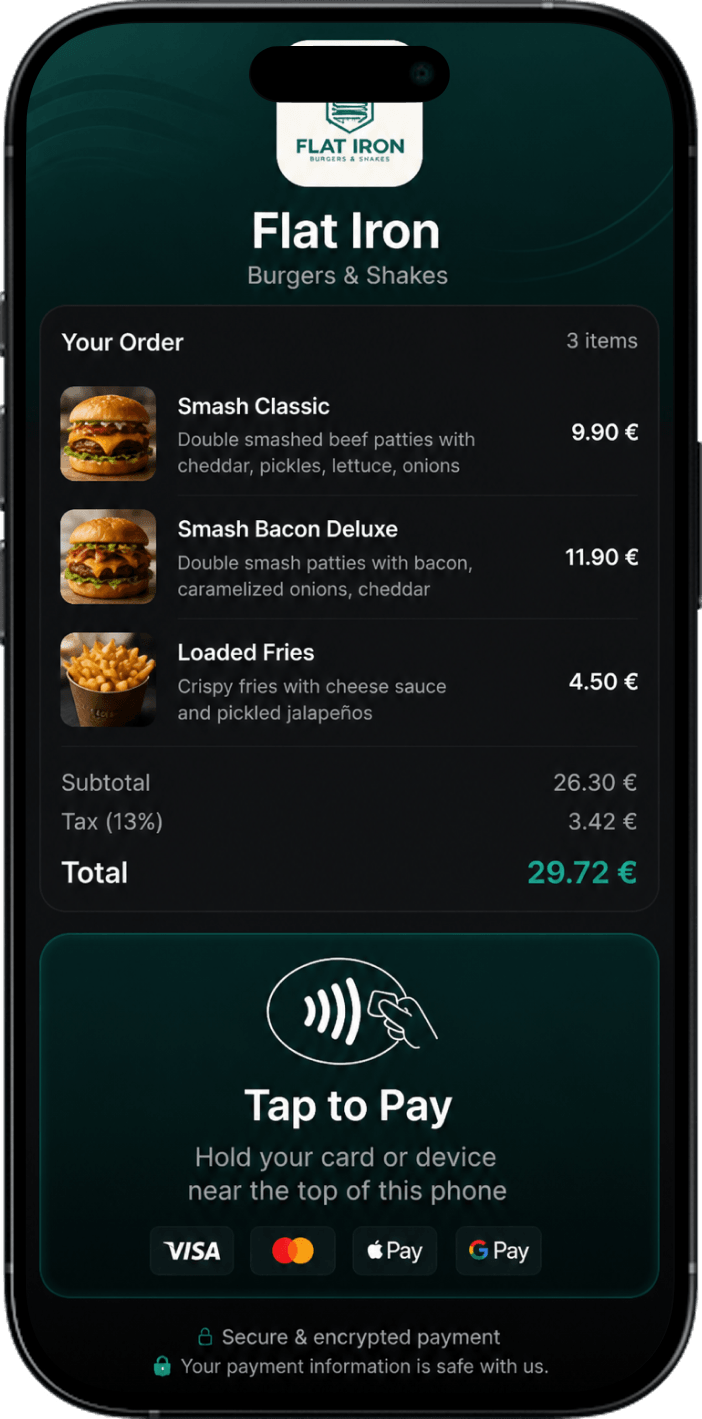
Issue receipts and accept card payments from any device. Plus track your stats, report receipts automatically to AADE and your accountant, send receipts by email or SMS, and more. Start free.