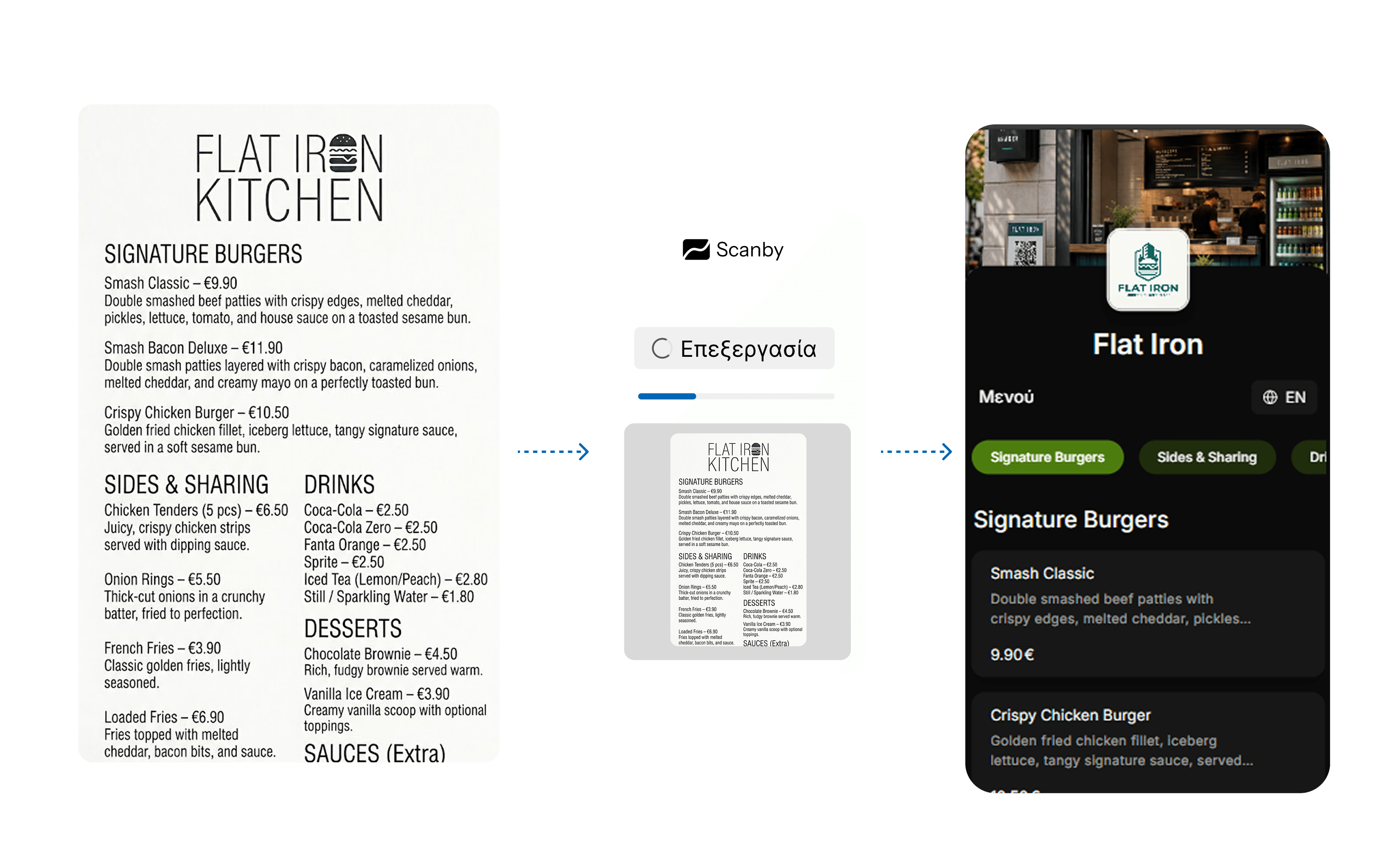
Step 1
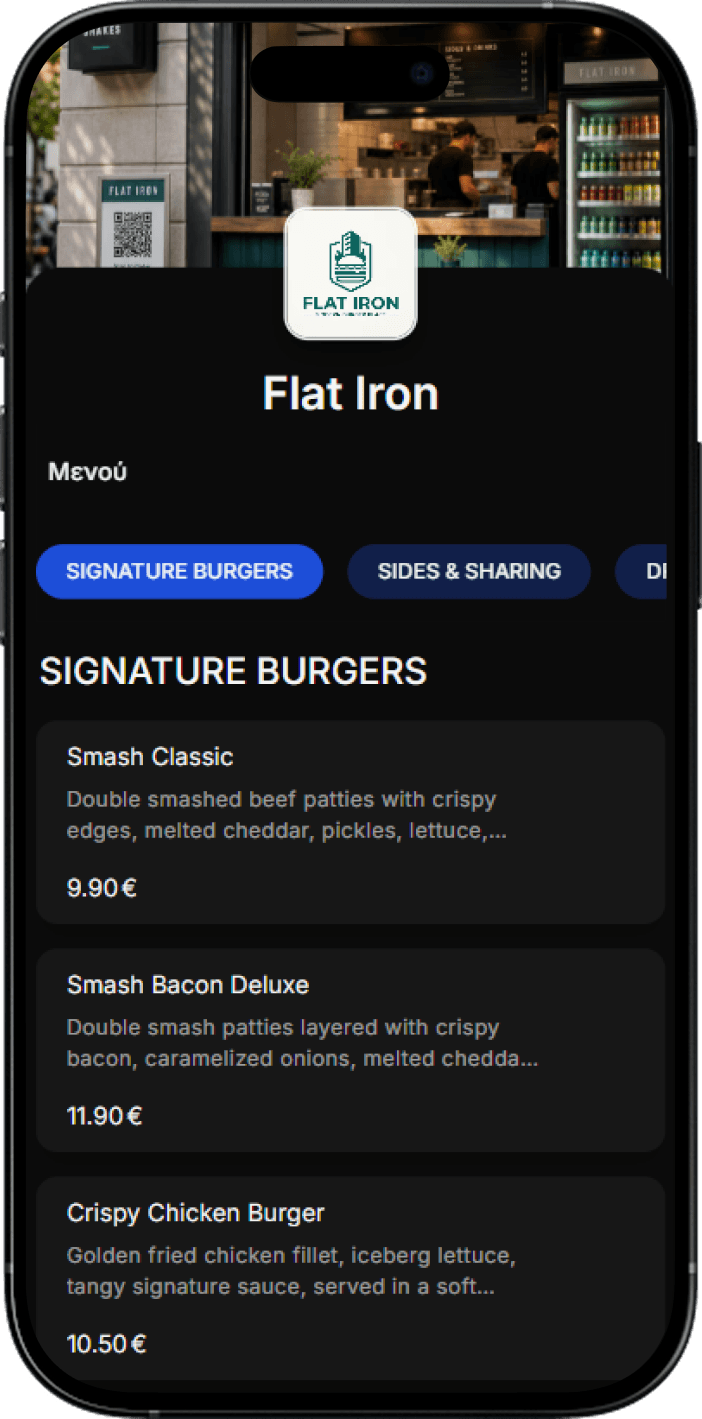
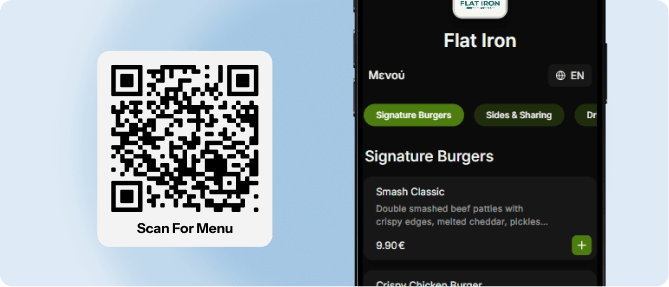
The customer scans the QR and browses your menu.
Customers scan the QR and order from their phone, while staff manage orders from any device - less waiting, better service. Get started on your own, completely FREE · no credit card and no equipment.
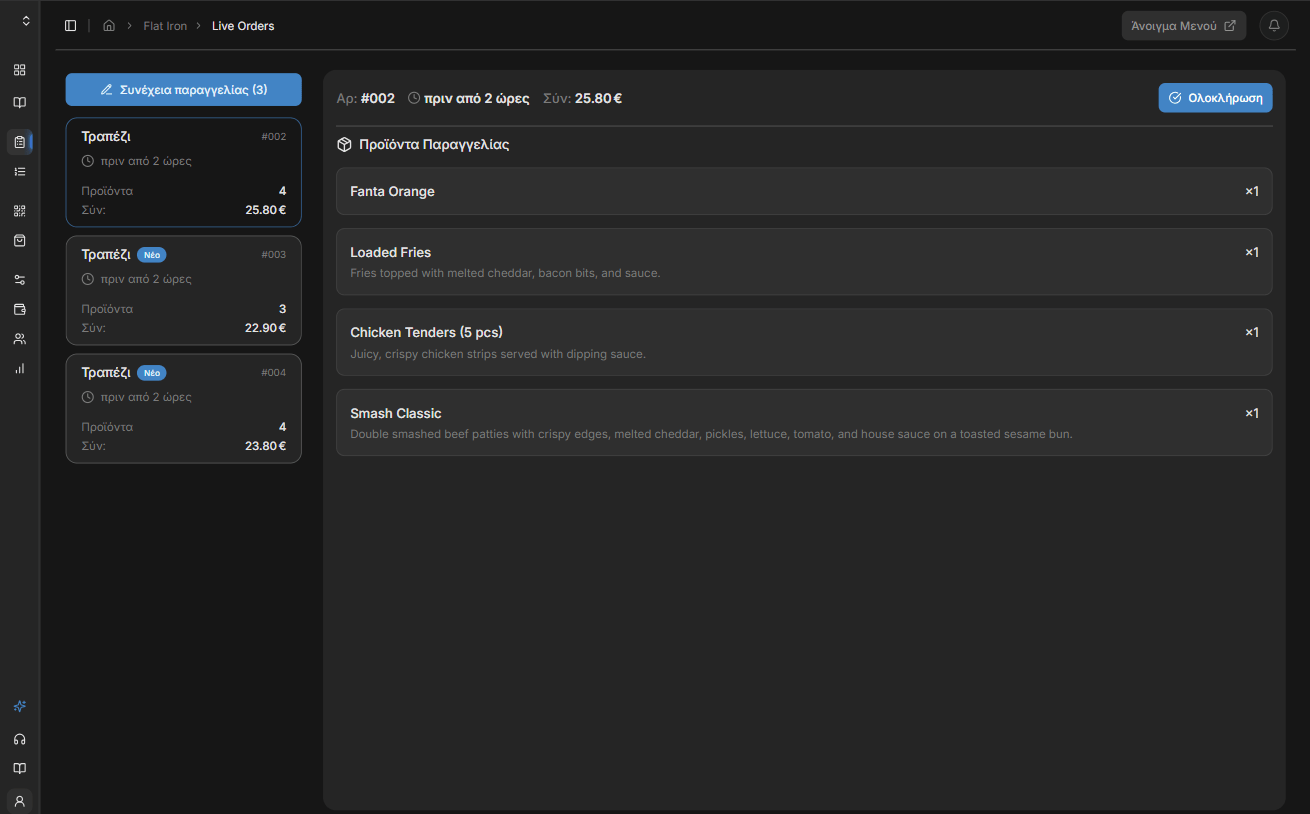
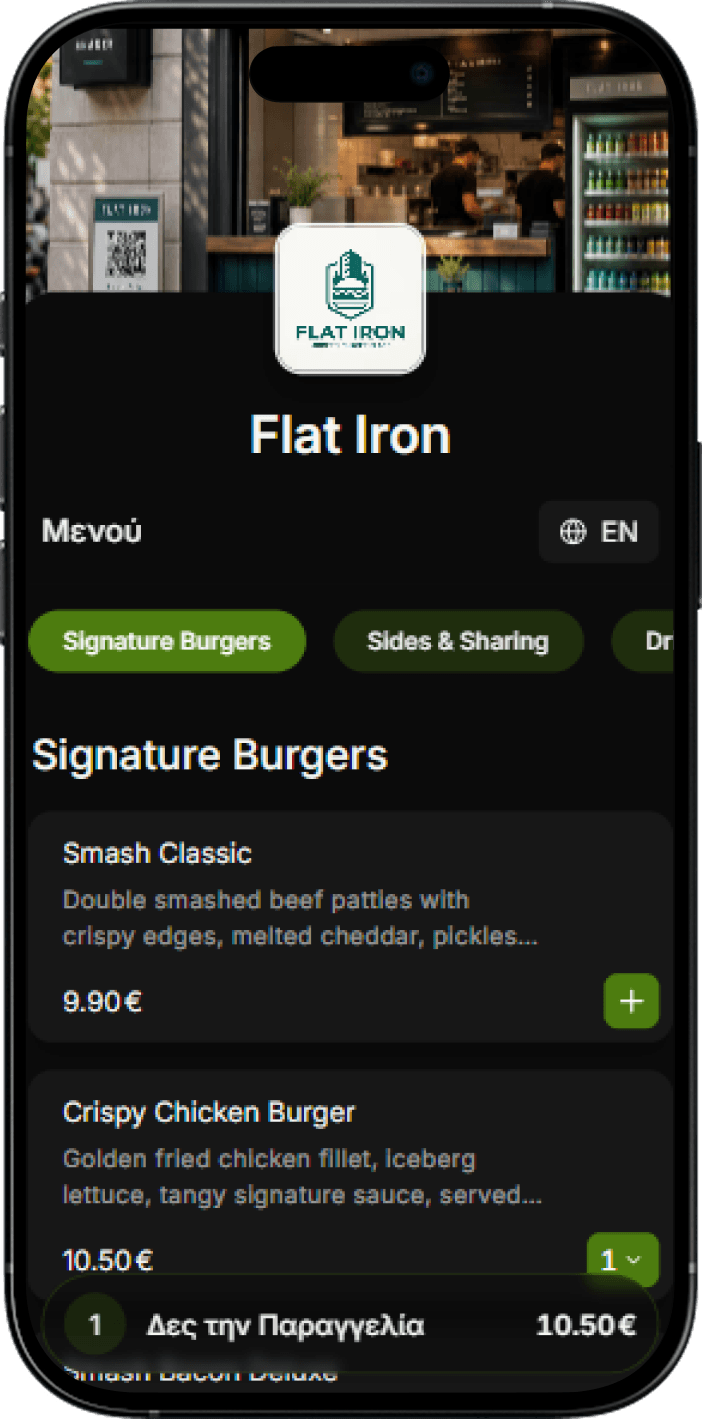
The customer scans the QR and browses your menu.
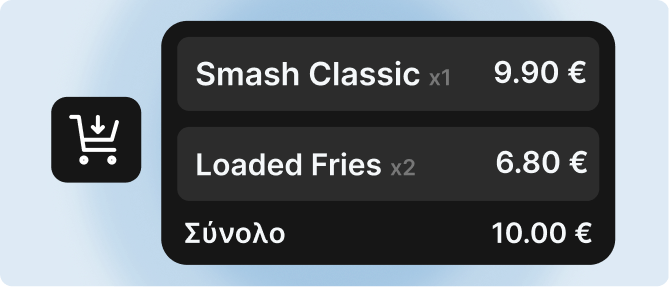
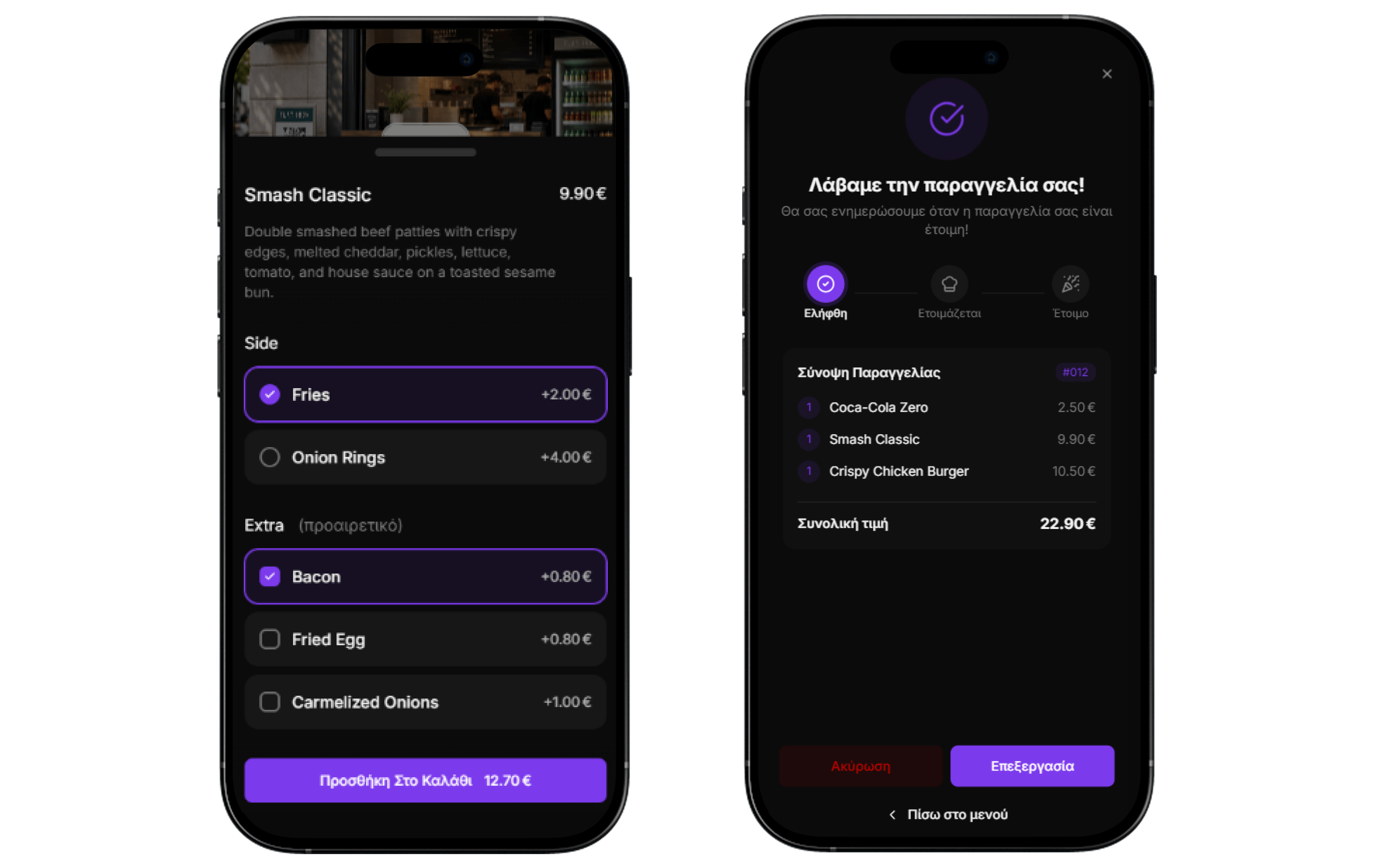
They add items to the cart, customize options, and complete the order by paying with cash or card (Scanby Pay).
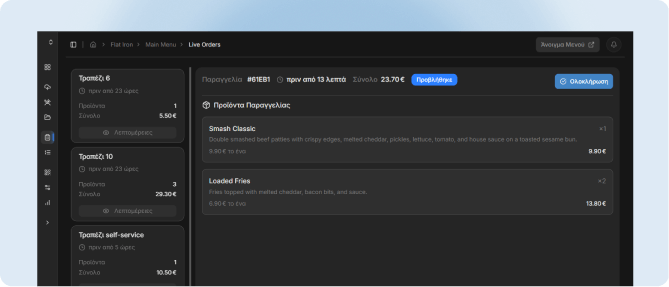
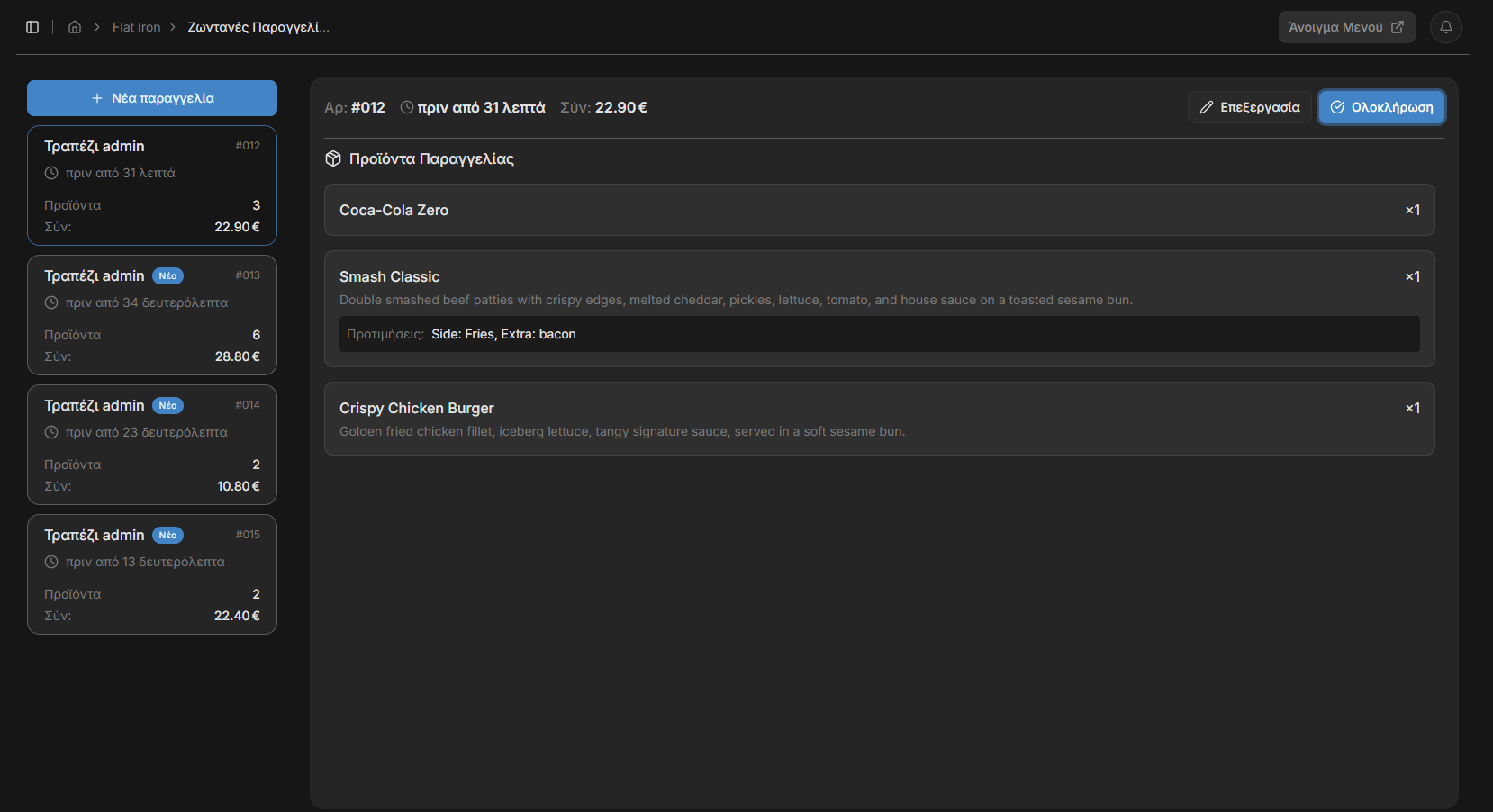
The order appears instantly on the management dashboard for your staff - phone, computer, or any device.
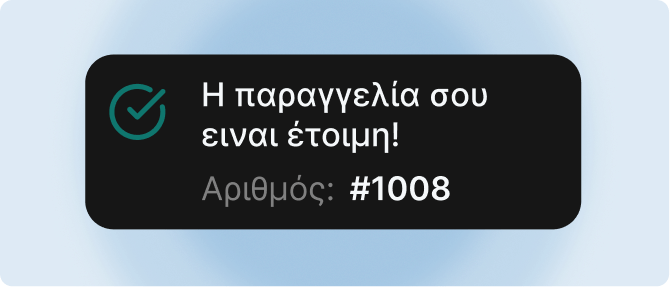
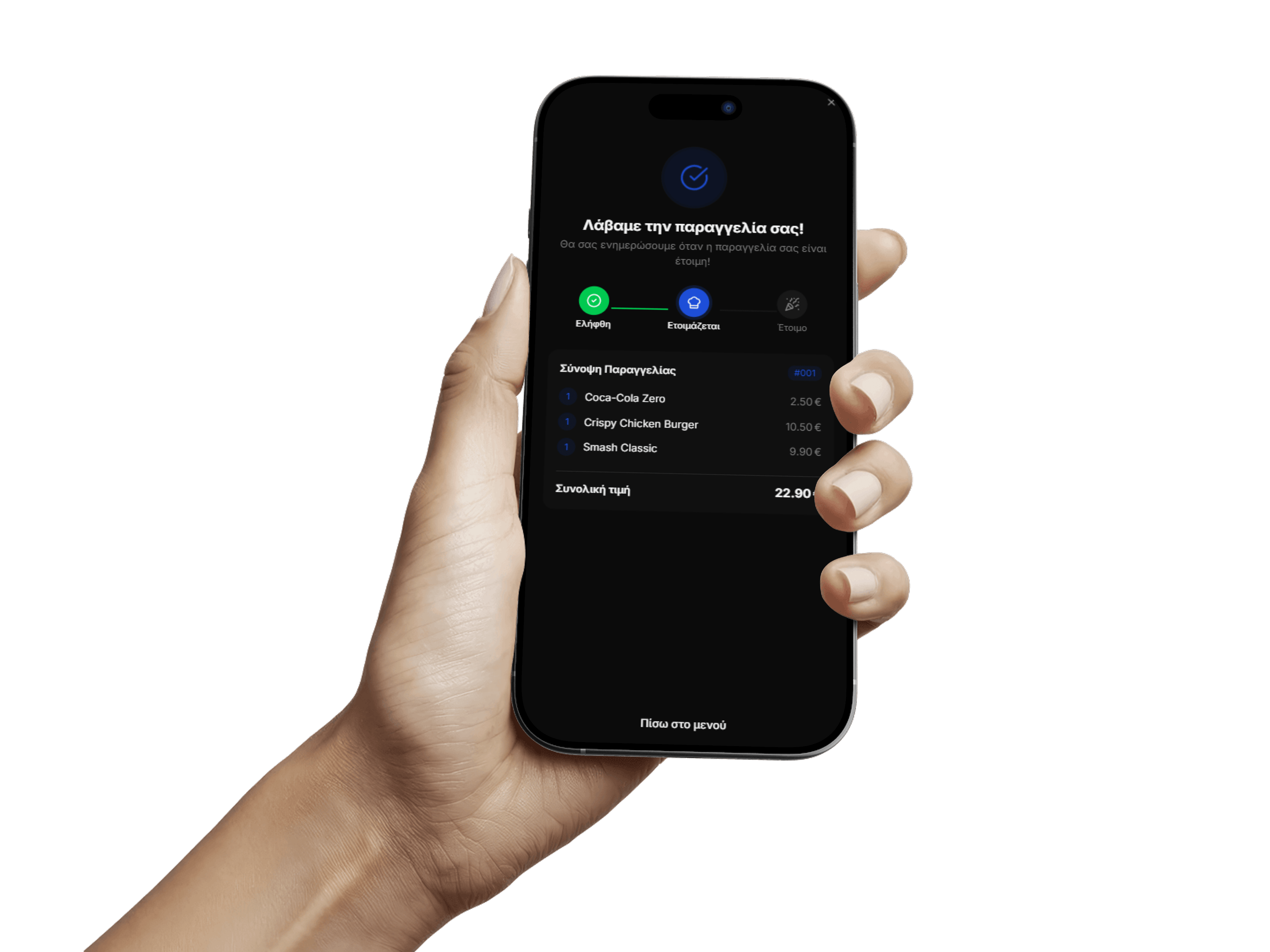
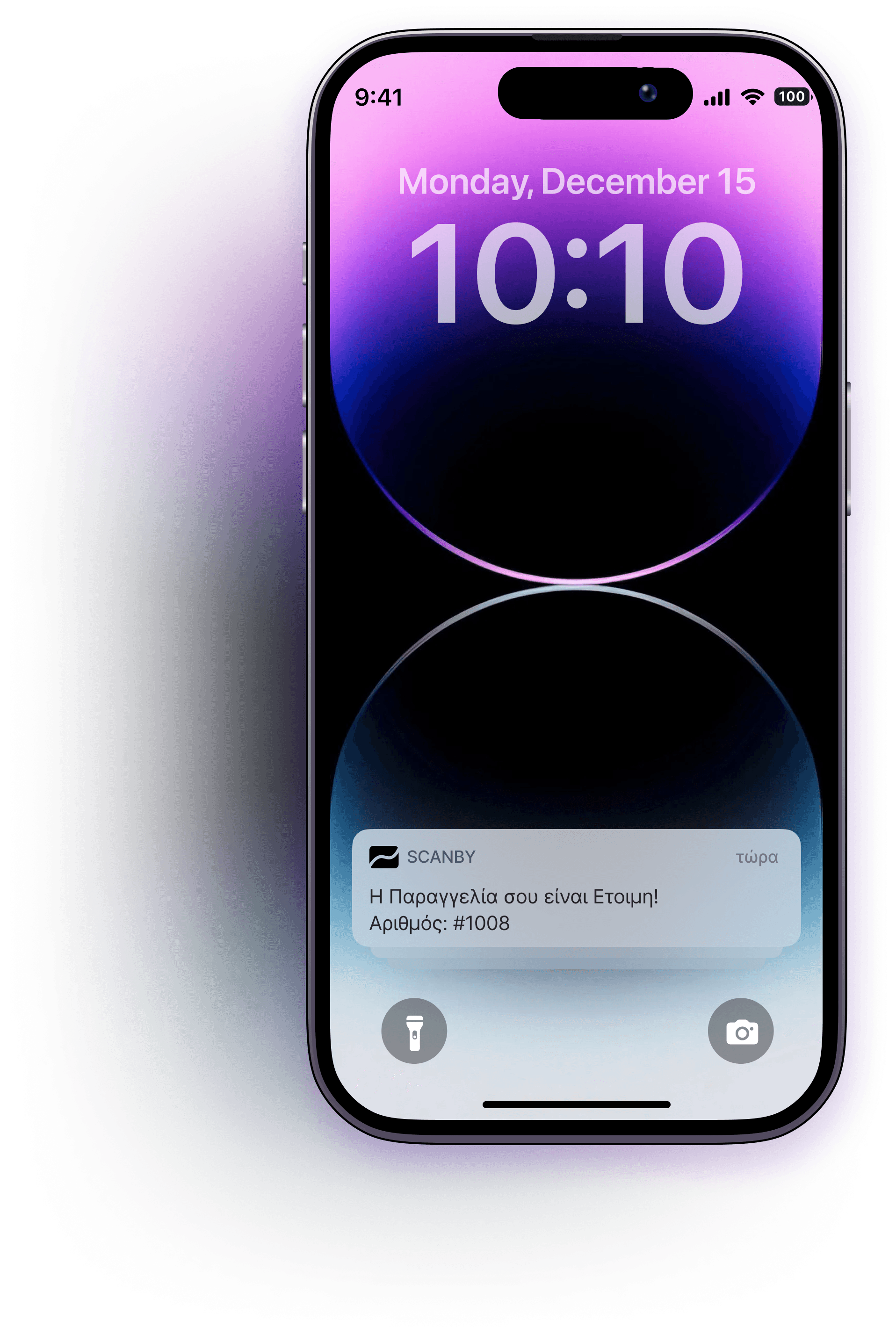
The customer receives a notification the moment the order is ready for pickup.
Automatic creation from photos or PDF, 30+ language support, customizable themes, search engine listing, and management dashboard.
The customer scans and orders straight from their phone. Reduce wait times, improve customer experience, and serve more tables per hour.
Orders appear on the dashboard in real time. Your staff can also create orders from the dashboard, view stats, update the menu, and more.
For self-service businesses, customers are notified automatically when their order is ready, without waiting on their feet and creating queues at the counter.
As soon as a guest sends an order, they are asked to rate it from 1 to 5 stars and add a comment if they want. One rating per order, all of them private on the Reviews page in your dashboard - and if you add your Google review link, the guests who gave 5 stars get an invite to review you there.
Staff send orders from the device in their pocket - they land live in the kitchen and at the bar.
Change a price or hide an item and it updates on every phone at once.
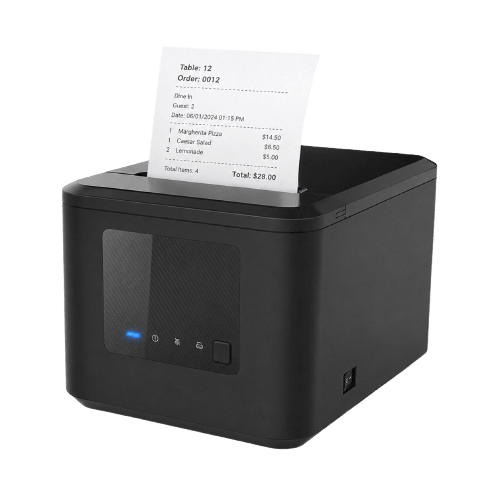
Every order prints automatically on an optional LAN printer.
Orders, revenue and best sellers, by day and hour.
Breakfast until 11, kitchen after 6 - the menu switches on its own.
Guests can add or remove items until your staff confirm the order.
Opens in the browser with a single scan.
Brunch, wine, seasonal - from one dashboard.
How many people open your menu, and when.
Download them or order printed stickers.
Phone, tablet, laptop or terminal - no new hardware.
Every order knows where it's going.
Start free - 14-day free trial. No credit card. Pick monthly billing or get 2 months free annually.
Billed annually (2 months free)
With Scanby Order, billed annually
Upgrade your business with a modern digital menu and ordering system - fewer mistakes, less running around, no staff training.
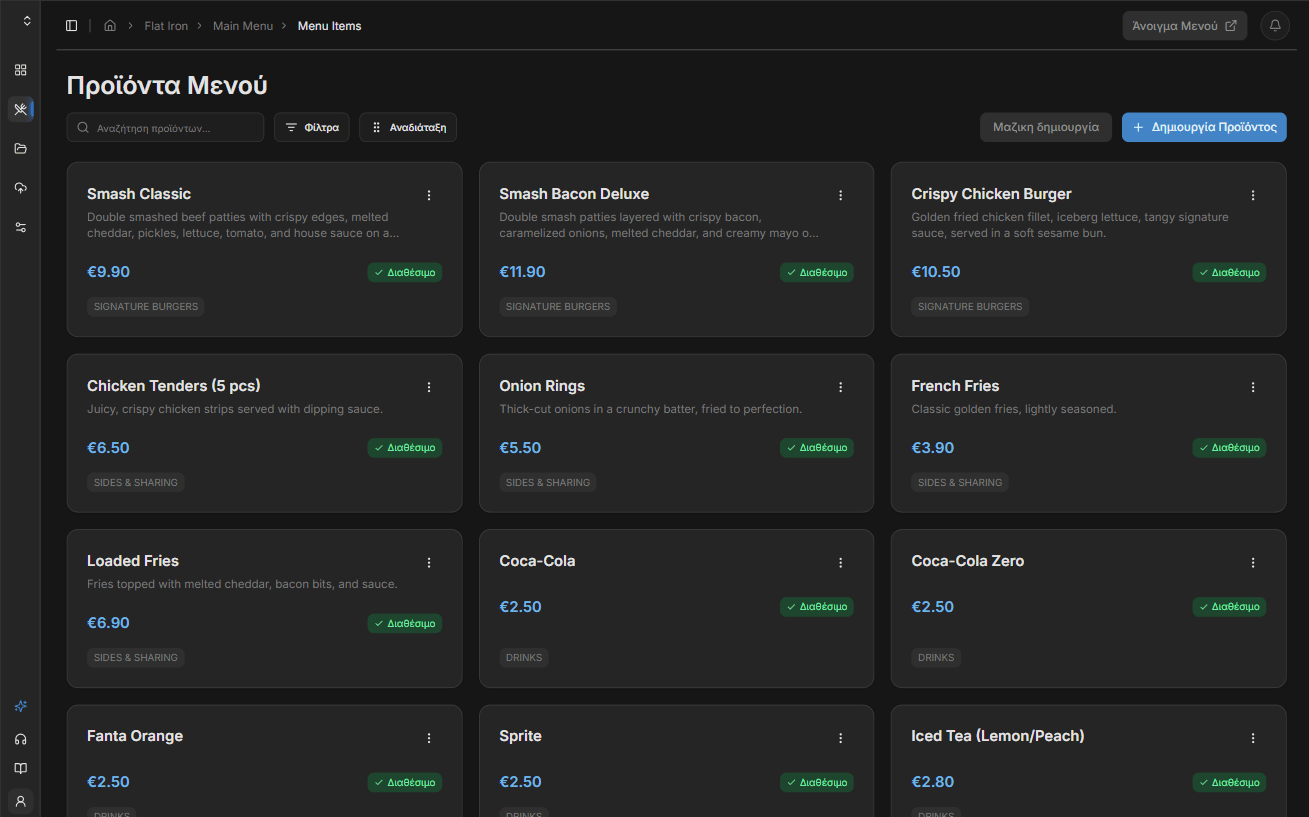
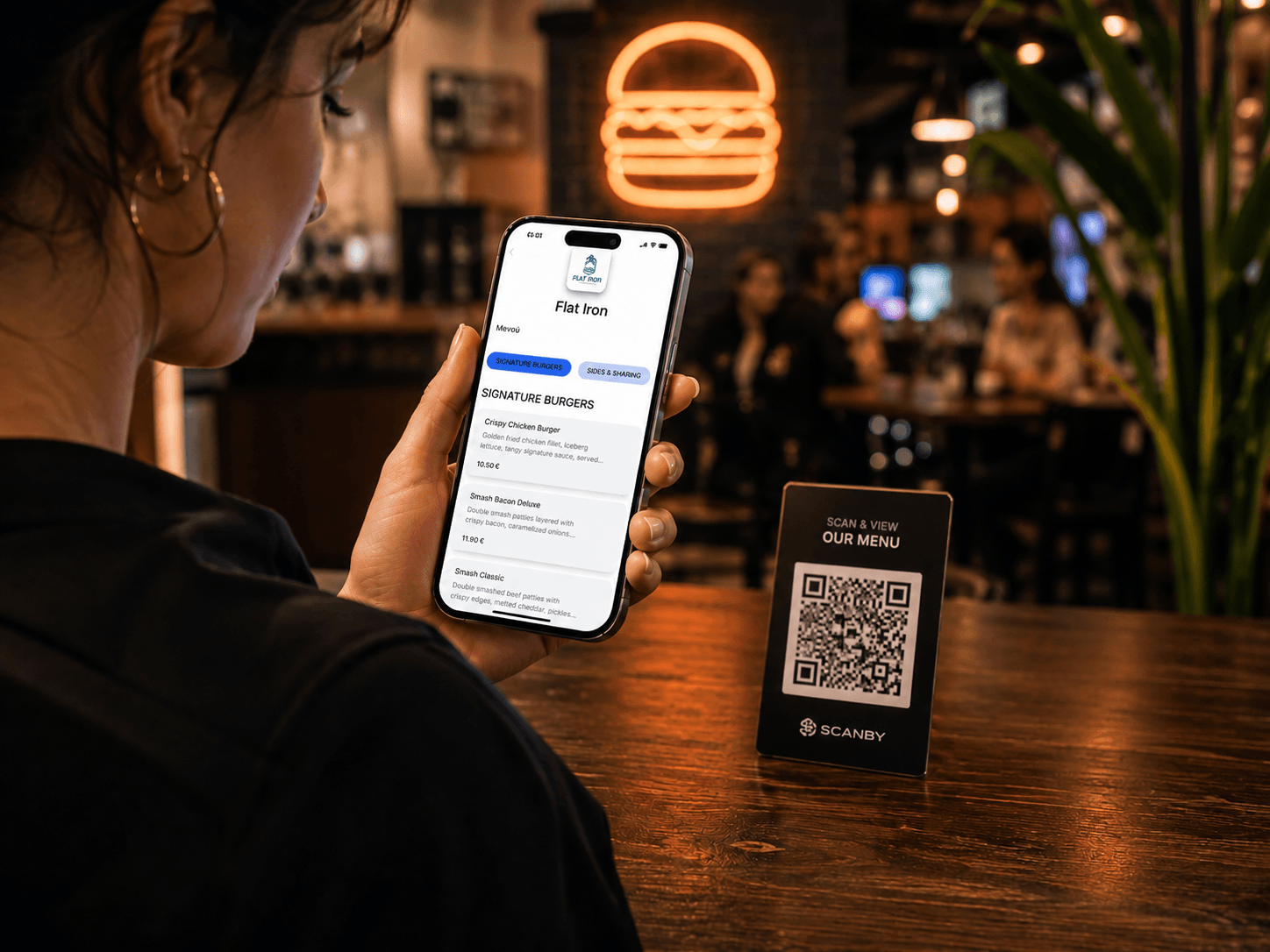
Guests scan and browse your menu on their phone. Update the catalog in real time from the dashboard and stop paying for reprints.
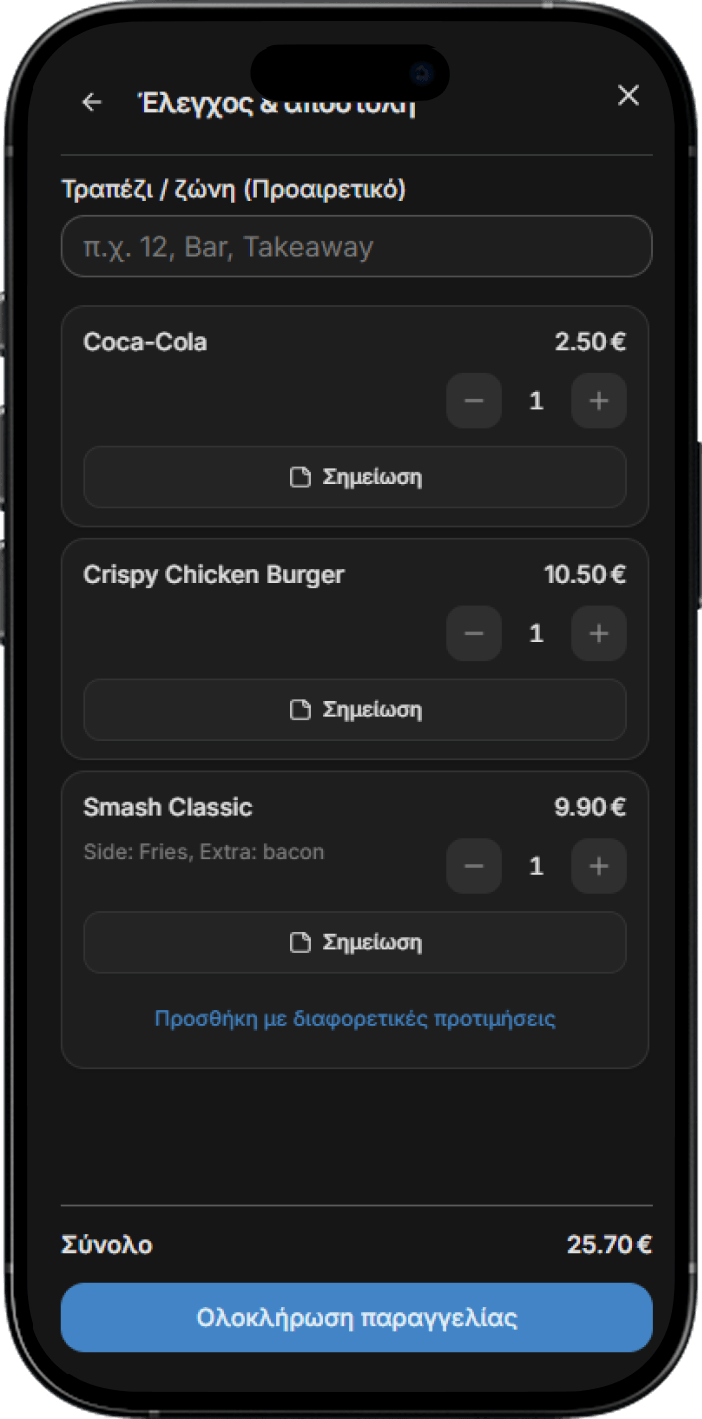
Staff enter and manage orders from any device. Orders appear live on the control board and print automatically.
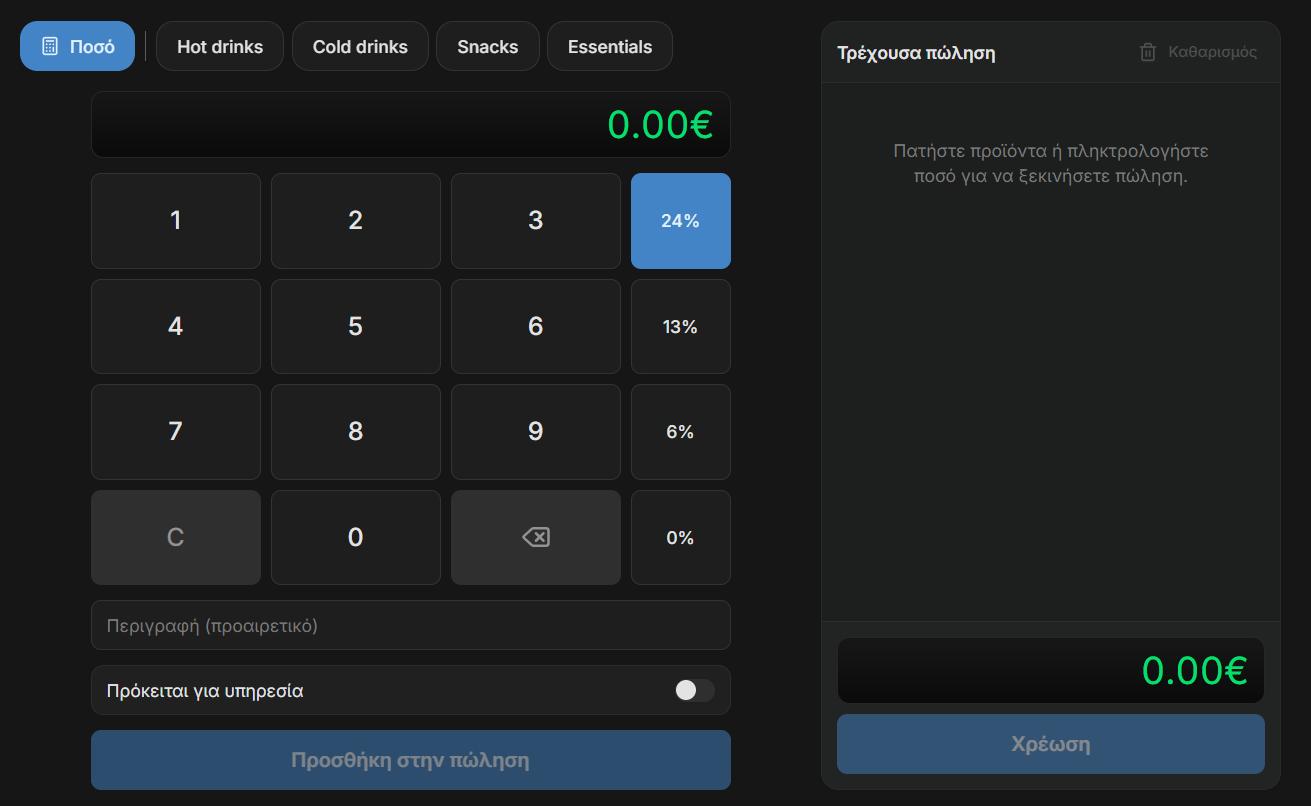
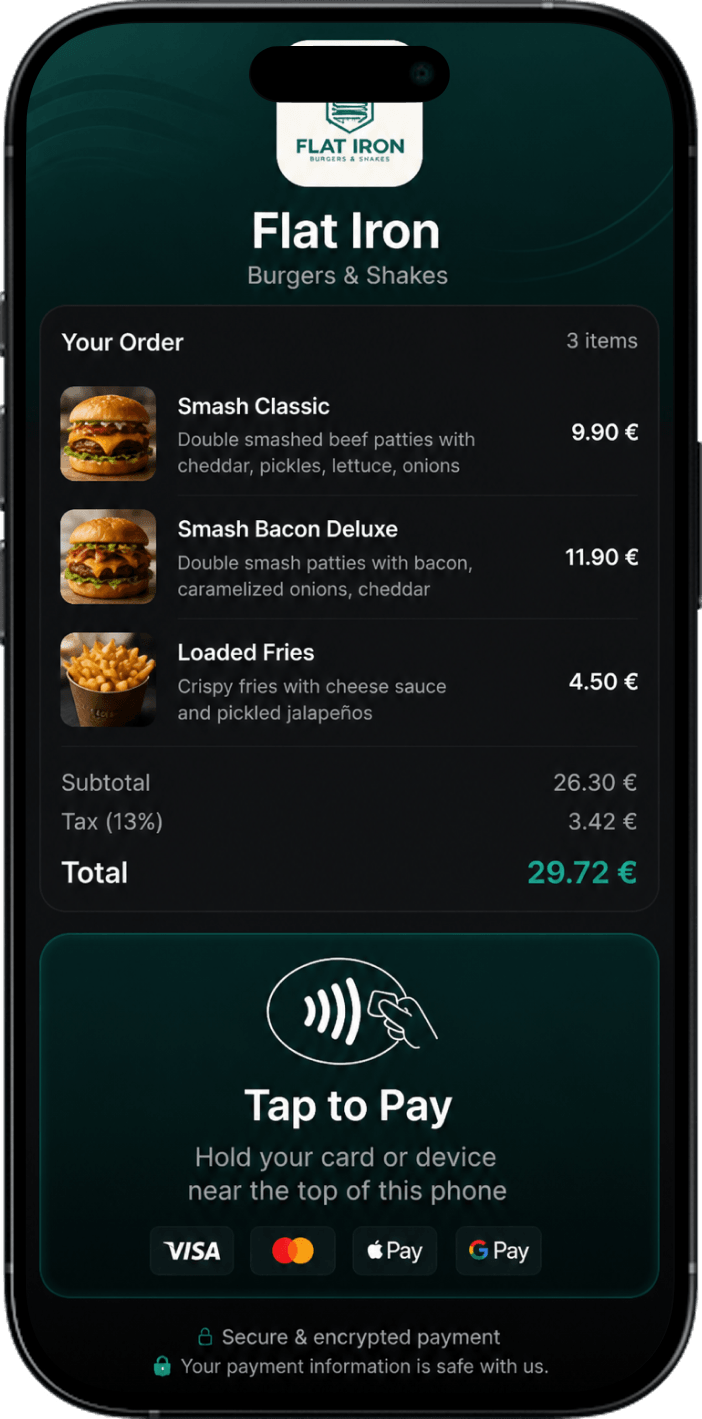
Issue receipts and accept card payments from any device. Plus track your stats, report receipts automatically to AADE and your accountant, send receipts by email or SMS, and more. Start free.