
Step 1
Create an account and enter your business basics.
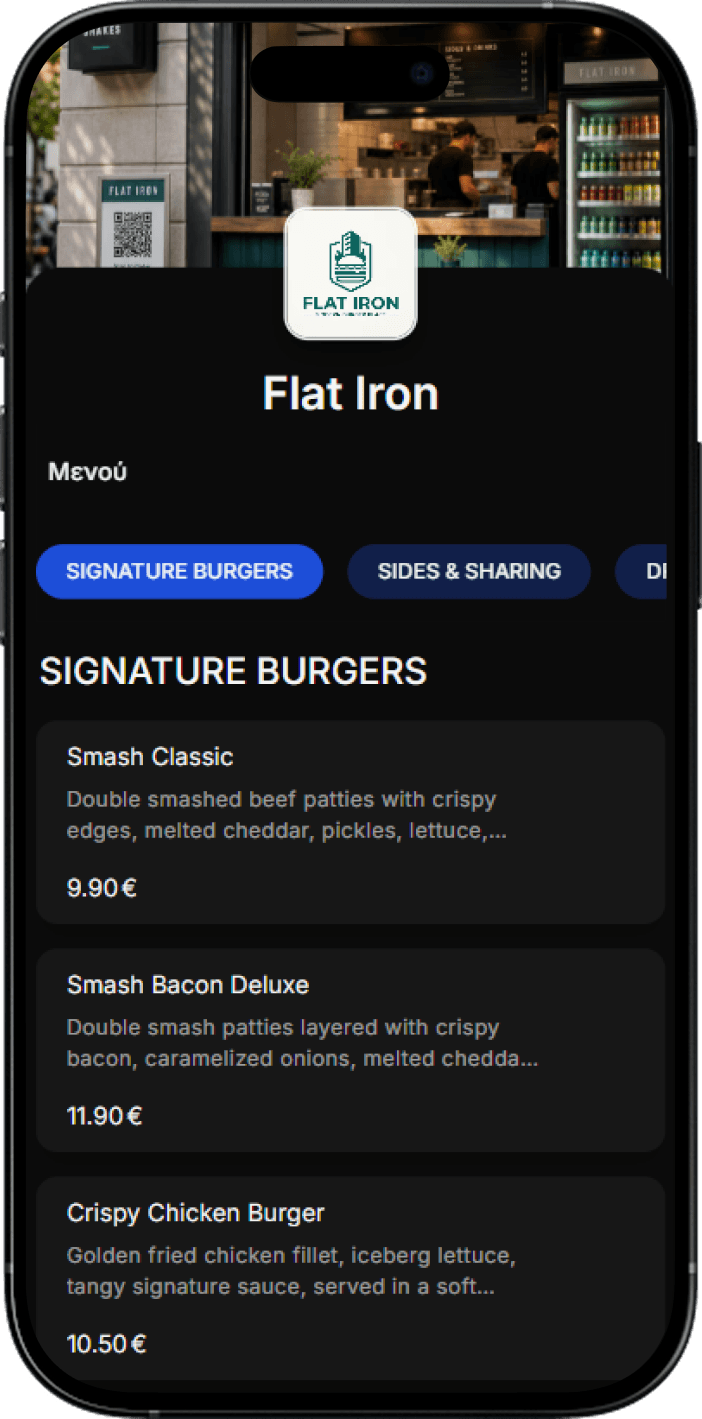
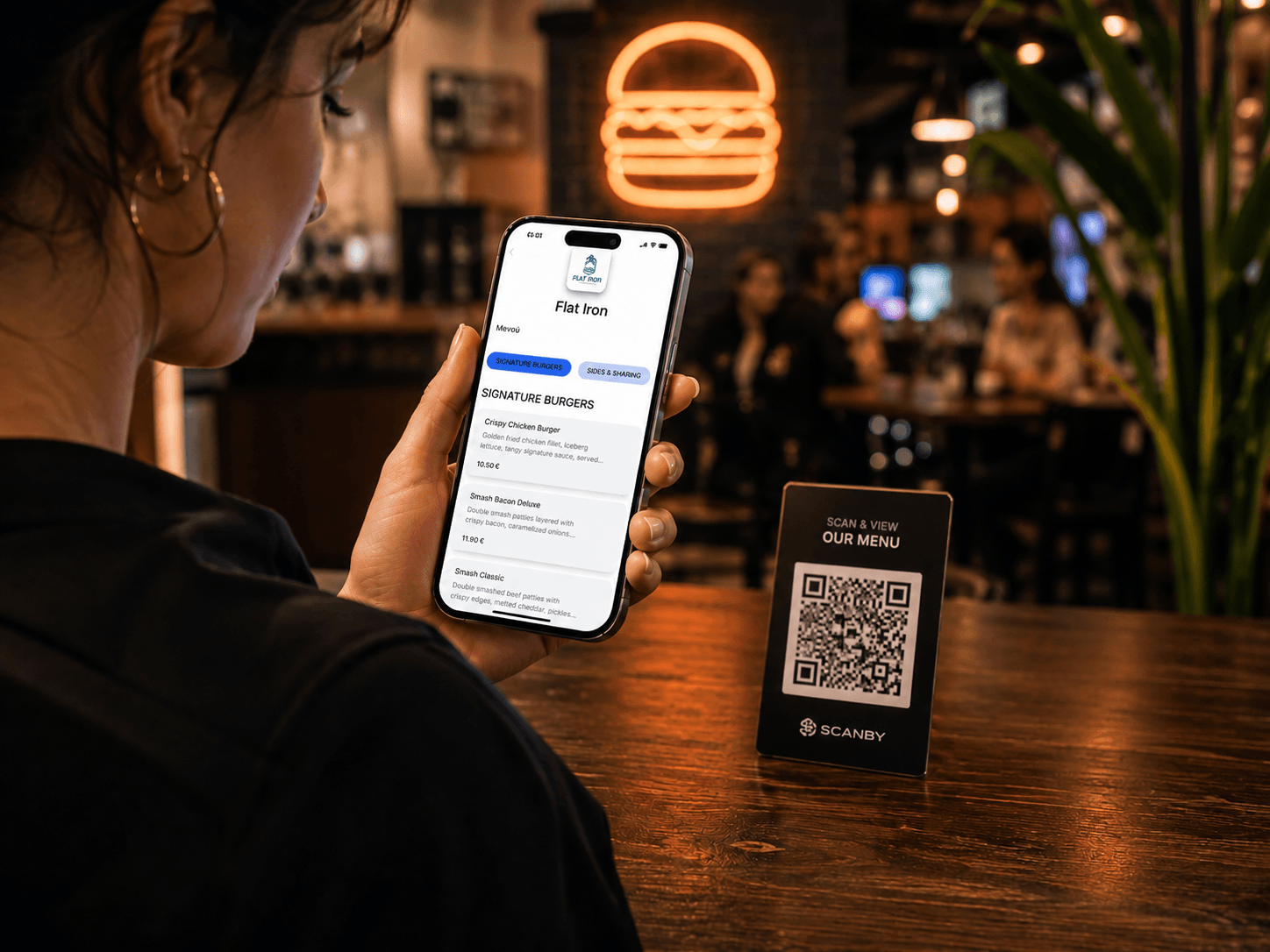
Customers scan the QR and see your menu without waiting. Upload a photo or PDF and our AI turns it into a multilingual digital menu in minutes. Start completely FREE, no credit card.
Create an account and enter your business basics.
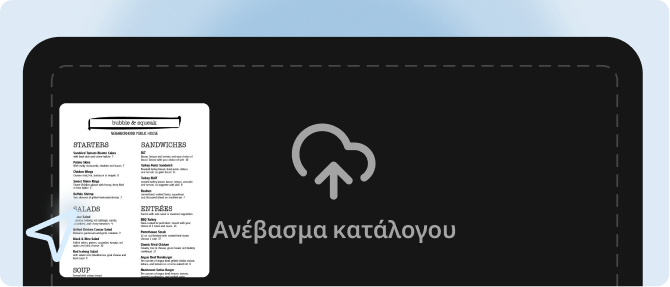
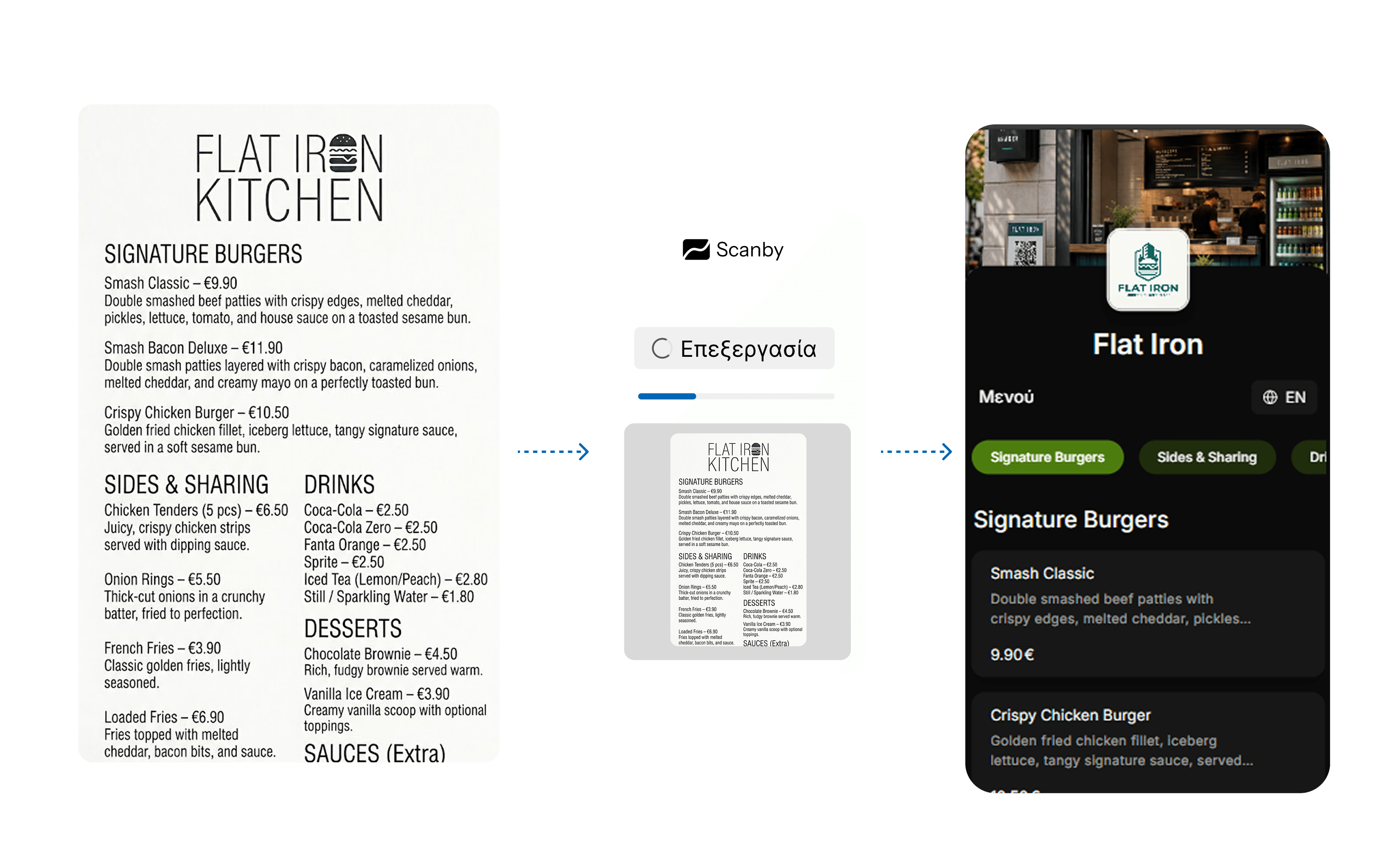
Upload your existing menu as photos or PDF and your digital menu is ready in seconds.
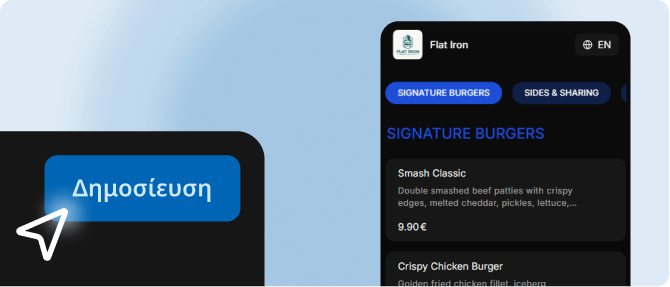
All set. Place QR codes for customers or let staff take orders from any device.
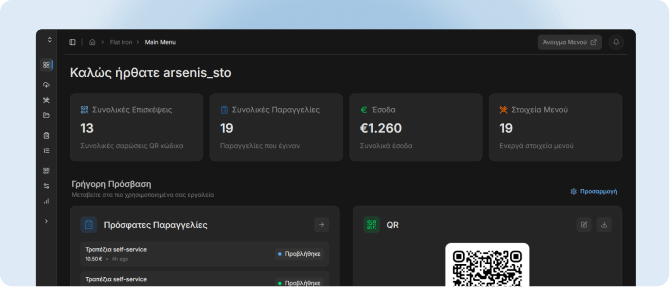
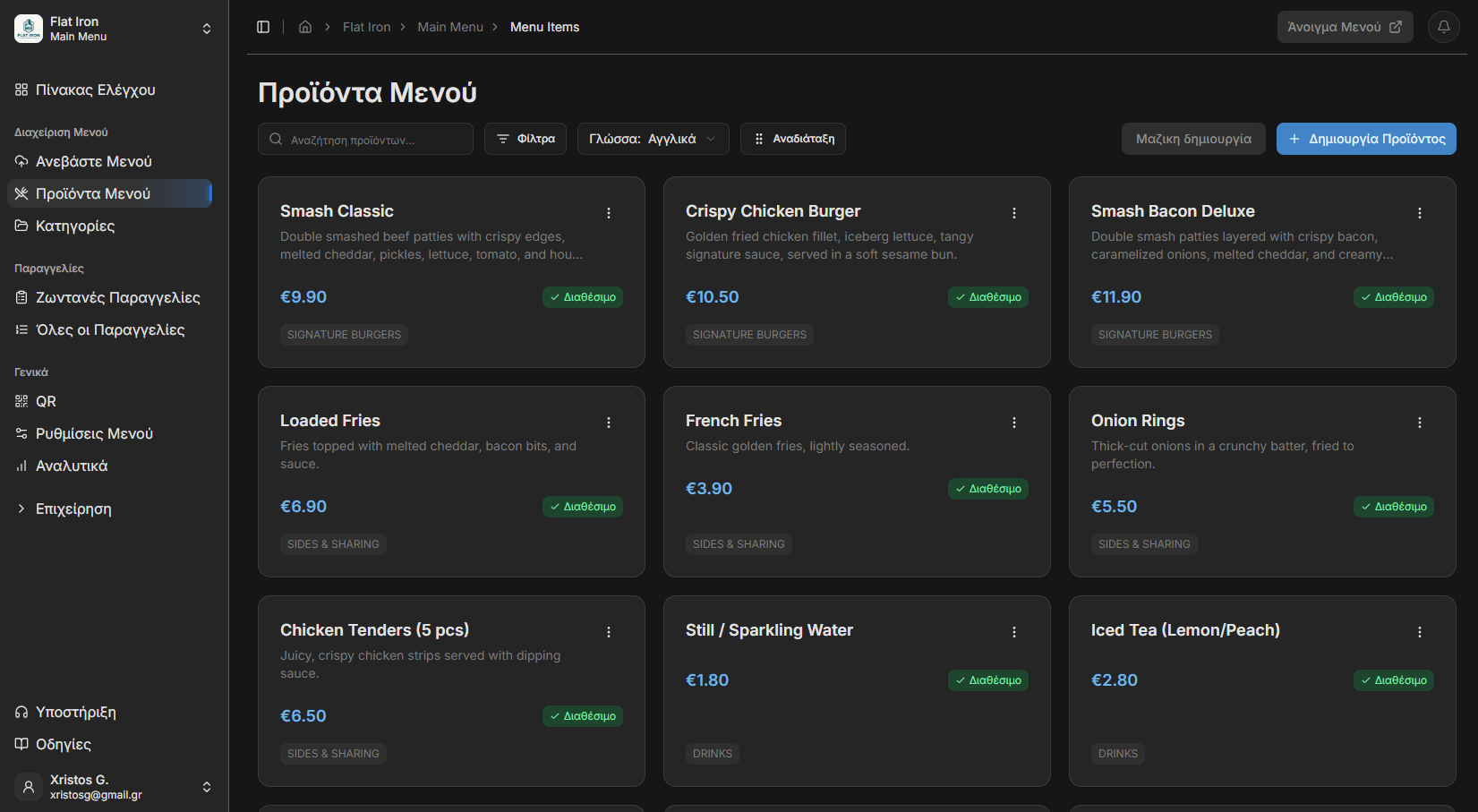
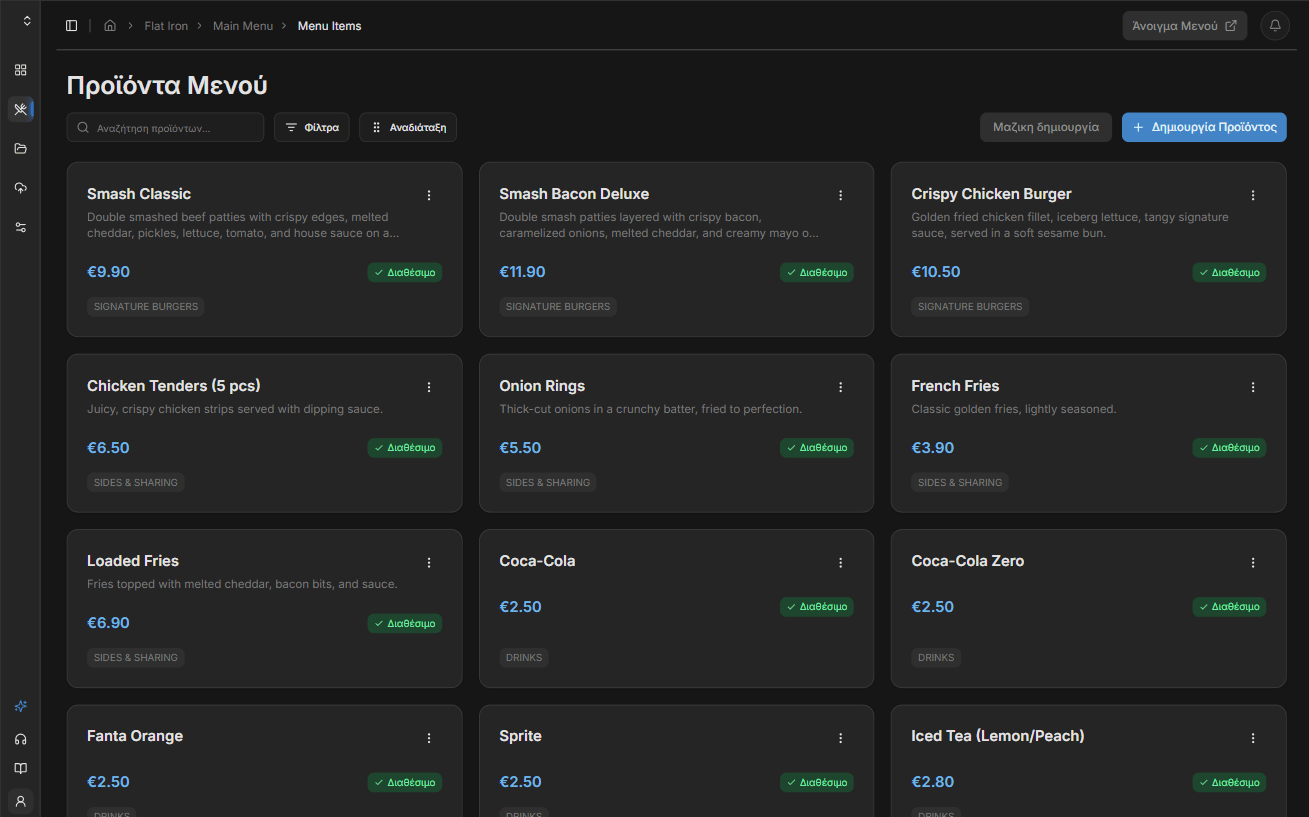
Manage your menu from the dashboard - products, prices, appearance, translations.
Skip manual entry. Upload a photo or PDF of your paper menu and our AI builds an interactive catalog in seconds. No more ugly PDFs.
Every item is auto-translated into your chosen languages. Guests pick their language inside the menu.
Change prices, remove or add items, reorder products, and edit descriptions from the dashboard. Changes go live immediately.
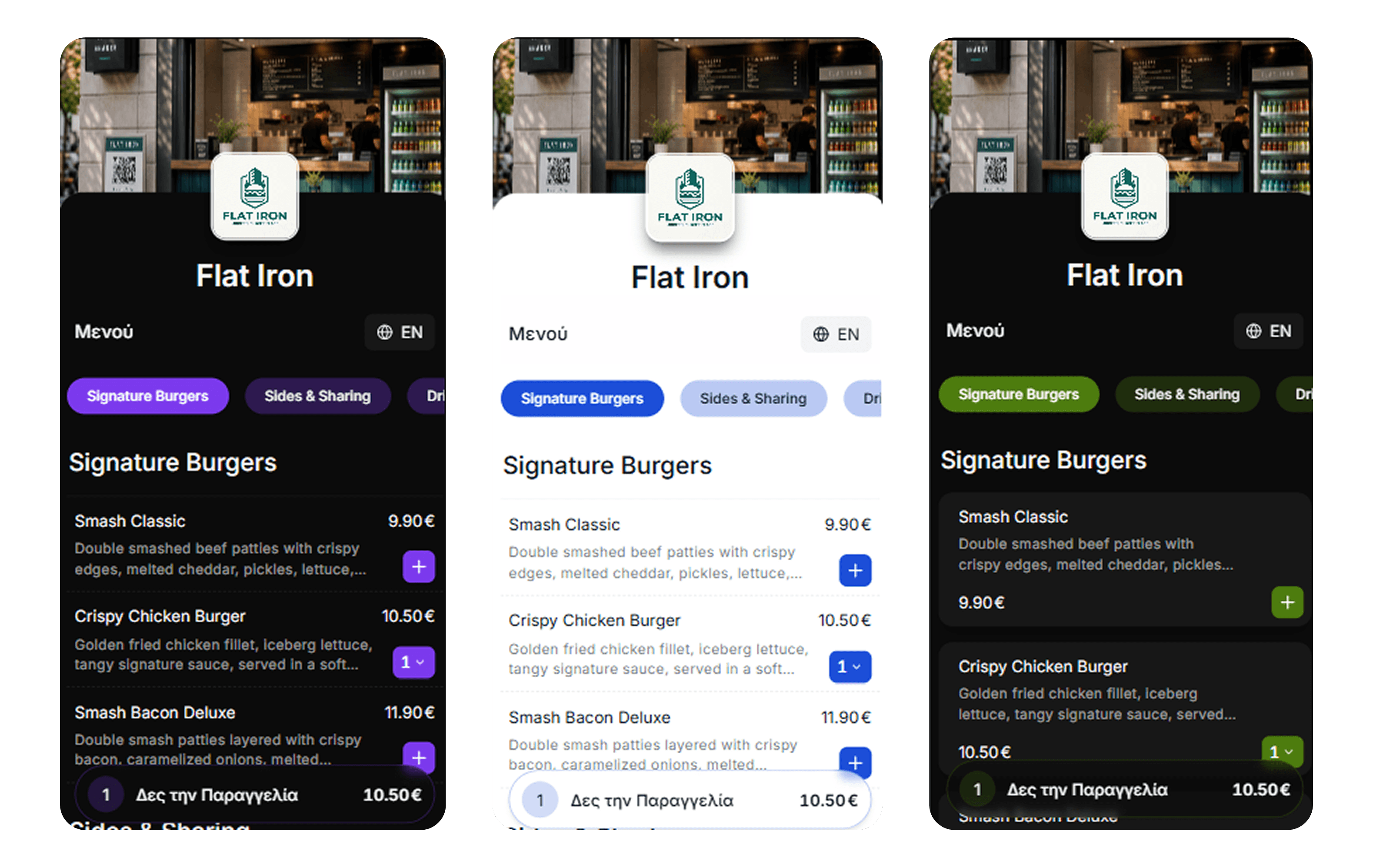
Colors, layout, logo, product and venue photos, category order - tailor the digital menu to your business.
Guests rate their visit from 1 to 5 stars and add a comment if they want. Ratings are private - they land on the Reviews page in your dashboard, never on your menu. Add your Google review link and only the guests who gave 5 stars are invited to say it on Google to increase your rating.
Breakfast until 11, kitchen after 6 - the menu switches on its own.
Opens in the browser with a single scan.
Brunch, wine, seasonal - from one dashboard.
A public, search-friendly menu page.
How many people open your menu, and when.
Download them or order printed stickers.
Menu, orders, payments and insights in one place.
Start free - 14-day free trial. No credit card. Choose monthly or get 2 months free with annual billing.
Billed annually (2 months free)
With Scanby Menu, billed annually
Upgrade your business and guest experience with the best QR menu on the market-no technical skills, completely free with no credit card.
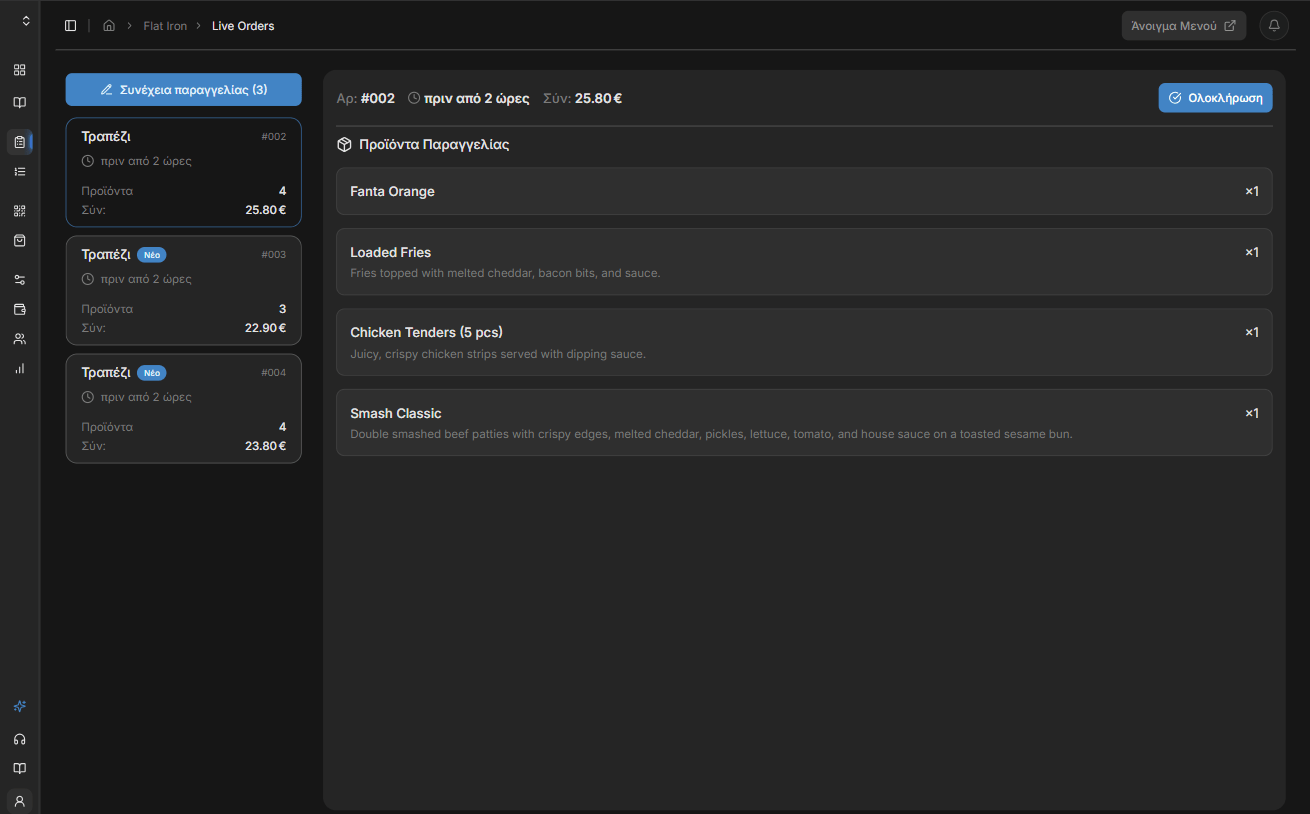
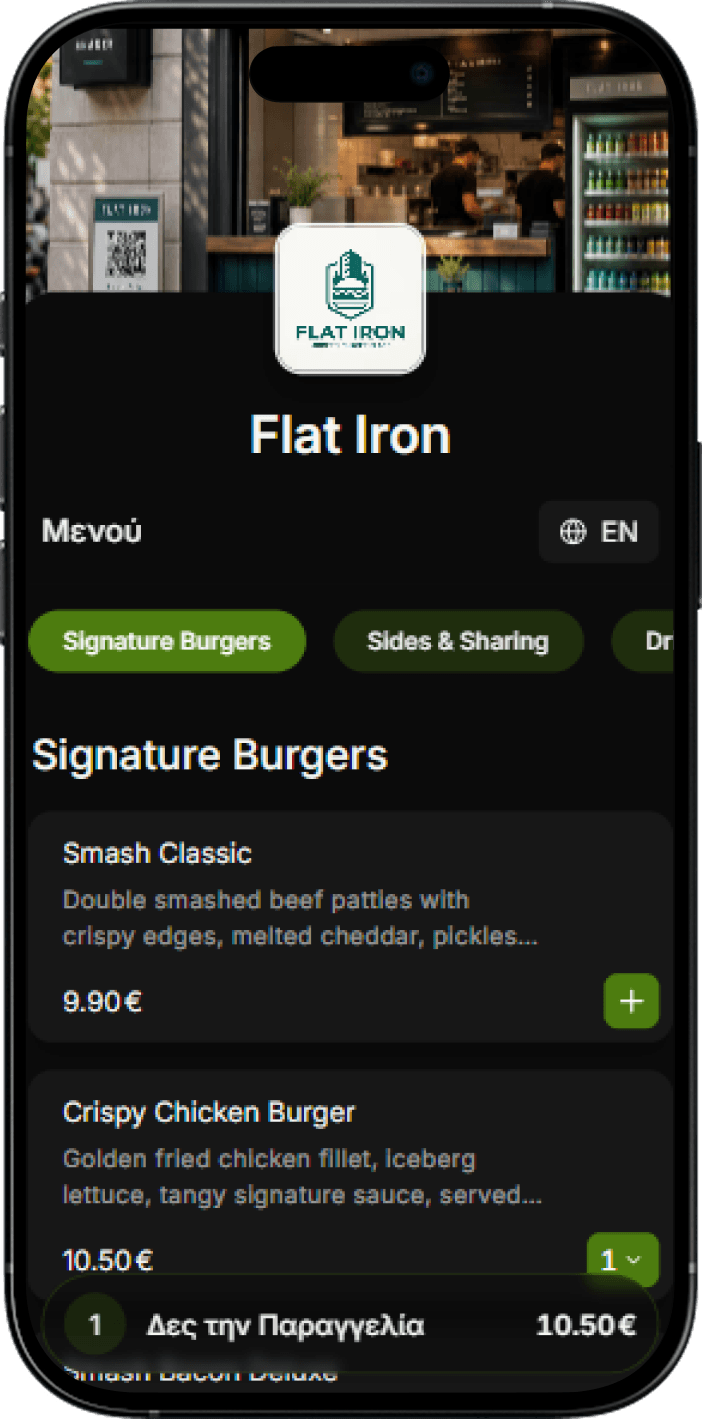
Complete order-taking system for staff plus a QR menu with ordering from the customer's phone. Less waiting, less pressure on staff, more tables per hour. Ready-notification when the order is ready for self-service businesses.
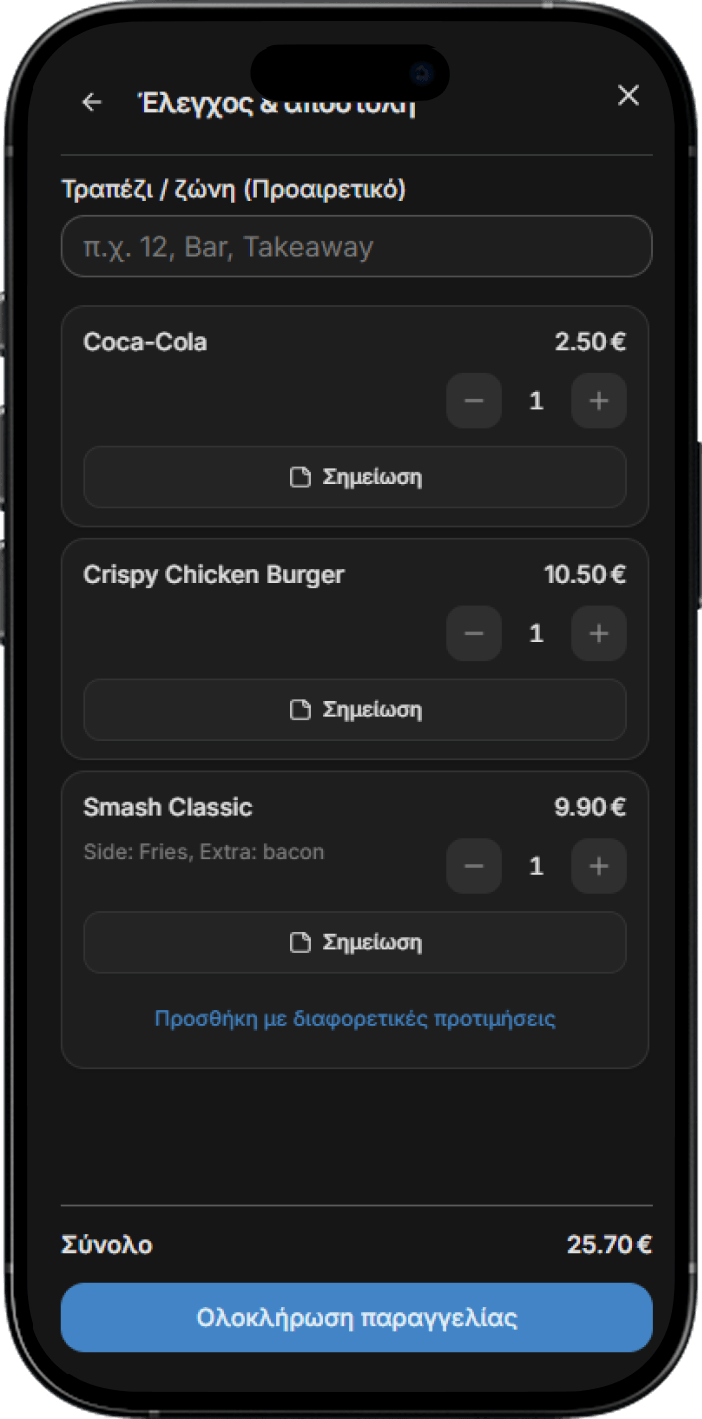
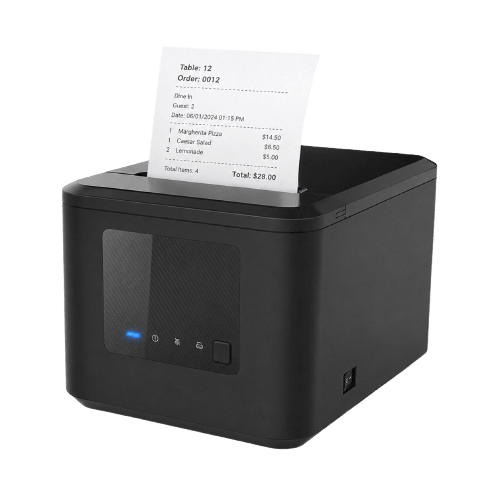
Staff enter and manage orders from any device. Orders appear live on the control board and print automatically.
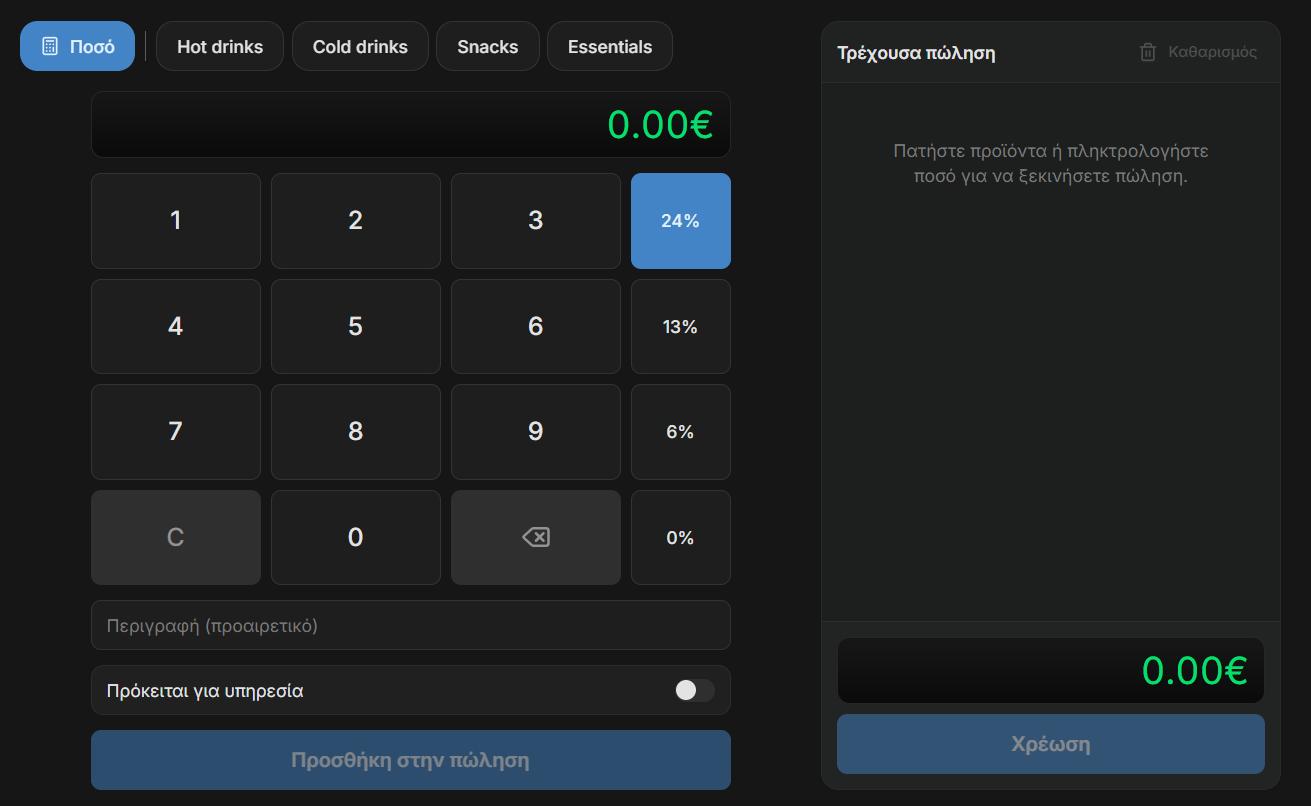
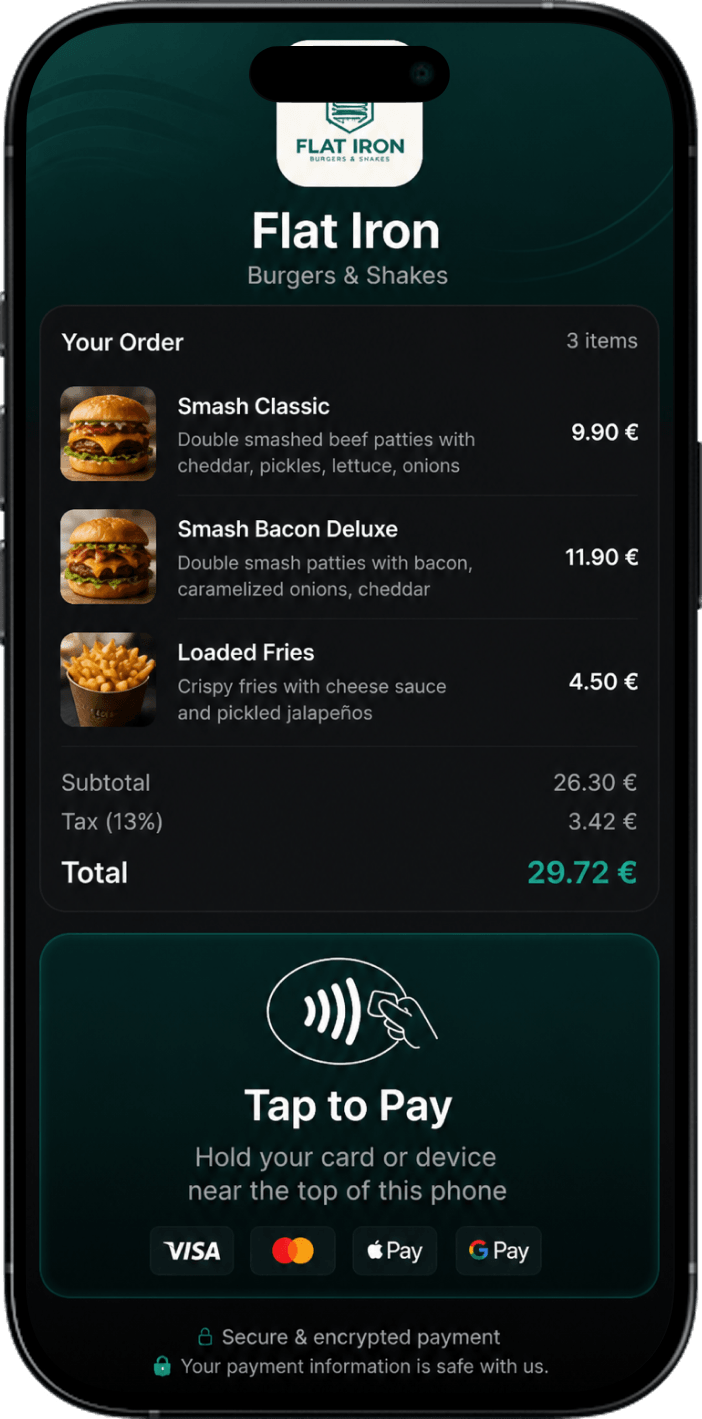
Issue receipts and accept card payments from any device. Plus track your stats, report receipts automatically to AADE and your accountant, send receipts by email or SMS, and more. Start free.